Enable or disable the Entity Based Access properties to control access to the objects that are associated with an entity.
Before you begin
Role required: sn_grc_ent_access.admin
Procedure
-
Navigate to .
The properties in the following table are displayed.
Table 1. Entity Based Access properties
| Property |
Options |
Description |
| Entity-based access on record types related to entity [sn_grc_ent_access.enable_entity_based_accesss] |
Enable |
Option for Entity Based Access. By default, entity-based access is turned off. Entity-based access administrators are responsible for activating these properties for users. |
| Enable data filters on record types consuming entity-based access [sn_grc_ent_access.enable_datafilters_for_eba] |
Yes or No |
Option for enabling data filters on record types. By default, entity-based access is Yes. Enabling this property filters the records based on the entity-based access configuration. |
-
Select Save.
Based on your selected settings, the entity-based access properties are configured in your system.
-
Navigate to the record that you want to set up entity-based access for.
-
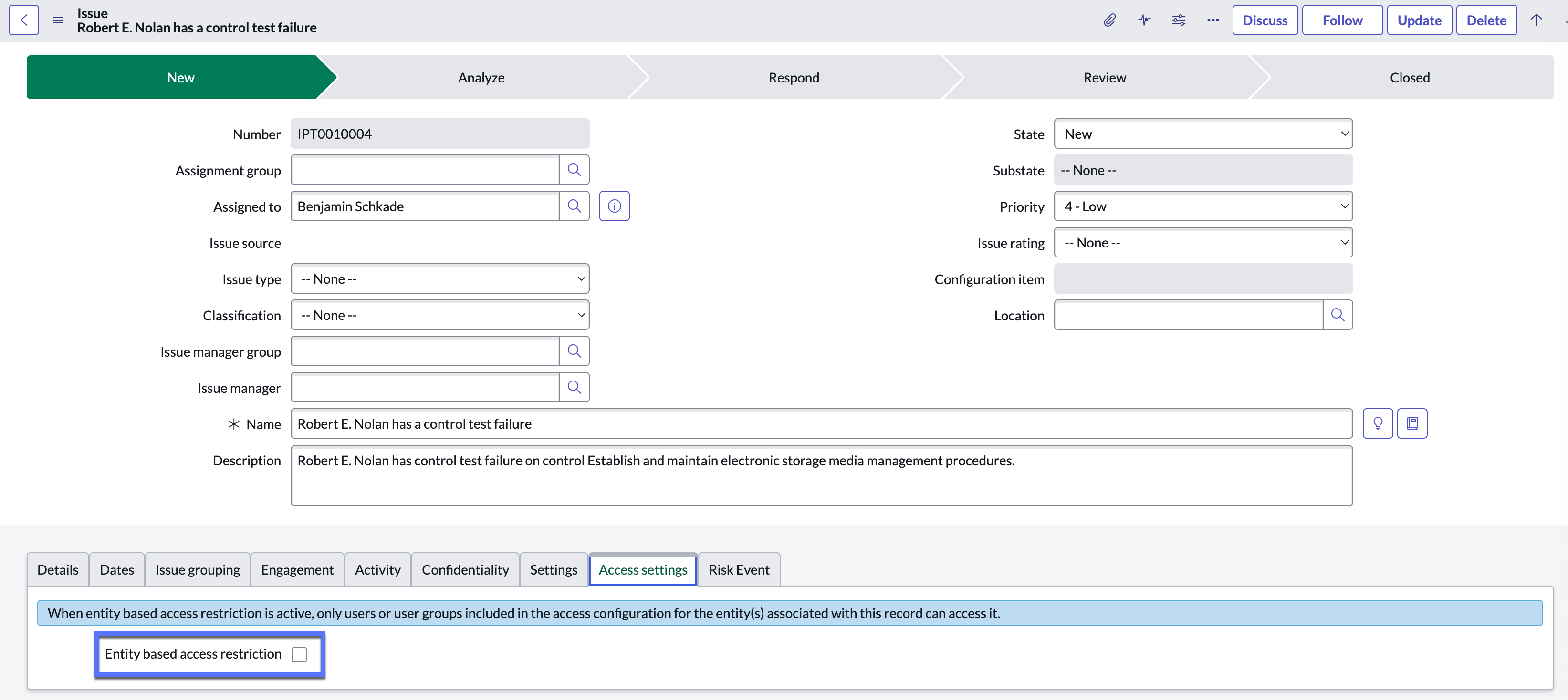
On the Access settings tab, select Entity based access restriction.
The
Entity based access restriction field is available only on the Issue form. For all other records, you must configure a bulk access update to enable an entity-based access restriction.
Result
You have completed configuring entity-based access properties in your system.