Find and explore catalog assets through search, filtering, and browsing.
Before you begin
Role required: WDF Consumer (wdf_consumer)
About this task
Discover data assets using search or browsing. Search looks across asset names, descriptions, tags, and other metadata fields. Browse lets you explore assets by source system, domain, or collection without specific search
terms. 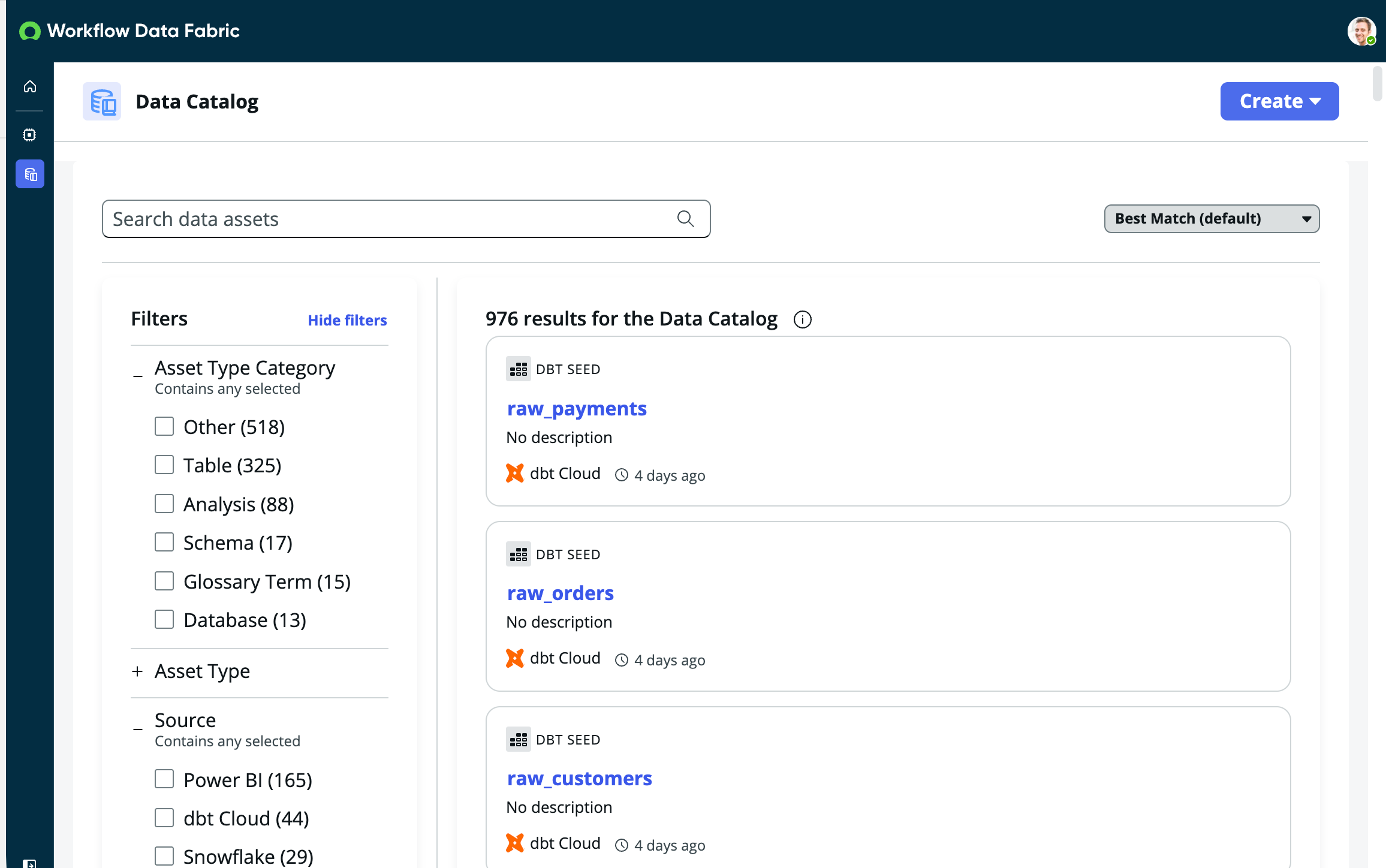
Procedure
-
Navigate to .
-
Select the Data catalog icon in the left sidebar.
-
Browse the data assets available in the catalog.
-
Apply filters to narrow the list of data assets.
Filters help narrow large result sets to the most relevant assets. Apply multiple filters to create precise searches combining different attributes.
-
Review available filters in the left panel.
-
Select filter options to refine the list.
Common filters:
- Asset Type: Table, Column, View, Dashboard, Report
- Source System: Filter by the originating data platform
- Domain: Organization or business area
- Tags: Applied classification tags
- Owner: Data owner or steward
-
Change the sort order to organize the list by different criteria.
From the sort dropdown menu, select a sort option:
- Relevance: Best matches first based on search keywords (default)
- Name: Alphabetical order (A-Z)
- Last Modified: Most recently updated first
-
Find assets using search.
- Enter keywords in the search bar.
- Review suggested results as you type or press Enter to view all results.
- Select any asset to view full details.
Search tips:
- Use specific terms for better results (for example, "customer orders" instead of "data")
- Search looks across multiple fields including names, descriptions, and business context
- Results display with key information including asset type, source system, and description