Use the capabilities created using Now Assist for Security Incident Response integrations in the SIR Workspace.
始める前に
Role required: sn_si_int_kit.integration_creator or sn_si.analyst
手順
-
Navigate to .
-
From the list view, select any security incident record.
-
Select the Investigation tab.
-
Select Associated Observable or Configuration Items.
The capabilities applicable to observables are available under the Associated Observable section. The capabilities applicable to configuration items are available under the
Configuration Items section.
-
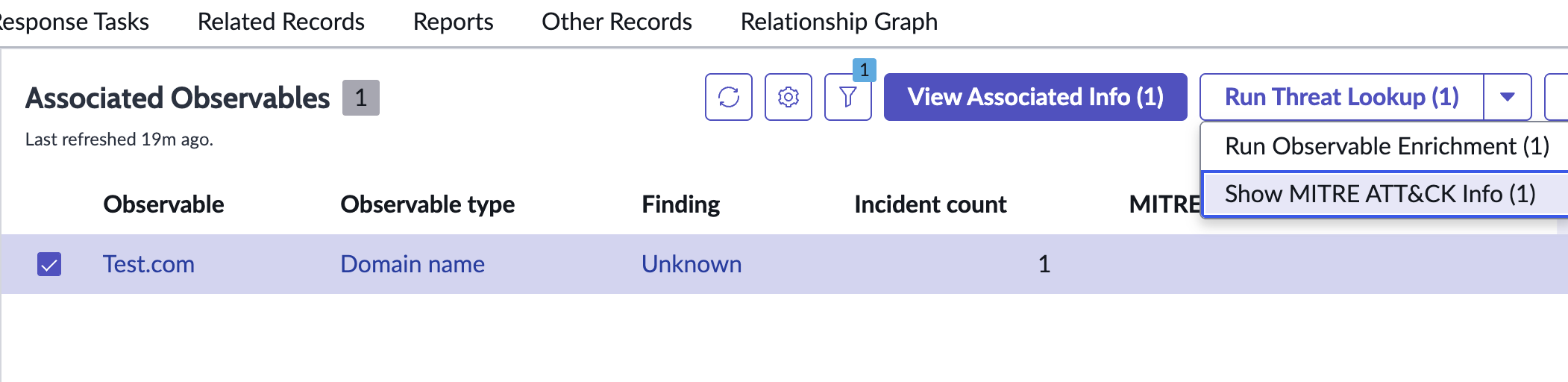
Select the observables on which you want to execute the capabilities.
-
Select the Capability button.
A pop-up appears with the list of applications.
-
Select the application to execute the capability.
The run() method is called from the SIR Workspace.