Create and schedule a custom suite so that you can analyze the security of your instance for your organization.
Antes de Iniciar
Role required: admin or sn_vsc.security_center_viewer.
A suite is a collection of checks that can be used for a scan. View a list of scan suites organized in a table by navigating to . Create your own suites or to use the default suite, Auditor. Auditor is a default base system suite that contains checks for security best practices. These checks consist of system properties, plugins, and
tables that can affect the security posture of your instance. The following steps show how to create a suite along with the several options available for configuring them.
Procedimento
-
In Security Center, select the Scanner tab, then select Suites in the panel on the left side of the screen.
-
In the Scan Suites page, select the New button.
-
Enter a suite name and description, and then select Save
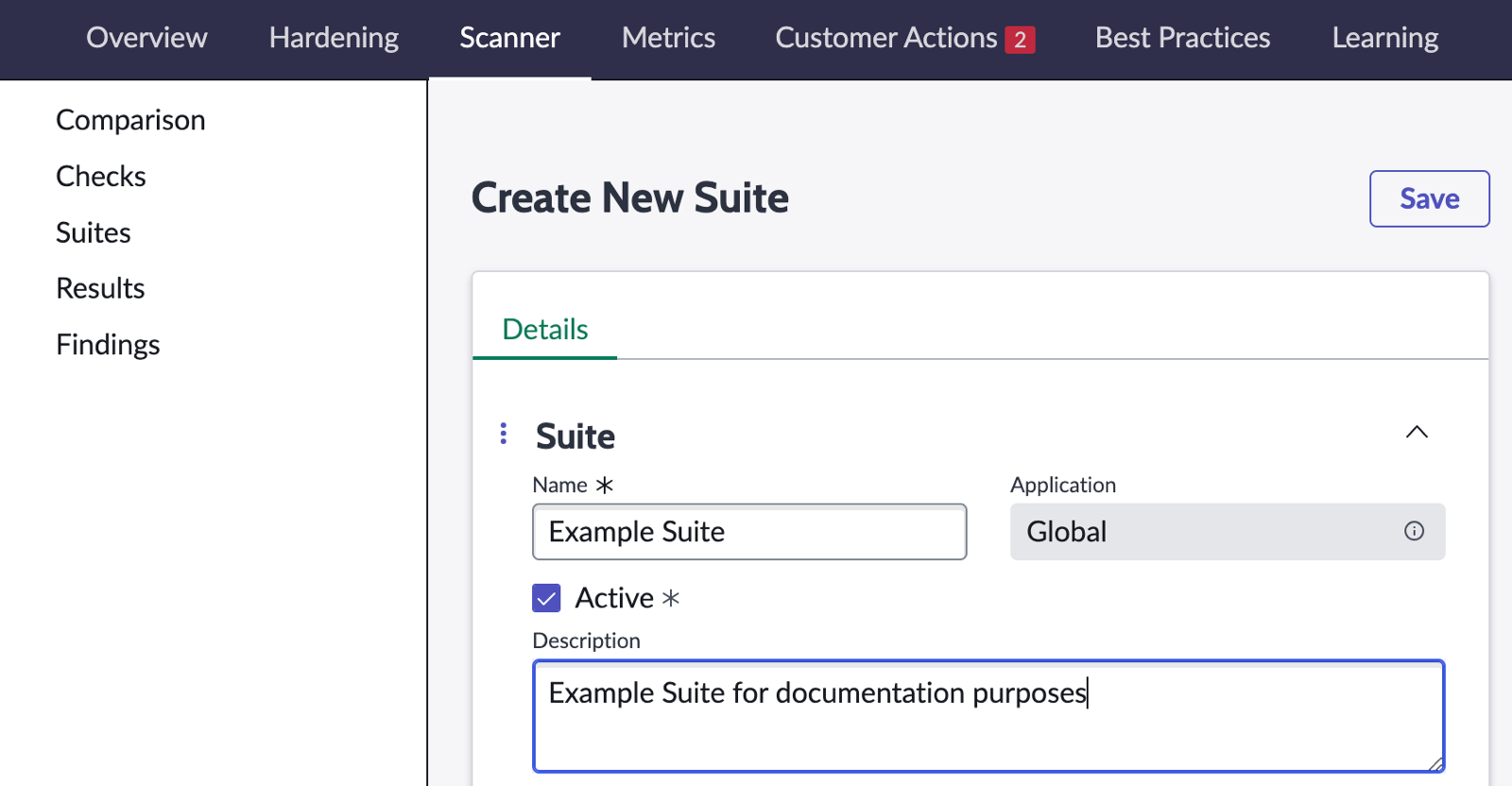
After selecting Save, configuration options for the suite display in a tabbed interface.
-
Select the Checks tab.
Use this tab to add checks to your suite.
-
Select Edit.
-
Select the checks that you want to add, and then select Add (>) to place it in your suite.
-
Save.
-
Select the Child Suites tab.
Use this tab to add child suites. Suites added as child suites are also executed.when this suite is used in a scan.
-
Select Edit.
-
Select the child suites that you want to add, and then select the Add (>) to place it in your child suite.
-
Save.
-
Select the Parent Suites tab.
Use this tab to add parent suites. Parent suites that are executed in a scan will also execute this suite.
-
Select Edit.
-
Select the child suites that you want to add, and then select Add (>) to place it in your parent suite.
-
Save.
-
Select the Schedule tab.
Use this tab to set a time for your suite to execute.
-
Select New.
-
Enter details of the scheduled scan.
The time fields are in the format: hour:minutes:seconds.
-
Save.