Create diagram for a business hierarchy map
Create and model your business application hierarchy map using the Enterprise Modeling and Visualization.
Before you begin
Role required: sn_apm.apm_user
Procedure
-
Open the Modeling page by selecting the Enterprise Modeling and Visualization icon (
 ).
).
Result
The business hierarchy map gets created and opened in a new tab.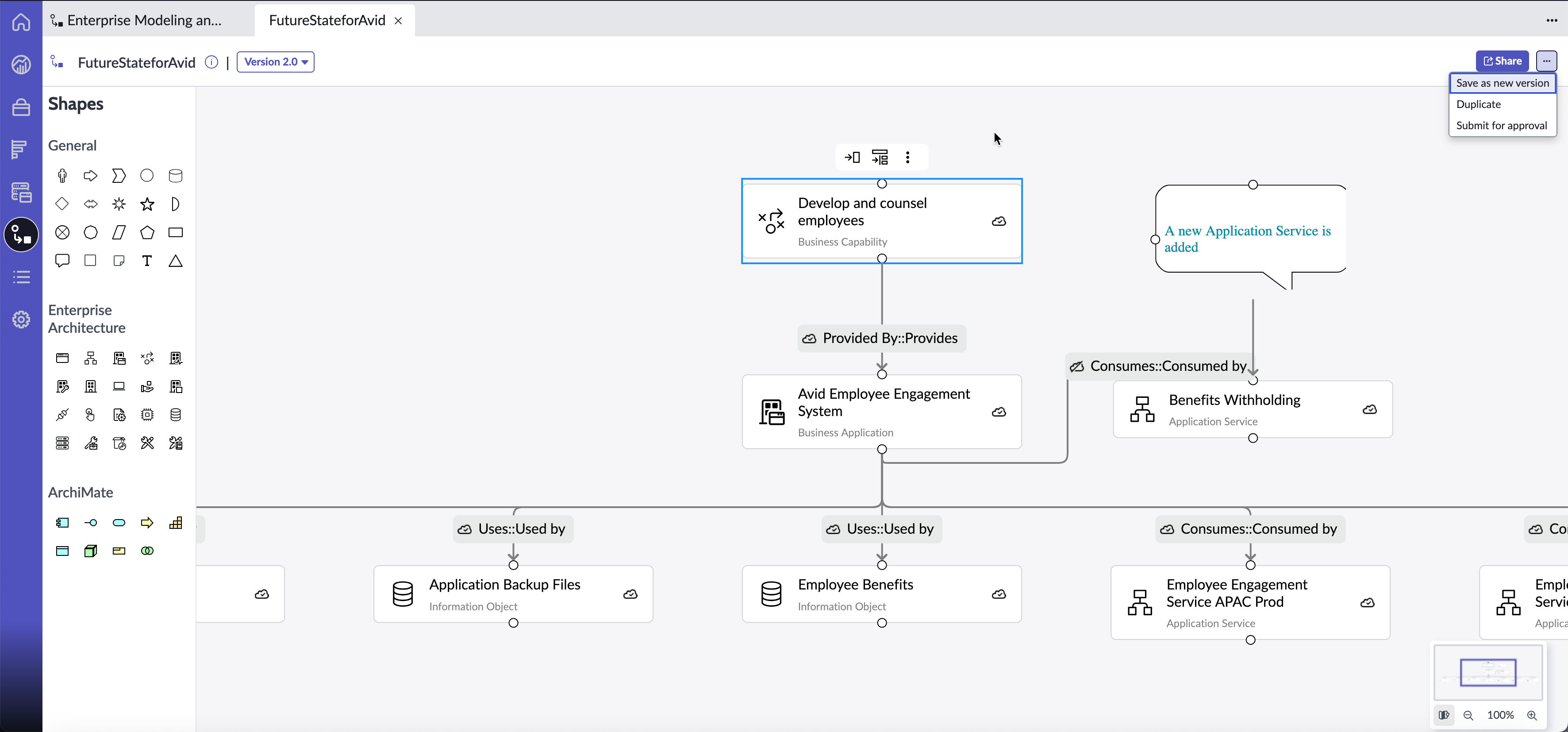
Note:
You can add a shape to the canvas by either selecting the shape or by dragging the shape from the Shapes palette to the canvas.