How to make ui formatter variables editable and mandatory

- Mark as New
- Bookmark
- Subscribe
- Mute
- Subscribe to RSS Feed
- Permalink
- Report Inappropriate Content
07-10-2025 08:45 PM
- Mark as New
- Bookmark
- Subscribe
- Mute
- Subscribe to RSS Feed
- Permalink
- Report Inappropriate Content
07-10-2025 09:26 PM
Hey @Shraddha Kadam Thanks for the reply
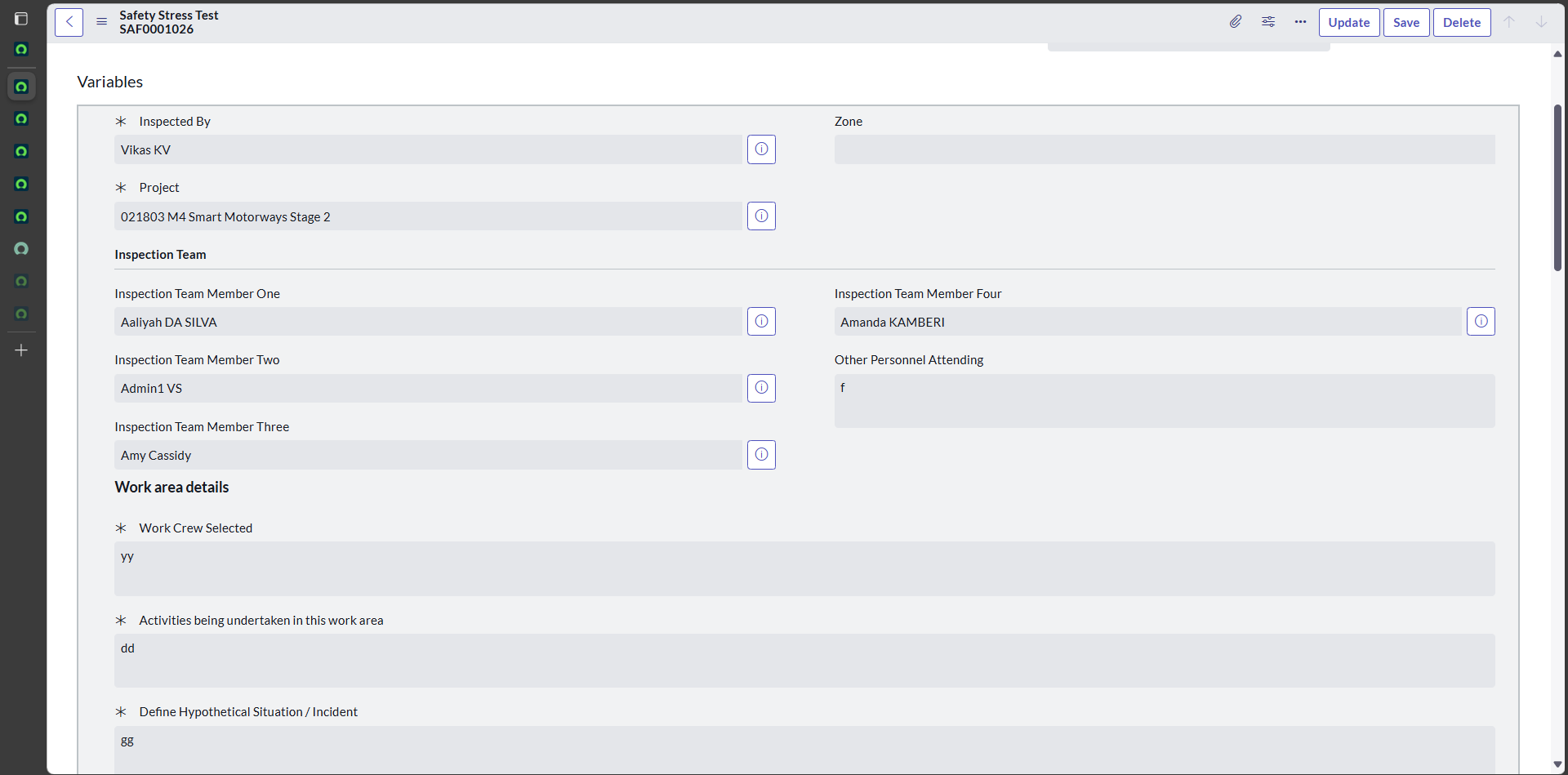
But as per requirement i need to create ui action button based on click of button that fields should be mandatory and editable
- Mark as New
- Bookmark
- Subscribe
- Mute
- Subscribe to RSS Feed
- Permalink
- Report Inappropriate Content
07-10-2025 09:51 PM
Hello @vikaskv ,
Please use the code below to make the variable mandatory using UI Action.
function makeVariableMandatoryAndSubmit() {
    var variableName = 'contact_me'; // Replace with the actual variable name
    var variableValue = g_form.getValue(variableName);
	alert('Variable - '+variableValue);

    // Check if the variable is empty

        // Make the variable mandatory
        g_form.setMandatory(variableName, true);
        // Display an error message
        g_form.addErrorMessage('Please fill in the "' + g_form.getLabelOf(variableName) + '" field before proceeding.');
        return false; // Prevent form submission

}
Make sure the Client checkbox is true and in the Onclick field use "makeVariableMandatoryAndSubmit()" function.
Above code worked for me


- Mark as New
- Bookmark
- Subscribe
- Mute
- Subscribe to RSS Feed
- Permalink
- Report Inappropriate Content
07-10-2025 09:29 PM
you can create a client side UI action on your table and then use this syntax to make variables mandatory
g_form.setReadonly('variables.variableName', false);
g_form.setMandatory('variables.variableName', true);
If my response helped please mark it correct and close the thread so that it benefits future readers.
