How to Rollback the changes in Background script


- Mark as New
- Bookmark
- Subscribe
- Mute
- Subscribe to RSS Feed
- Permalink
- Report Inappropriate Content
11-29-2023 09:52 PM
Hello Everyone,
- If you want to run the script in the background script
- In the Application Navigator type background script click select and run the script.
- If you want to rollback those changes in the background script
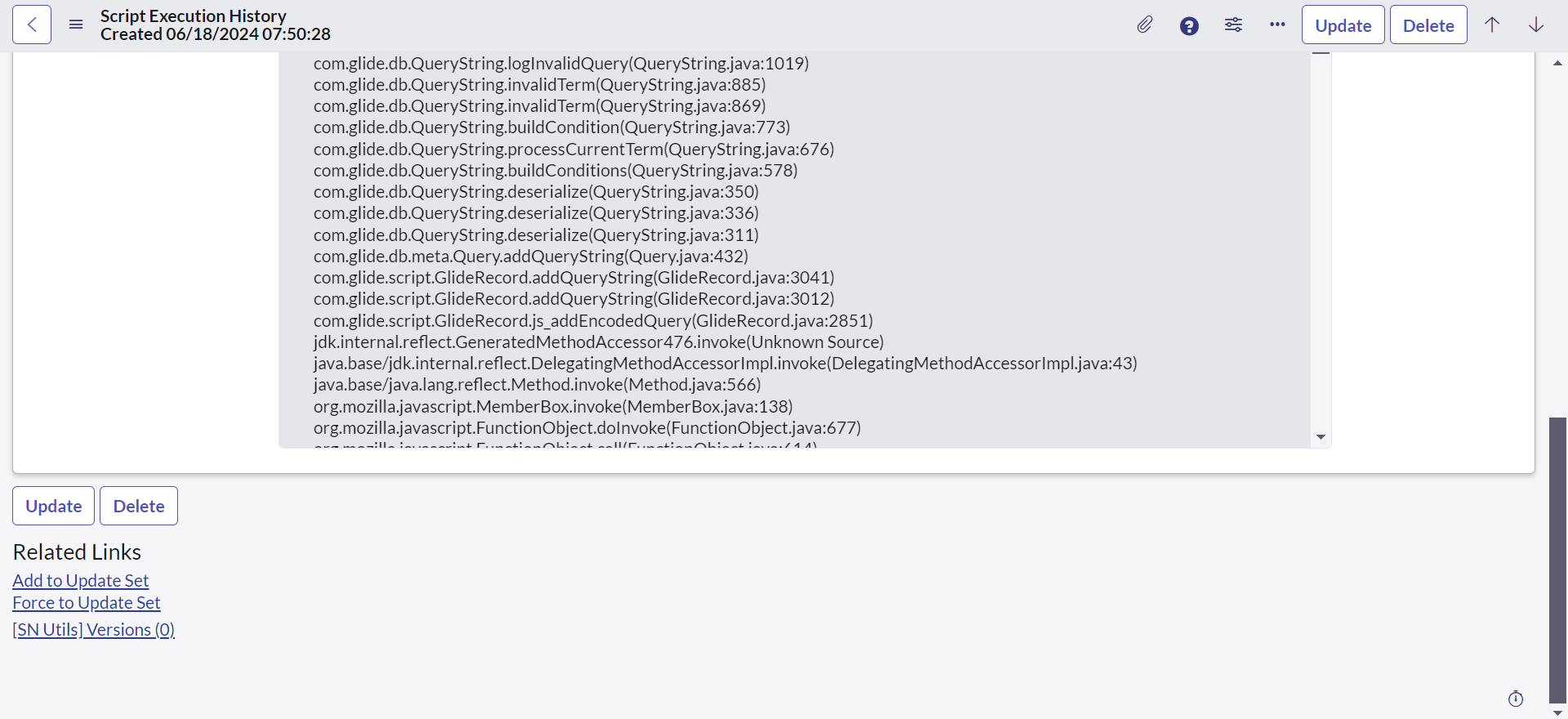
- In the Application Navigator type Script Execution History and click Select


- In the Related Links, click Rollback Script Execution. Select yes/no and click on ok.
Mark my correct and helpful, if it is helpful and please hit the thumbs-up button to mark it as the correct solution.
Thanks & Regards,
Abbas Shaik
- 4,975 Views

- Mark as New
- Bookmark
- Subscribe
- Mute
- Subscribe to RSS Feed
- Permalink
- Report Inappropriate Content
06-24-2024 07:40 AM
- Mark as New
- Bookmark
- Subscribe
- Mute
- Subscribe to RSS Feed
- Permalink
- Report Inappropriate Content
11-12-2024 06:28 PM
Hello @Community Alums,
Yes, the property needs to be enabled, please refer to the link below:
https://www.servicenow.com/docs/bundle/xanadu-api-reference/page/script/server-scripting/concept/c_S...
If it is helpful, please mark it as helpful and accept the correct solution. In future, it might be helpful for someone to refer to this solution.
Thanks & Regards,
Abbas Shaik


.png)