tiagomacul

Tera Sage
Options
- Post History
- Subscribe to RSS Feed
- Mark as New
- Mark as Read
- Bookmark
- Subscribe
- Printer Friendly Page
- Report Inappropriate Content
on 02-08-2019 07:53 AM
How to configure hint field?
| Image | Description |
 |
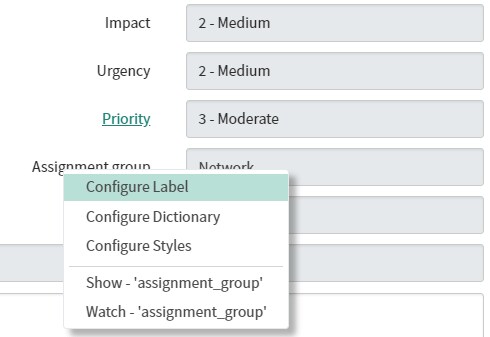
01. Right click on the field label >> Ridght click > Configure Label
Clique com o botão direito no label do campo e depois em configure label |
 |
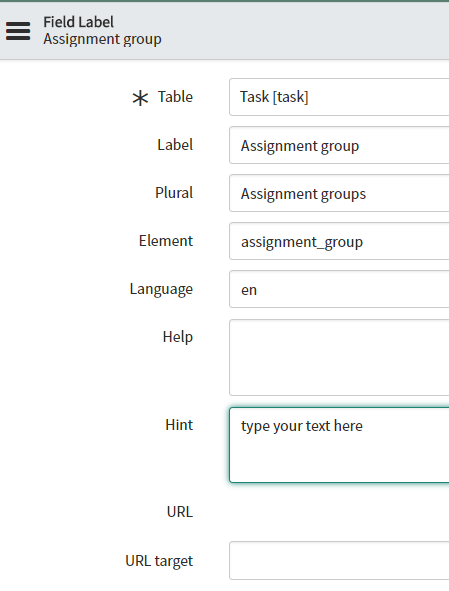
02. type your text on the HINT field |
 |
03. Save / Salvar |
 |
04. There's your result. |

Was useful, please leave your feedback!

- 999 Views