tiagomacul

Tera Sage
Options
- Post History
- Subscribe to RSS Feed
- Mark as New
- Mark as Read
- Bookmark
- Subscribe
- Printer Friendly Page
- Report Inappropriate Content
on 02-12-2020 01:06 PM
Installing Field Service Management Plugin
Activate Field Service Management
| Image | Description |
 |
01. System Definition > Plugins
|
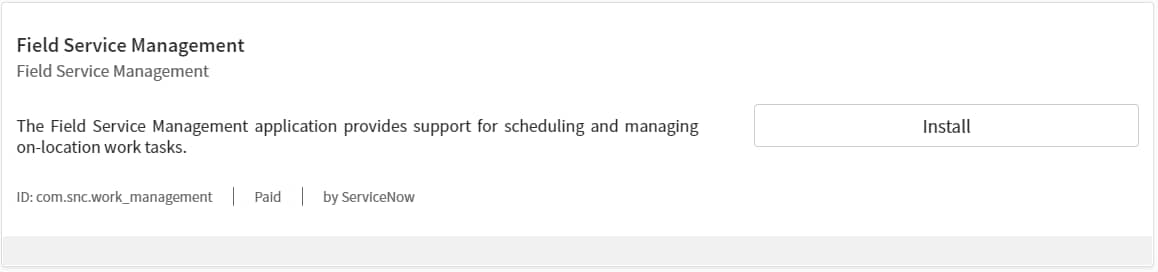
 | 02. Search by "Field Service Management" or "com.snc.work_management" |
 |
03. Click Install |
 | 04. Click Activate |
 | 05. Wait... |
 |
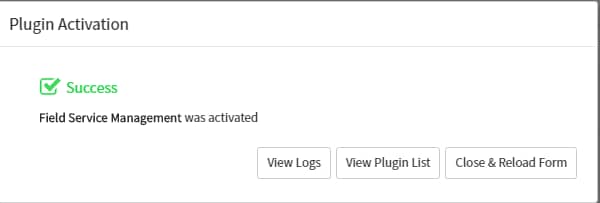
06. Close & Reload Form |
Subscription / License is required.

Was useful, please leave your feedback!
- 1,017 Views