

- Subscribe to RSS Feed
- Mark as New
- Mark as Read
- Bookmark
- Subscribe
- Printer Friendly Page
- Report Inappropriate Content
Surveys and assessments are two different applications in the ServiceNow platform. A common question I see is, "What is the difference between surveys and assessments and when should I use one or the other"? Although they may appear similar to the respondent, the reality is that there is a lot more happening in an assessment, which is to carry out tasks that a survey would not be seeking to achieve. Let's look at the differences and their typical use cases.
The difference between surveys and assessments
Use surveys to get user feedback
Surveys usually look at the outputs of the processes/system and ask for views on how these are perceived by those being surveyed. Surveys do not look at much detail of what is happening within the process. For example, when an incident is closed, the Service Desk manager is interested in feedback about whether the user is satisfied with the service received.
Common use cases for surveys include:
- General customer CSAT survey
- Feedback on a task activity (e.g. when a request is closed)
- Public survey for non-ServiceNow users (See robertuehlinger's post on How to set up public surveys in Service Portal)

Use assessments to collect detailed insights and evaluate the results
The assessment application goes deeper than surveys with its advanced capabilities. An assessment allows you to evaluate, score, and rank items, and provide normalized/weighted results. For an assessment to work in the platform, it has to have an assessable record (e.g. Project, Vendors, Sales) — which is not a requirement in the case of surveys.

With assessments, you can collect feedback from a broad base of category users and stakeholders across your organization. You can create a single assessment to get feedback from different cross-functional units (e.g. Procurement, Finance, HR, Legal) by assigning different parts of the assessment to different stakeholders. You can easily group related metrics into categories and set weights for each response. In addition, you can collect response and format decision matrices and plot the collected data to report findings.
Common use cases for assessments include:
- Vendor assessment
- Demand assessment
- Project assessment
- GRC audit assessment
- Security assessment
- Sales/employee assessment
In summary, surveys are ideal for simple use cases like getting feedback or to get a CSAT score. Assessments are useful if you need to get deeper, more insightful feedback to evaluate, rank, and see the normalized score of multiple records together so that you can make the decision faster.
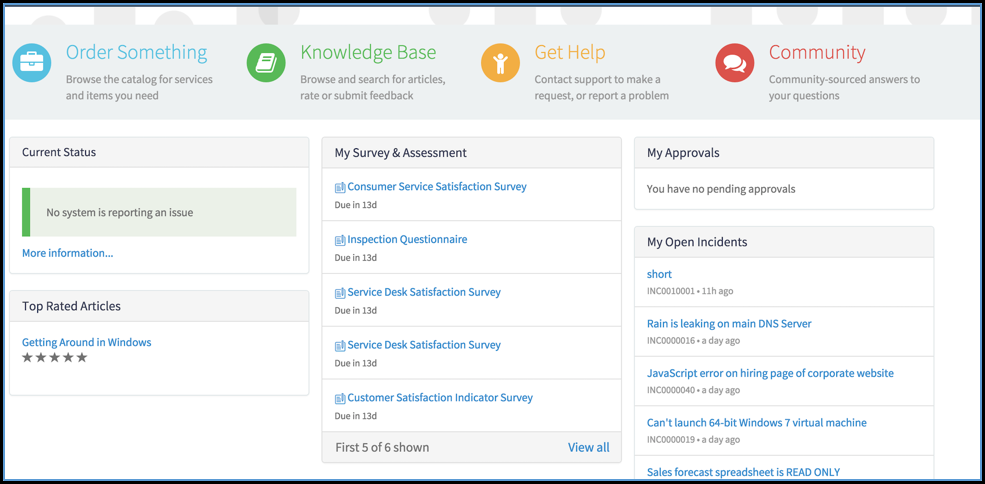
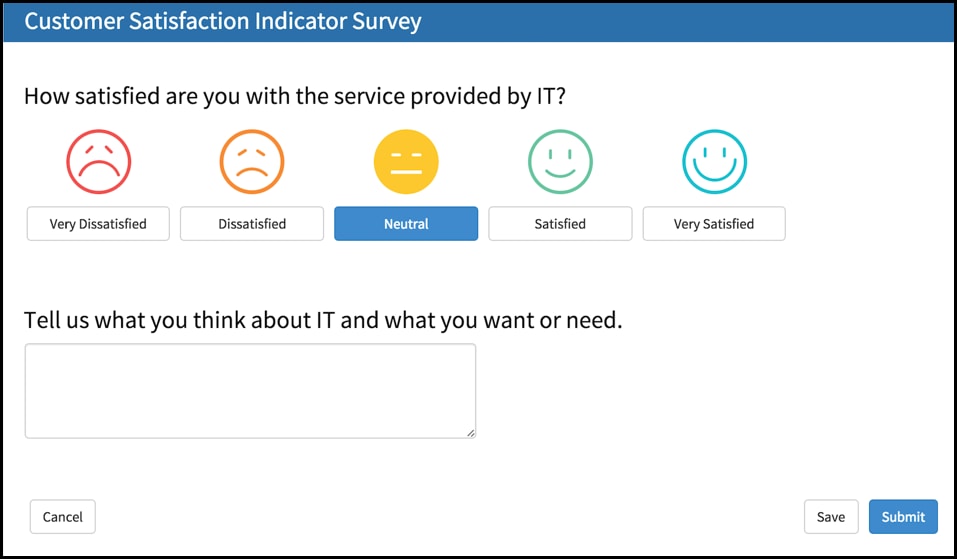
Starting with the Jakarta release, you can take both surveys and assessments from Service Portal for a mobile-friendly and modern user experience.

For more information, see the webinar recording on New Release: Continual Service Improvements to Benchmarks, Surveys, and Assessments in Jakarta.

- 23,584 Views
You must be a registered user to add a comment. If you've already registered, sign in. Otherwise, register and sign in.