[UI Builder] How to Trigger Smooth Auto-Scroll in Repeater Container After Chat Update?


- Mark as New
- Bookmark
- Subscribe
- Mute
- Subscribe to RSS Feed
- Permalink
- Report Inappropriate Content
05-14-2025 06:28 AM
Hi Community,
I'm building a chat interface in UI Builder, where each user query and bot response is stored in a "chatHistory" client state parameter (array) and rendered using a Repeater inside a container.
The container has:
max-height: 600px;
overflow-y: auto;
Every time a new message is added, I want the chat container to automatically scroll to the bottom, so the latest message is visible without manual scrolling.
What’s the best way to achieve this in UI Builder?
Would appreciate any guidance or suggestions!
Thanks in advance!
- Mark as New
- Bookmark
- Subscribe
- Mute
- Subscribe to RSS Feed
- Permalink
- Report Inappropriate Content
05-16-2025 02:41 AM
-
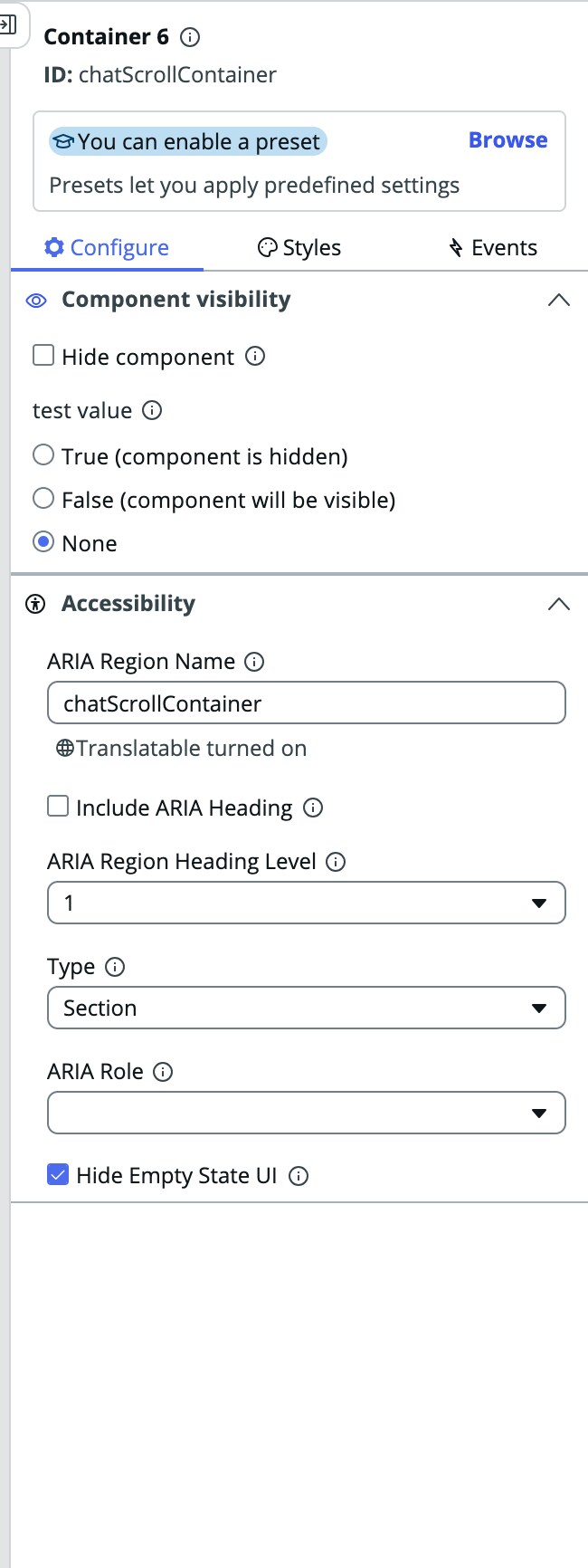
I checked the container properties, but there is no option to provide a View Reference Name for a container.
-
We can call a client script using events, but there doesn’t seem to be an option to select a trigger state like onStateChange.
- I’m trying to understand the function
api.view.getViewElement('chatScrollContainer'), but I couldn’t find any documentation for it. - The
window.setTimeoutfunction is also throwing errors. Then I tested it with the debugger and found that the script is not even executing this line or entering this function:api.state.chatHistory.subscribe(() => { });
I’ve also shared the screenshots. Could you please help me with this?
- Mark as New
- Bookmark
- Subscribe
- Mute
- Subscribe to RSS Feed
- Permalink
- Report Inappropriate Content
07-25-2025 05:01 AM
Hello,
I want to create a similar object too. But I've got the same issue, the answer doesn't seems to be relevant in our version of ui builder (maybe it could work in a old one).
Is there any news on this topic ?
- Mark as New
- Bookmark
- Subscribe
- Mute
- Subscribe to RSS Feed
- Permalink
- Report Inappropriate Content
07-25-2025 05:10 AM
Hello,
Same issue here ! The given solution doesnt seem to be relevant...
Any update ??