
- Subscribe to RSS Feed
- Mark as New
- Mark as Read
- Bookmark
- Subscribe
- Printer Friendly Page
- Report Inappropriate Content
So, I have been developing on ServiceNow for a little over a year now, and one of the biggest pain points for me has been the deployment of code. Update Sets are ugly in my opinion. As a web developer, I am used to pushing a bunch of files up to a server via a single sync from an ftp client, and then moving on. Deploying code via update sets in the ServiceNow UI is painful. Lots of clicks are required to get code migrated. It's slow. It's really awful.
In my current role, we often have large deployments. Sometimes there are hundreds of update sets. This means lots of clicks, often lots of errors and warnings, and long evenings during the day of go-live getting past all this.
I went to Knowledge16 and picked quite a few brains on how this could be improved. One good idea that was shown to me was the concept of overwriting update sets after they have been deployed. This is nice, as it helps keep our update set count down. Got and error moving an update set to QA? Go back to DEV, re-open the update set, capture the fix, go to QA, delete the received update set, and then pull the fixed update set back in and re-apply. Nice.
Ok, so now using this approach, we are in the tens of update sets instead of hundreds...still a LOT of clicking to get 20 or 30 update sets previewed and committed. I decided at the Knowledge16 hackathon to start working on a way to automate the deployment process.
My Approach would be:
1. pull in remote update sets via a script
2. auto preview the update sets
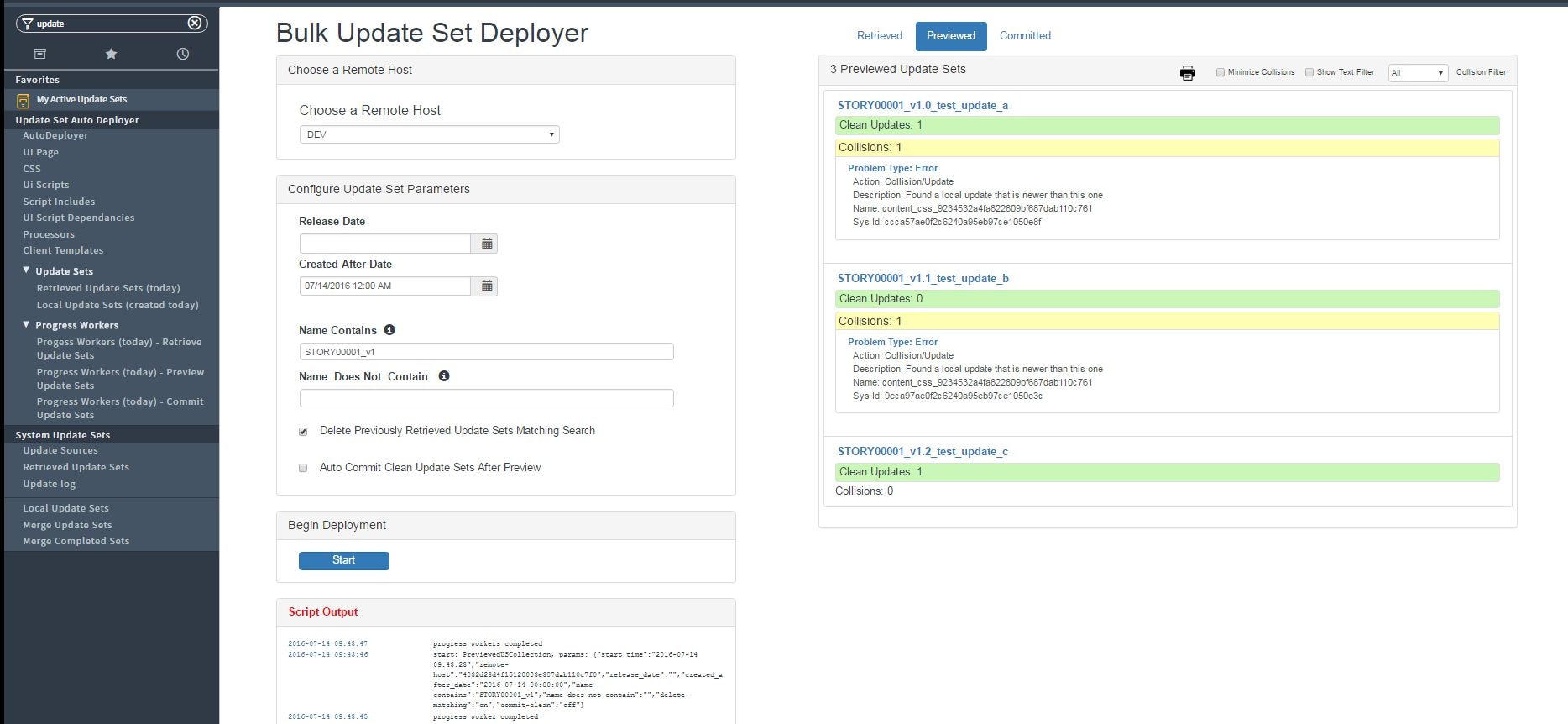
3. produce a preview report for ALL retrieved and previewed update sets
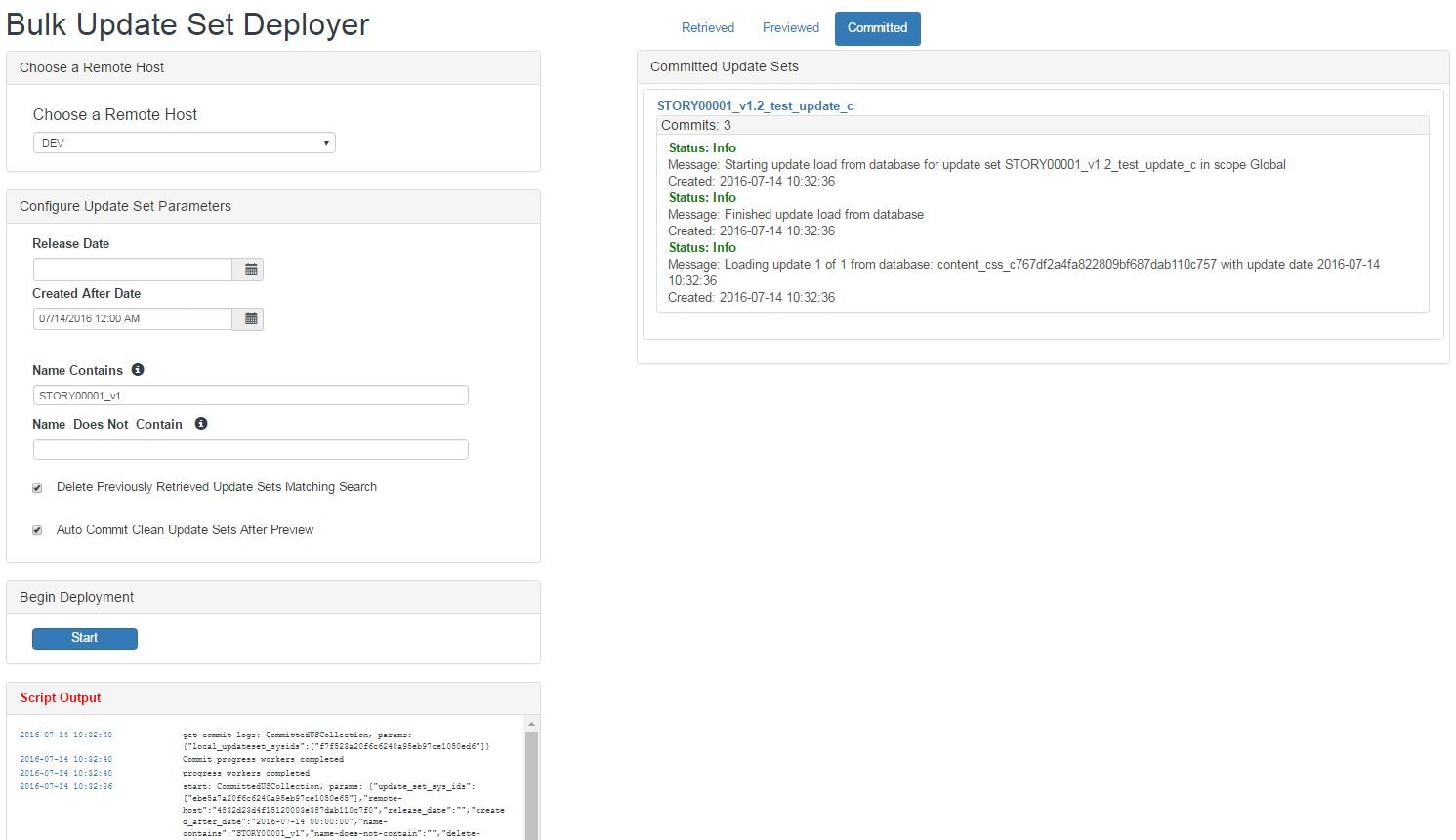
4. auto-commit all update sets with zero errors
Working with a few of my team mates, we hacked together a script include to achieve the above goals a few weeks after Knowledge16. I have since spent the last 2 months creating a UI page to interact with that script include to allow anyone to deploy update sets quickly. I would like to present the code here for you to take a look at. Please play with it, feedback is appreciated. This is version 1 of this code. It has not been battle tested yet, so use at your own risk. I DO NOT recommend this is used in production at this point.
A few of the features:
- filter remote update sets to deploy by date created, release date, keyword matching
- uses the native "remote instances" module in ServiceNow to fetch update sets from the remote system
- filter the preview results by keyword, only clean update sets, only update sets with errors
- print preview results
- commit log displayed for all committed update sets
Update Set (attached)
auto-deploy_update_sets_v1.0_ka_sys_remote_update_set_.xml
u_client_templates (u_descriptionLIKEupdate set autodeployer).xml
Screen Shots:




- 51,324 Views
You must be a registered user to add a comment. If you've already registered, sign in. Otherwise, register and sign in.