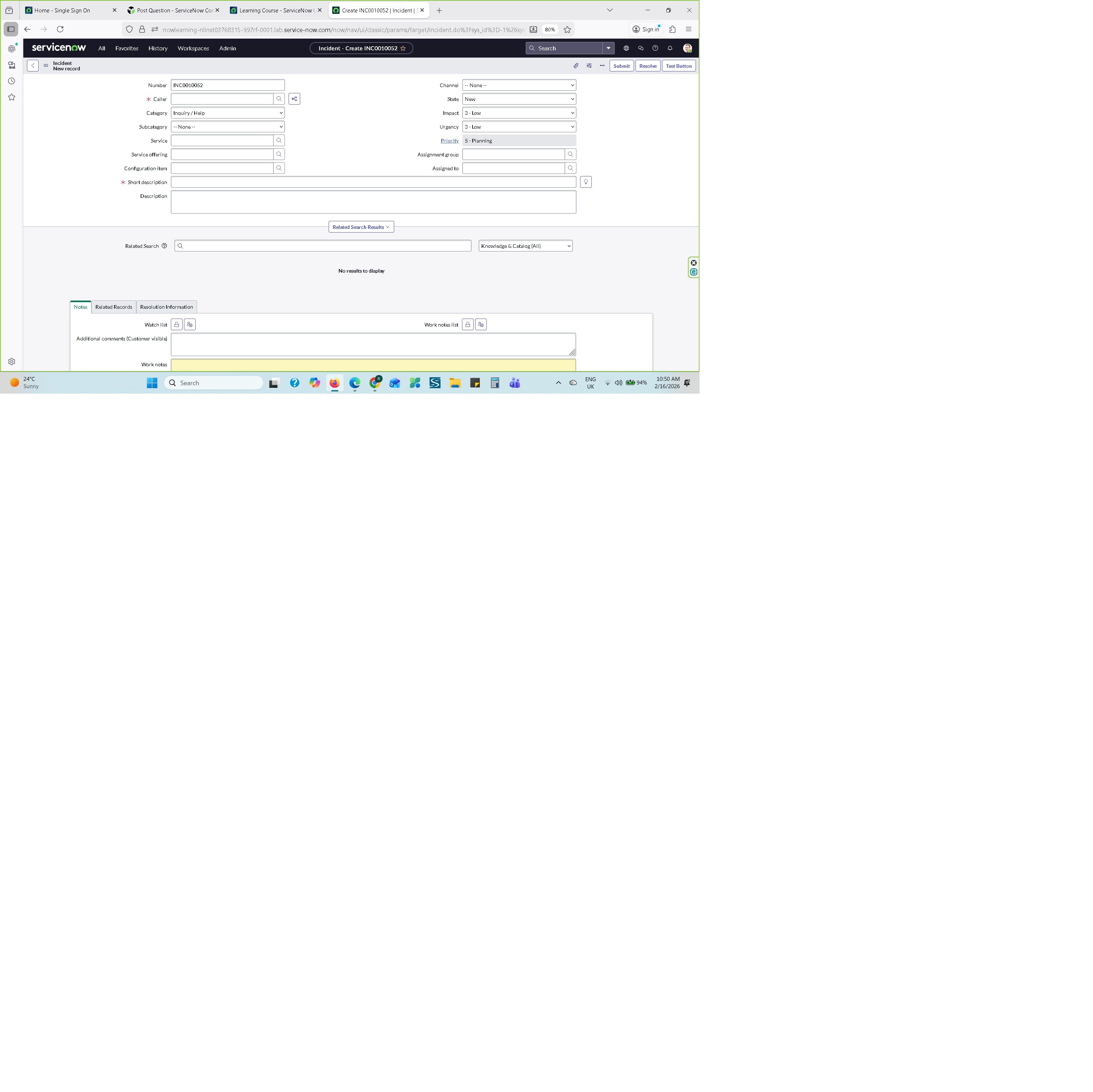
Incident form

- Mark as New
- Bookmark
- Subscribe
- Mute
- Subscribe to RSS Feed
- Permalink
- Report Inappropriate Content
02-15-2026 09:57 PM

- Mark as New
- Bookmark
- Subscribe
- Mute
- Subscribe to RSS Feed
- Permalink
- Report Inappropriate Content
02-16-2026 08:30 AM
Hi @Hassana60243614,
which of the 2 fields are you talking about?

The top-right search button expects you to add an incident number in it. Go to Incidents, copy any incident number from the list, then leave the incident list and try to access that incident with pasting that number into that field. If you have rights to access it you will be redirected. Also, there's a little chevron that gives you chance to select between the native UI (as your screenshot) or Workspace.
The middle form field is a contextual search, which means that you need to write someting to shrot description first, and your input is the key searched in KB Articles. Try to add something such as "Server is down", "I need to restart password to Outlook", "Printer is broken", ... to the short description and some results should pop up in the section where it says "No results to display".
Let me know if that helped
✂-----Cutting-out-the---✦AI-noise✦---All-replies-written-and-vouched-for-by-GlideFather---
- Mark as New
- Bookmark
- Subscribe
- Mute
- Subscribe to RSS Feed
- Permalink
- Report Inappropriate Content
02-16-2026 09:28 AM
When I click the (caller+service+assignment group) select (for example, select Abel Tuter)not show anything.
- Mark as New
- Bookmark
- Subscribe
- Mute
- Subscribe to RSS Feed
- Permalink
- Report Inappropriate Content
02-17-2026 12:22 AM
The search works for short description, not caller.
Look at this example:

Eventually, could you possibly explain step by step what you are doing?
✂-----Cutting-out-the---✦AI-noise✦---All-replies-written-and-vouched-for-by-GlideFather---

- Mark as New
- Bookmark
- Subscribe
- Mute
- Subscribe to RSS Feed
- Permalink
- Report Inappropriate Content
02-17-2026 12:29 AM
Could you please add a screenshot of your problem? Also, open the console of your browser to check if there are any error logs.