Business Rule - for enforcing Max Length on a String Field

- Mark as New
- Bookmark
- Subscribe
- Mute
- Subscribe to RSS Feed
- Permalink
- Report Inappropriate Content
08-12-2019 11:07 AM
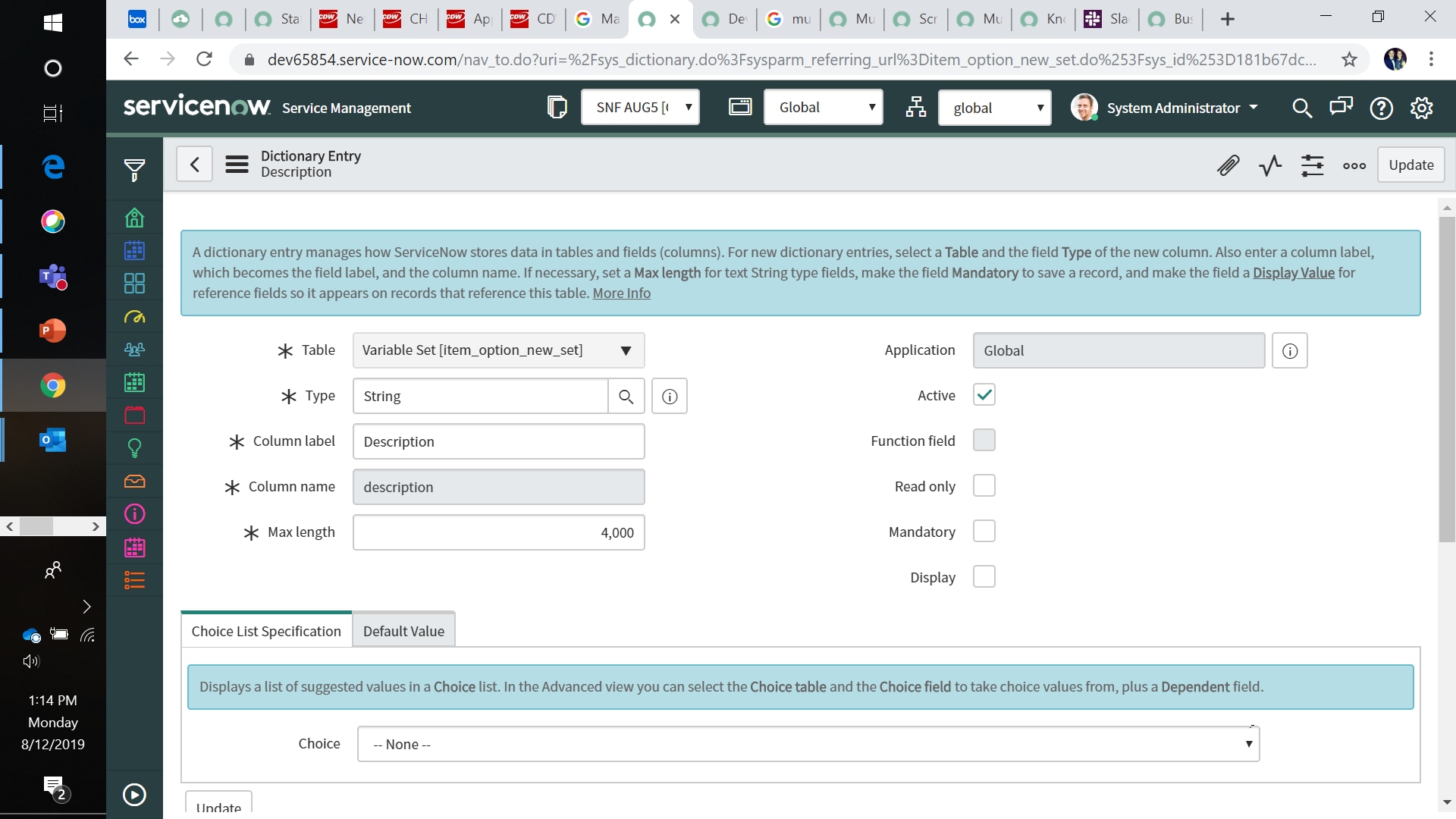
I need to set a string field to a max length of 13,000 characters. It currently does not enforce this.
I was thinking of doing this in a business rule - does anyone have any scripting/code for this?
I need something like this" You can create a business rule on the table with the field, to run on insert/update. and then truncate that field's value to the desired length. Defined the business rule to run "Before"."
- Labels:
-
Scripting and Coding
- Mark as New
- Bookmark
- Subscribe
- Mute
- Subscribe to RSS Feed
- Permalink
- Report Inappropriate Content
08-12-2019 11:18 AM
You could something like this:
var fieldName = current.<your_field_name>;
if(fieldName.length > 13000){
gs.addErrorMessage("Field cannot be longer than 13,000 characters");
current.setAbortAction(true);
}
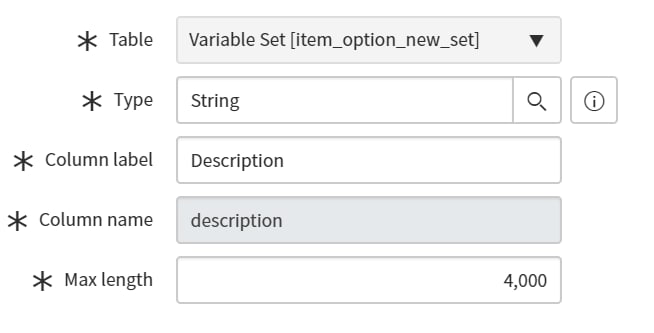
OR instead of scripting you can just set that field's dictionary value to 13,000 for the max length attribute.

- Mark as New
- Bookmark
- Subscribe
- Mute
- Subscribe to RSS Feed
- Permalink
- Report Inappropriate Content
08-13-2019 09:55 AM
I tried the code if it's not working not sure why? It doesn't like the "IF" statement which I did modify with my field name.
I have set the max length to 13,000 but it does NOT enforce anything that exceed 255 characters - it is a bug/feature from ServiceNow and this is what their support recommended.
- Mark as New
- Bookmark
- Subscribe
- Mute
- Subscribe to RSS Feed
- Permalink
- Report Inappropriate Content
08-13-2019 10:29 AM
I got it working with some minor changes
var strFieldname = current.ait_fieldname.toString();
if(strFieldname.length > 13000) {
gs.addErrorMessage("field cannot be longer than 13,000 characters");
current.setAbortAction(true);
}
})(current, previous);


- Mark as New
- Bookmark
- Subscribe
- Mute
- Subscribe to RSS Feed
- Permalink
- Report Inappropriate Content
08-12-2019 11:44 AM
Hi Elizabeth,
I guess you need to set the field length to be 13000. If so, all you need is to right click the field select Configure Dictionary & update the field length.
Thanks,
Jaspal Singh
Hit Helpful or Correct on the impact of response.