- Mark as New
- Bookmark
- Subscribe
- Mute
- Subscribe to RSS Feed
- Permalink
- Report Inappropriate Content
12-02-2022 01:57 AM
Created custom application and custom table form want to display on portal.
Can help on how to display table form on portal.
Solved! Go to Solution.

- Mark as New
- Bookmark
- Subscribe
- Mute
- Subscribe to RSS Feed
- Permalink
- Report Inappropriate Content
12-02-2022 03:40 AM

- Mark as New
- Bookmark
- Subscribe
- Mute
- Subscribe to RSS Feed
- Permalink
- Report Inappropriate Content
12-02-2022 05:43 AM
Hi @Mad3 ,
Enter URL as below
Replace incident with your table=incident with your table name and instance url as well.
https://dev73913.service-now.com/sp?id=form&table=incident&sys_id=-1&view=portal
- Mark as New
- Bookmark
- Subscribe
- Mute
- Subscribe to RSS Feed
- Permalink
- Report Inappropriate Content
12-02-2022 02:15 AM
Hi @Mad3 ,
Open your portal page on designer on which you wanted to show table.
Select the widget as simple list to show the data from table.

Then select table , apply encode query filter if want the fields you want to make visible on portal.


- Mark as New
- Bookmark
- Subscribe
- Mute
- Subscribe to RSS Feed
- Permalink
- Report Inappropriate Content
12-02-2022 02:56 AM - edited 12-02-2022 03:34 AM
Hi, @Gunjan Kiratkar
I tried how you mentioned above. but not able to see the form and records on portal. and the form should be clickable and fill and submit form.
Your explanation would help me.
Regards,
Mad3


- Mark as New
- Bookmark
- Subscribe
- Mute
- Subscribe to RSS Feed
- Permalink
- Report Inappropriate Content
12-02-2022 03:40 AM
- Mark as New
- Bookmark
- Subscribe
- Mute
- Subscribe to RSS Feed
- Permalink
- Report Inappropriate Content
12-02-2022 05:31 AM
Hi, @Gunjan Kiratkar
It's working fine, Can see the table records on portal. I want to get the form portal and submit the submit the form.
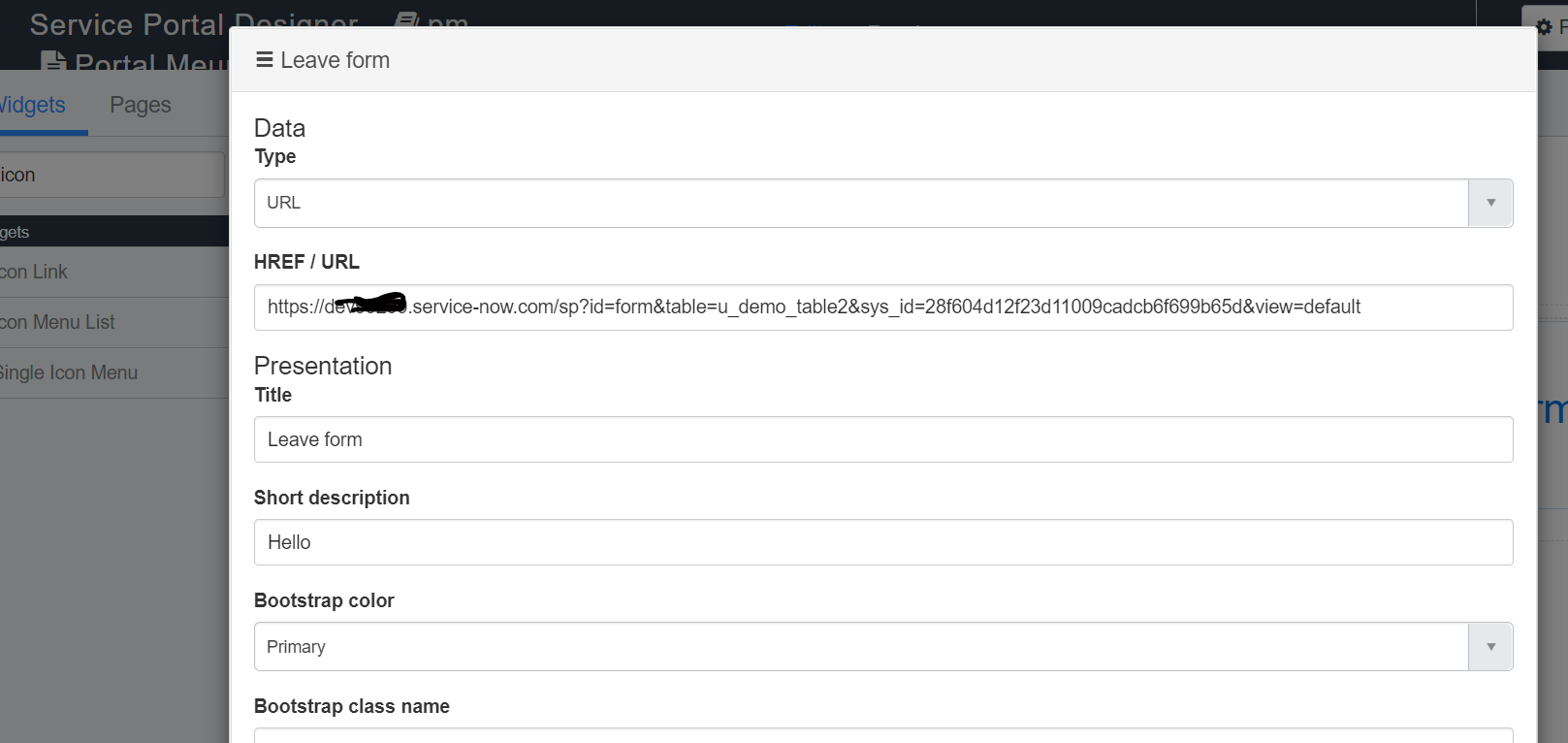
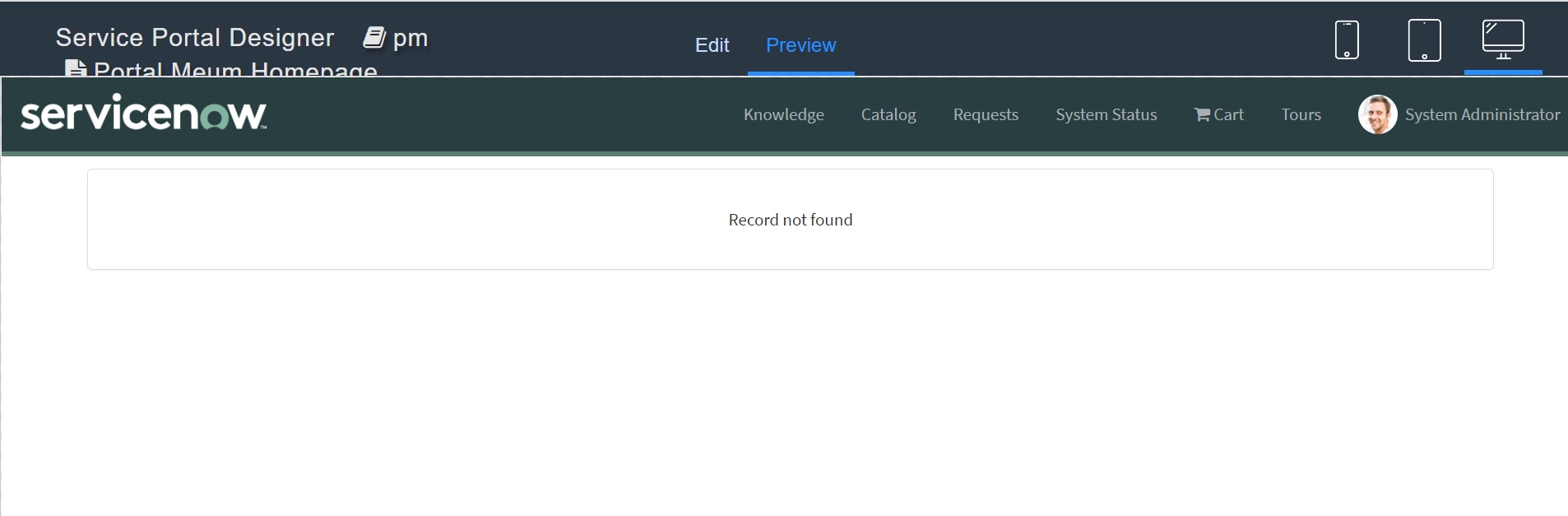
Tried Icon link widget and pasted the form link i get record not found. can see attached images.
Can help on this.
Regards,
Mad3