Hi All, In employee center theme unable to find one css page

- Mark as New
- Bookmark
- Subscribe
- Mute
- Subscribe to RSS Feed
- Permalink
- Report Inappropriate Content
08-26-2024 12:54 AM

- Mark as New
- Bookmark
- Subscribe
- Mute
- Subscribe to RSS Feed
- Permalink
- Report Inappropriate Content
08-26-2024 04:39 AM
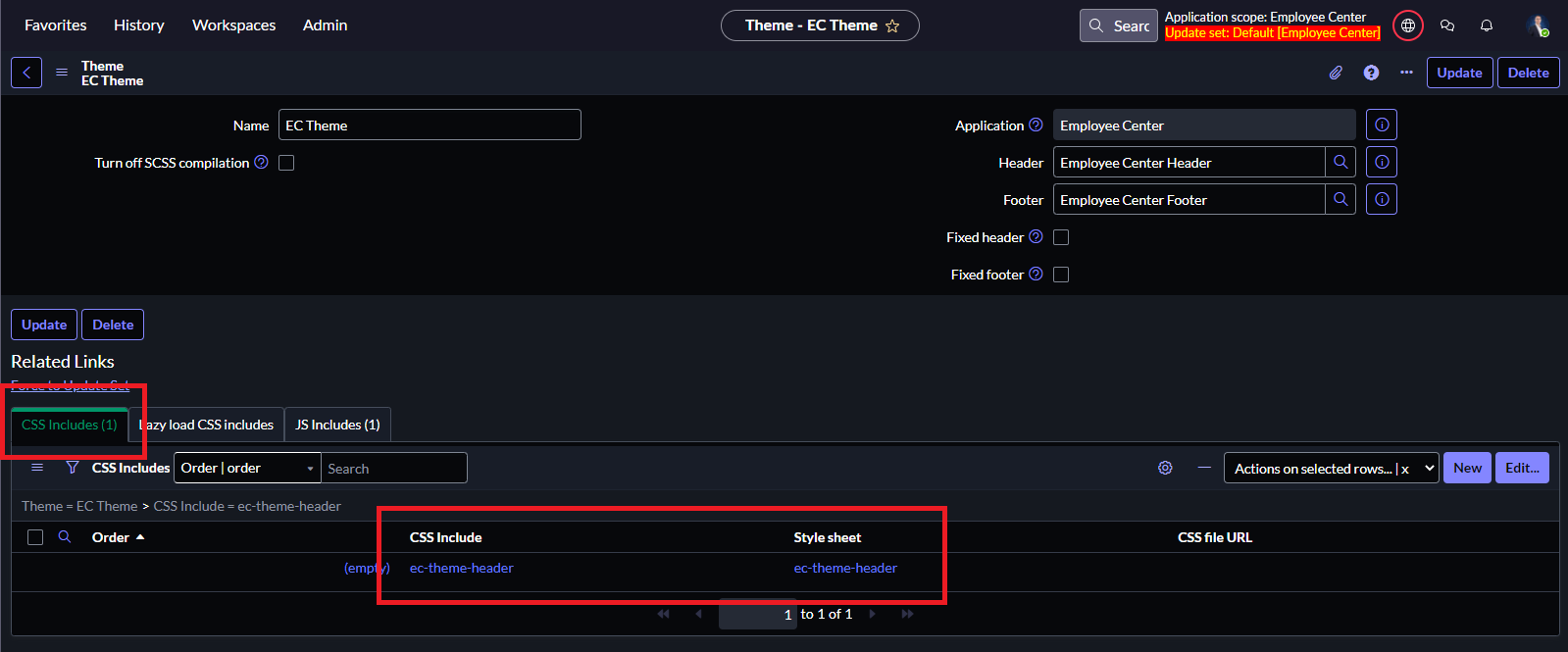
That file (and all CSS Includes) is not directly accessible to us. It's probably embedded in WAR files etc.
The only option you have is:
1. Navigate to Employee Center Portal record, then open up EC Theme > Employee Center Header.
2. On Employee Center Header record, you'll find the CSS fields which includes the DIVS and classes that you can change the color, height, and buttons etc.
- Mark as New
- Bookmark
- Subscribe
- Mute
- Subscribe to RSS Feed
- Permalink
- Report Inappropriate Content
08-26-2024 08:17 AM
Hi @Paul Curwen ,
Thanks for the reply . so basically what I am looking for is in employee center homepage whenever i hover on the logo there was a tooltip coming i want to remove that can u help me how to achieve that?


- Mark as New
- Bookmark
- Subscribe
- Mute
- Subscribe to RSS Feed
- Permalink
- Report Inappropriate Content
08-26-2024 08:28 AM
He thats a screenshot of mine 😅 let's have a look if I can reproduce.
- Mark as New
- Bookmark
- Subscribe
- Mute
- Subscribe to RSS Feed
- Permalink
- Report Inappropriate Content
08-26-2024 08:35 AM
I just tested on my PDI by adding the CSS Include and Stylesheet and the CSS mentioned in the article, works immediately for Employee Center. For Employee Center Pro I only needed to replace
[href*="?id=ec_dashboard"]with
[href*="?id=ec_pro_home"]
