Options
- Mark as New
- Bookmark
- Subscribe
- Mute
- Subscribe to RSS Feed
- Permalink
- Report Inappropriate Content
05-12-2020 08:23 AM
Hi,
If it's a report then I was able to add this in my PDI; Orlando release
It's not possible to add variables on RITM Table List View
1) create report on sc_req_item table
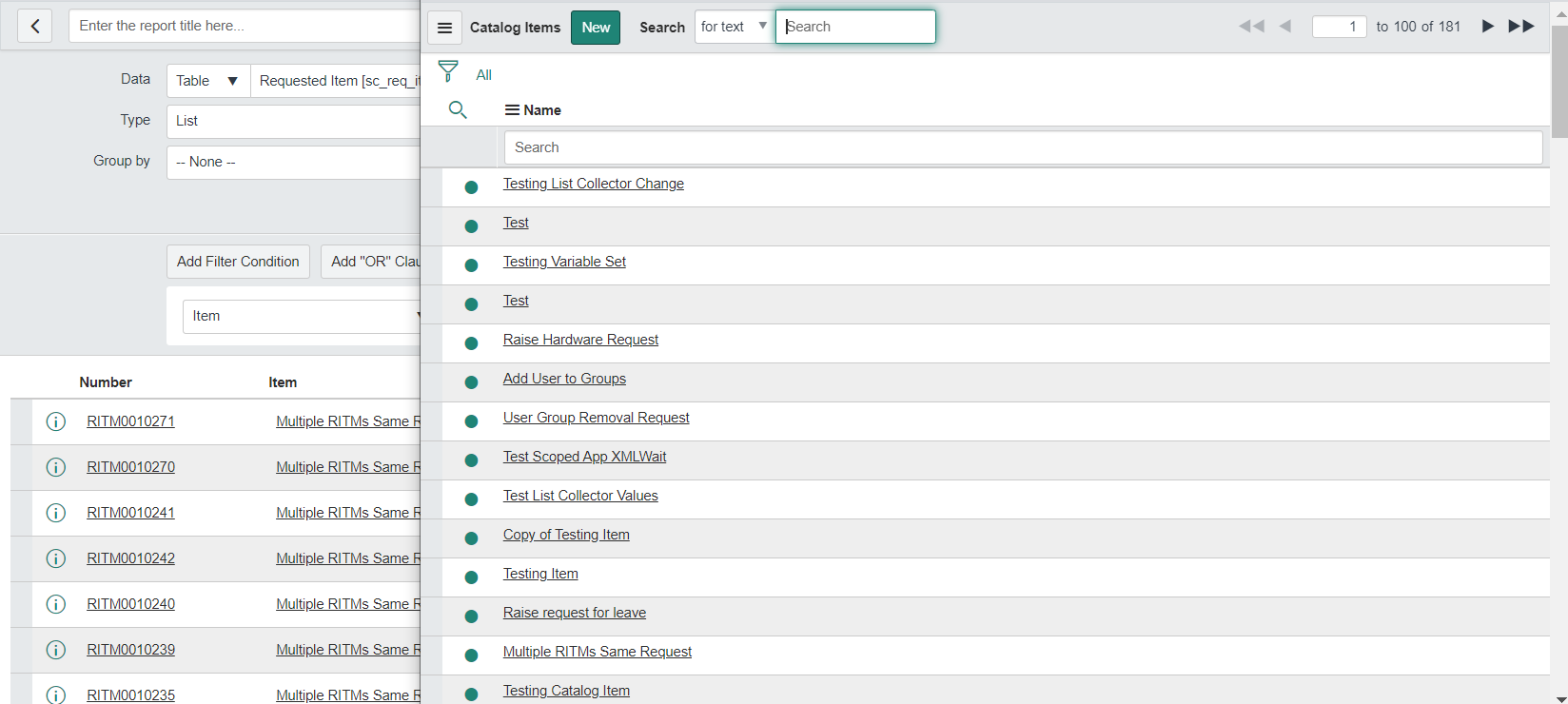
2) in filter condition; select Item as your catalog item
3) in the available section; click on Variables & click + icon; it will ask you the catalog item; select your catalog item
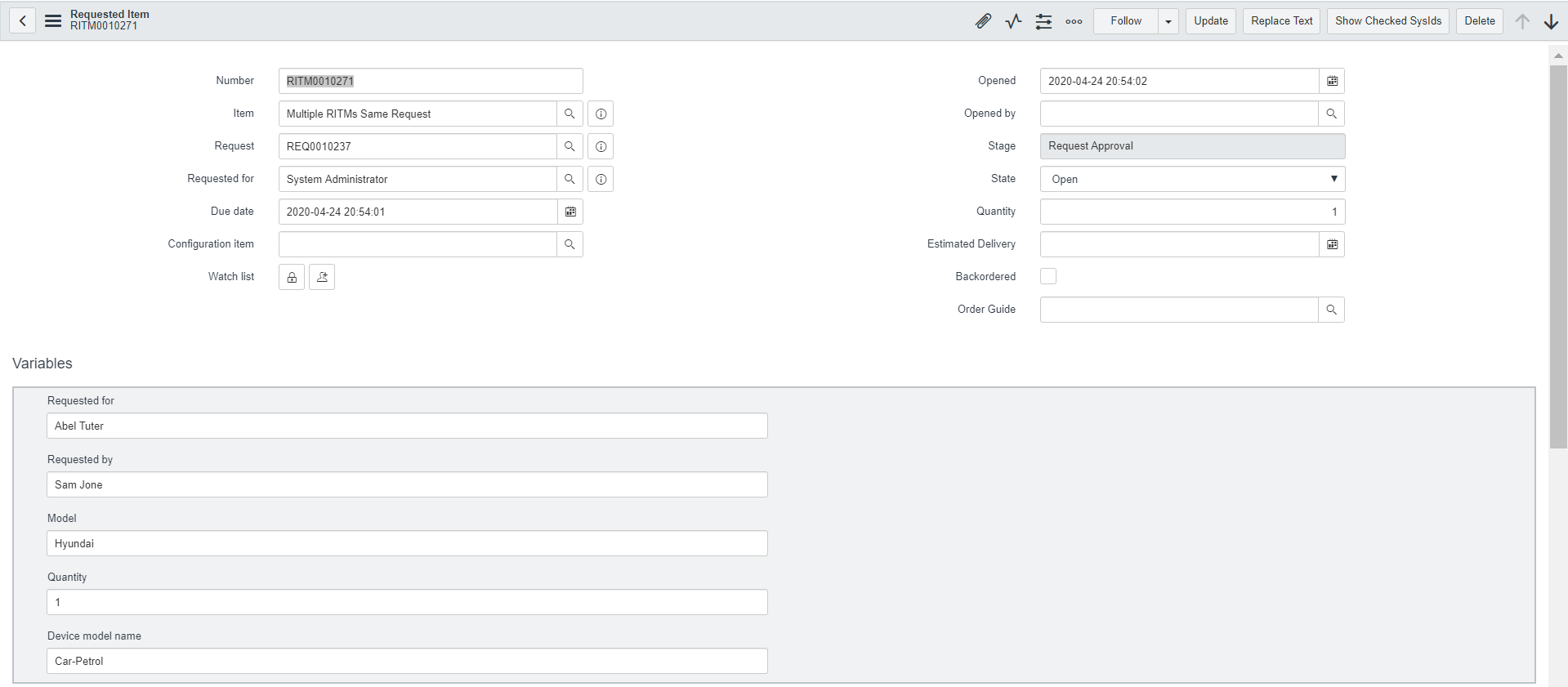
4) now it shows whatever variables belongs to that catalog item
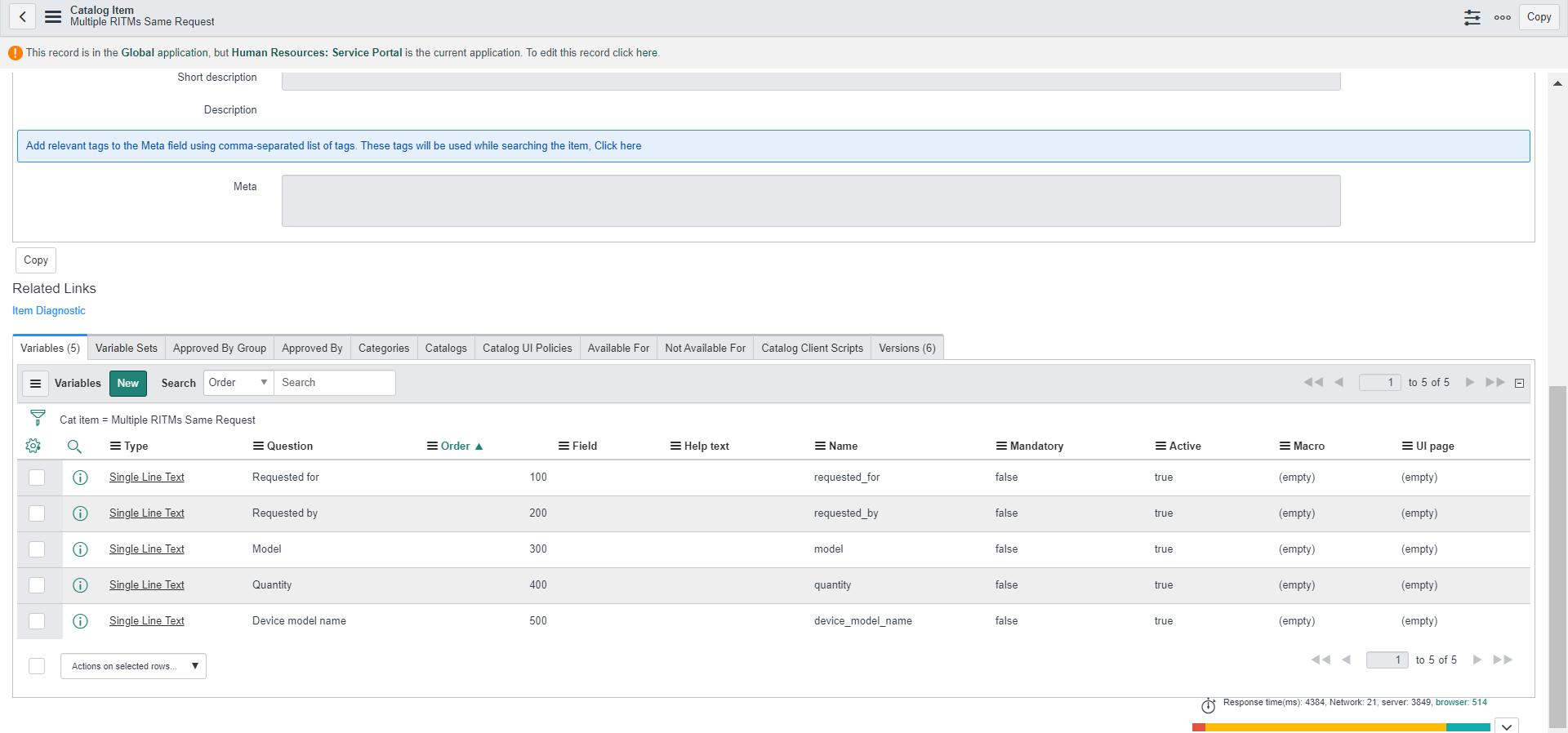
5) now move variables you want from available to selected; I have selected all 5 variables under that catalog item


Mark ✅ Correct if this solves your issue and also mark 👍 Helpful if you find my response worthy based on the impact.
Thanks
Ankur
Regards,
Ankur
✨ Certified Technical Architect || ✨ 10x ServiceNow MVP || ✨ ServiceNow Community Leader
Ankur
✨ Certified Technical Architect || ✨ 10x ServiceNow MVP || ✨ ServiceNow Community Leader