Options
- Mark as New
- Bookmark
- Subscribe
- Mute
- Subscribe to RSS Feed
- Permalink
- Report Inappropriate Content
01-30-2022 09:53 PM
Hi,
You will need to elevate first as security admin.


You will see a lock icon if you have successfully elevated.

Navigate to ACL

under operation you will need to decide what type of access you would like to give.

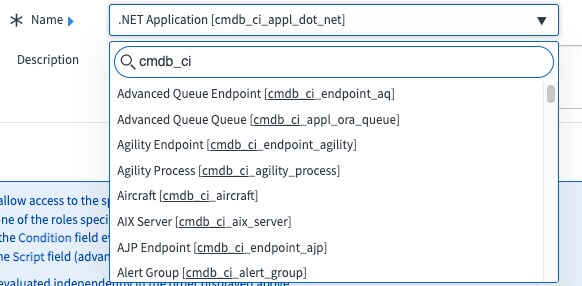
You will need to choose which table and field you are limiting access

Asterisk, means all fields or you can be really specific

Finally, make your group dynamic so a user login will not be able to edit view etc. based on his membership