Options
- Mark as New
- Bookmark
- Subscribe
- Mute
- Subscribe to RSS Feed
- Permalink
- Report Inappropriate Content
02-11-2026 06:14 PM
Hi @LuisBravo17
Please try following
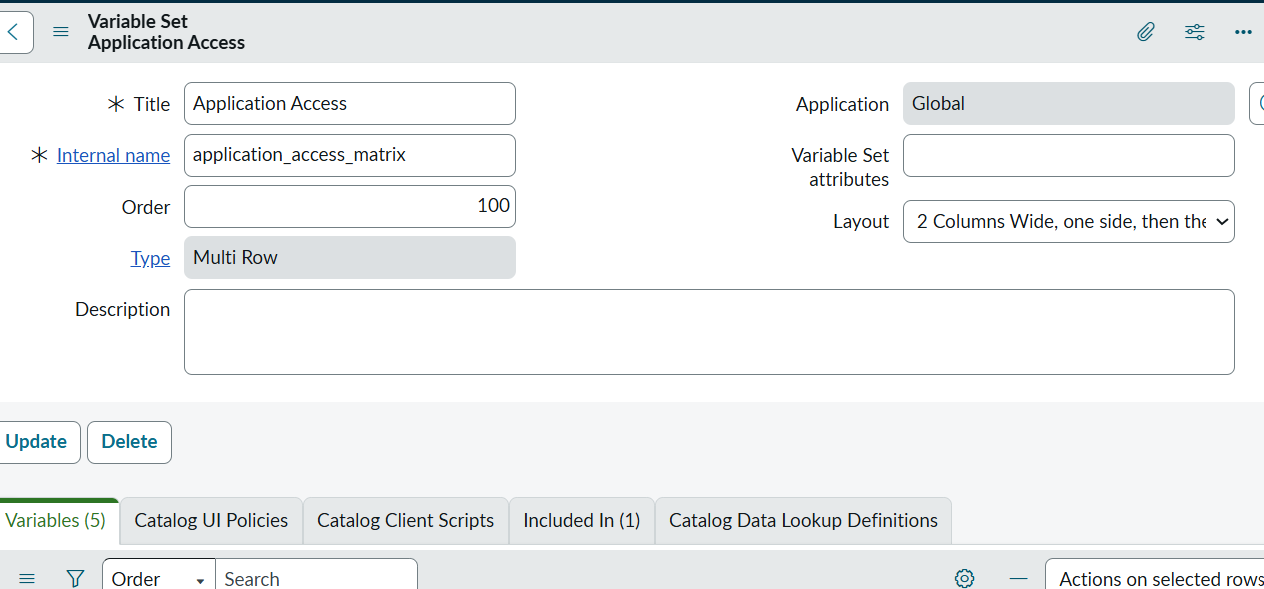
Create a Multi-Row Variable Set
Service Catalog → Catalog Variables → Variable Sets → New
Step 2: Add Variables Inside the MRVS
Inside the MRVS, create:
Environment (Dropdown) Type: Select Box
includes Choices:PROD,STG,TEST
Create variables for TASTY,SAP,APEX etc type: Checkbox
Please like my post. Thanks