- Post History
- Subscribe to RSS Feed
- Mark as New
- Mark as Read
- Bookmark
- Subscribe
- Printer Friendly Page
- Report Inappropriate Content
09-24-2025 06:19 AM - edited 09-24-2025 07:36 AM

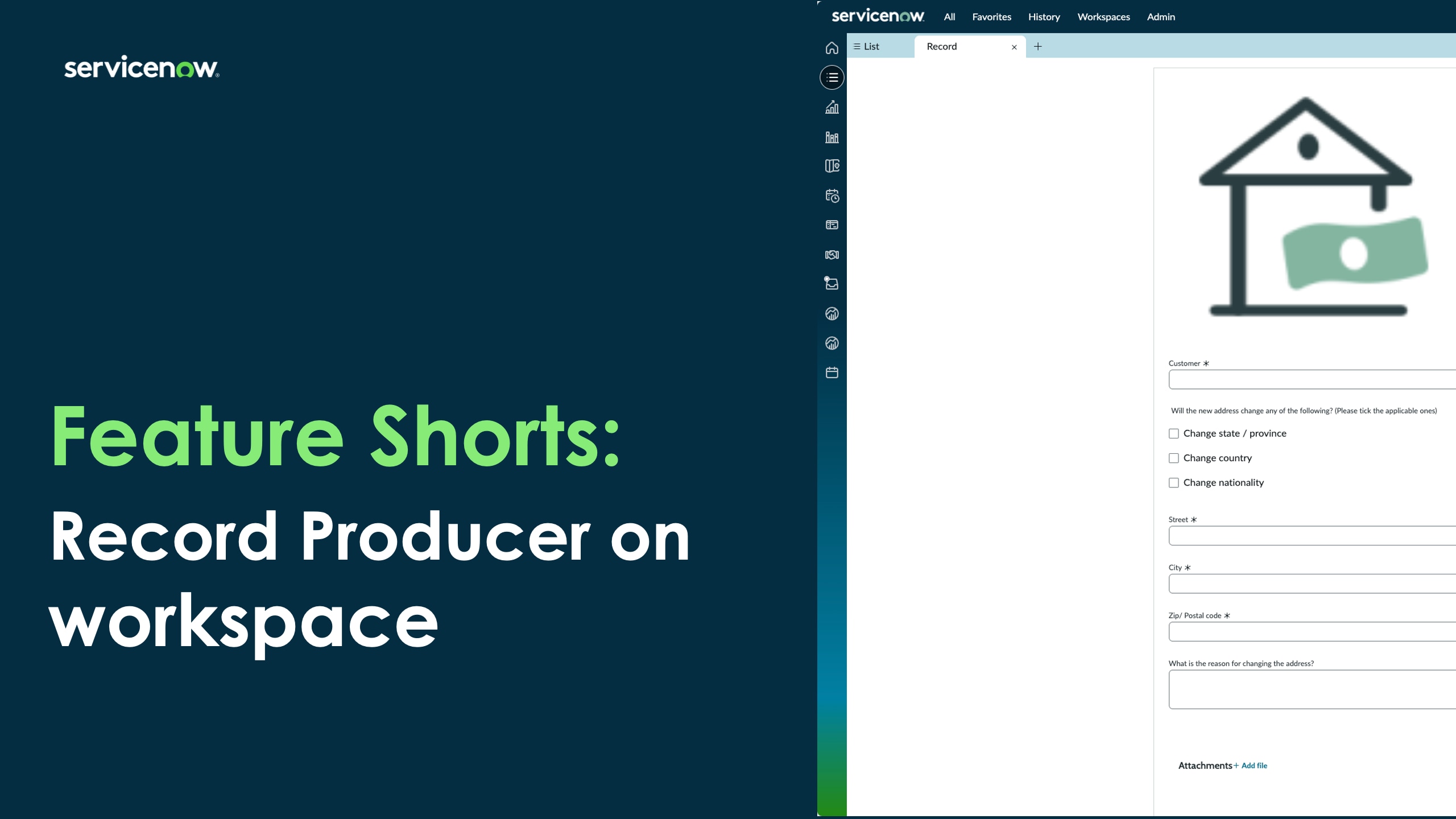
As part of the Zurich release for FSO case management, we’re introducing a powerful enhancement that simplifies case intake for both consumers and agents: record producer launch directly from the FSO service selector.
🧩 What’s the Feature?
If a service definition is tied to a service catalog item, the service selector in the FSO workspace will now display the service catalog UIB component for new case type creation. This means:
- A single, unified intake view for both consumer and agent personas.
- No need to recreate intake flows for different service definitions.
- Admins can now simply ‘set’ the service definition to launch the related record producer in the workspace.
🛠️ Why It Matters
Previously, record producers linked to service definitions were only usable on the portal, not in the workspace. This led to:
- Duplicated effort for admins recreating intake flows.
- Fragmented experiences for agents and consumers.
- Reduced efficiency in case creation workflows.
With this update, we eliminate that duplication and unify the intake experience across personas.
✅ How It Works
Admins now have the option to configure service definitions to:
- Launch the associated record producer directly in the workspace.
- Display the service catalog UIB component for case creation.
- Maintain a single source of truth for intake flows.
💡 Value Delivered
- Reduced admin effort: No more duplicating intake flows for workspace vs. portal.
- Improved agent efficiency: Agents can reuse portal record producers for workspace intake.
- Streamlined experience: One intake view for both consumers and agents.
👥 Who Benefits?
- Admins: Simplified configuration and maintenance.
- Agents: Faster, more intuitive case creation.
- Consumers: Consistent intake experience across channels.
🧭 Troubleshooting Tip
If you encounter an issue while trying to leverage the record producer in the workspace:
- Navigate to: All → System Definition → Script Includes
- Open the file named: FSOServiceDefinitionIntegrations
- Set Active to false for this file
This will disable the conflicting script and allow the record producer to launch correctly in the workspace.
📚 Learn More
For detailed documentation on how service definitions and catalog items work in FSO, visit:
👉 Service definitions with catalog items
or take a look at this recording
- 2,390 Views
- Mark as Read
- Mark as New
- Bookmark
- Permalink
- Report Inappropriate Content
This is awesome!
Been talking about a feature like this whole year. Finally!
- Mark as Read
- Mark as New
- Bookmark
- Permalink
- Report Inappropriate Content
How do you create a Interaction with Account and Contact information then select NEw Case and pass those values to the Record Producer's Account and Contact fields?


- Mark as Read
- Mark as New
- Bookmark
- Permalink
- Report Inappropriate Content
@ronholton-solut If you already have an interaction, you just need a client script at the level of the record producer to extract the already available values from the url.
I just tested with the "File a complaint" record producer
1) First test that you can in fact open the record producer, follow the guide on this article (I had to disable the script include and set the service definition flag to use the record producer to true)
2) create a catalog client script, I just did a fast one as an example :
function onLoad() {

    var url = top.location.href;
    var decodedUrl = decodeURIComponent(url);

    var contactMatch = decodedUrl.match(/contact=([a-f0-9]{32})/i);
    var accountMatch = decodedUrl.match(/account=([a-f0-9]{32})/i);

    var contact = contactMatch ? contactMatch[1] : '';
    var account = accountMatch ? accountMatch[1] : '';

    g_form.setValue('account', account);
    g_form.setValue('contact', contact);
}
3) have an interaction with an account and contact filled in

4) Click the create case and select Complaint Service

5) It should just work

I tested this on the following build: glide-australia-02-11-2026__patch0-02-24-2026
I Hope this helps
- Mark as Read
- Mark as New
- Bookmark
- Permalink
- Report Inappropriate Content
I have a slightly different problem that I am struggling with .
In my client Onboarding journeys ( B2B and B2C) , the fulfillers often require "corrections" to be made by the requestors , post submission , as part of "clarification".
The "reviewers" want the requestors to change certain details ( it goes beyond attachments and additional comments ) .
In servicenow i have faced 2 isues with this .
1. Requestors cannot modify their cases / incidents / requests ( tasks ) once submitted .
2. Playbooks dont do well with my scenario , as they dont "Go-Back" to an earlier task or stage
Has anyone faced similar use cases ? ( I dont think these are very unique cases )
If yes appreciate some directions .