Getting error logs in Intune Import Schedule

- Mark as New
- Bookmark
- Subscribe
- Mute
- Subscribe to RSS Feed
- Permalink
- Report Inappropriate Content
03-17-2025 03:05 AM
Hi,
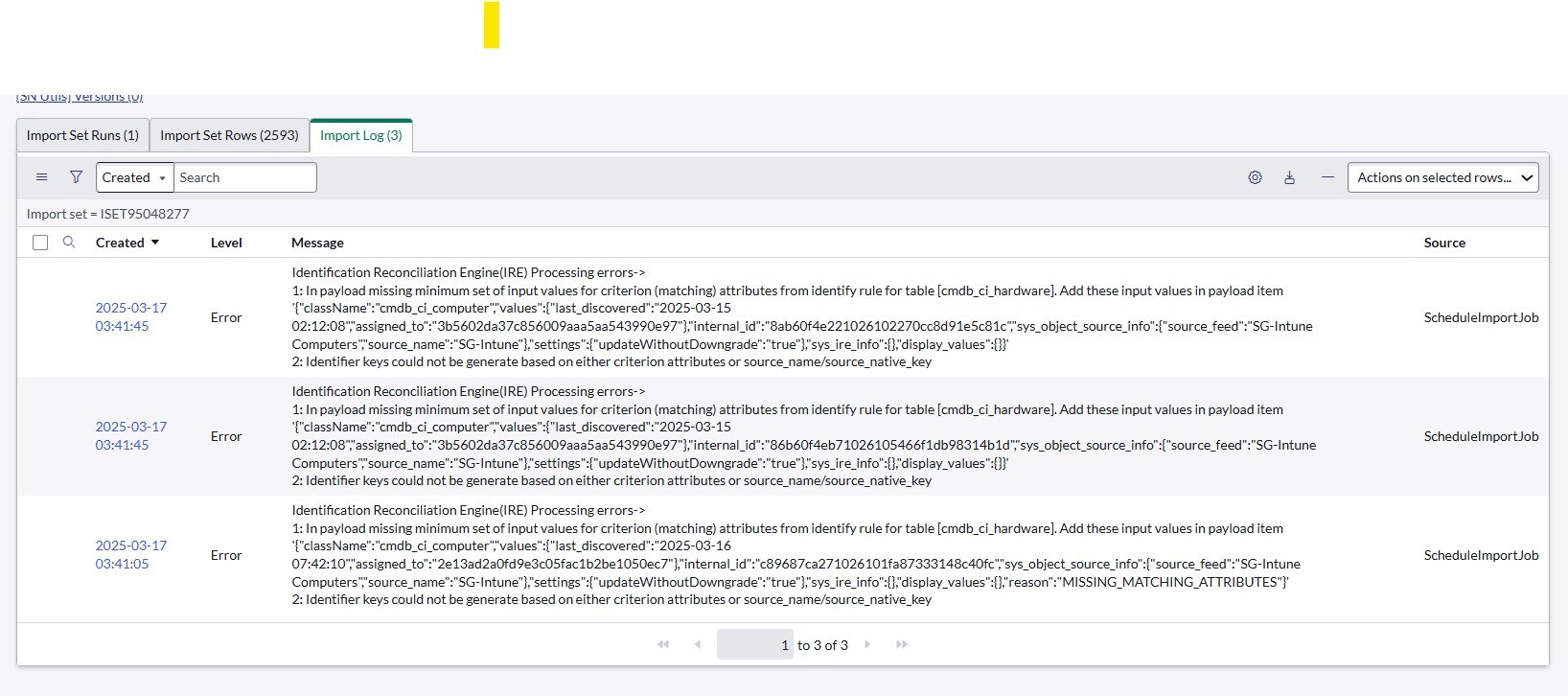
I am getting the below error in Microsoft Intune Service Graph Connector Import Logs:
Identification Reconciliation Engine(IRE) Processing errors->
1: In payload missing minimum set of input values for criterion (matching) attributes from identify rule for table [cmdb_ci_hardware]. Add these input values in payload item '{"className":"cmdb_ci_computer","values":{"last_discovered":"2025-03-15 02:12:08","assigned_to":"3b5602da37c856009aaa5aa543990e97"},"internal_id":"8ab60f4e221026102270cc8d91e5c81c","sys_object_source_info":{"source_feed":"SG-Intune Computers","source_name":"SG-Intune"},"settings":{"updateWithoutDowngrade":"true"},"sys_ire_info":{},"display_values":{}}'
2: Identifier keys could not be generate based on either criterion attributes or source_name/source_native_key
Please assist me with this issue.
Thanks in Advance!!!
Kiruthiga Kumar