- Post History
- Subscribe to RSS Feed
- Mark as New
- Mark as Read
- Bookmark
- Subscribe
- Printer Friendly Page
- Report Inappropriate Content
on 07-18-2022 02:21 AM
Record producer configurations are available in Service Now to enable this functionality. I'll walk you through how to use
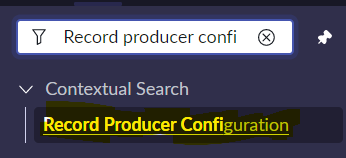
- In Application navigator, Go to Contextual search > Record producer configuration

- Go to Record producer configuration table and click New
1.) Record producer - Give the Record producer name
2.) Search context - Give the context from which you want to populate the related results, In OOB we have few search contexts available for us, We can also create a custom context.
3.) Search variable - Give the variable on which you wanna enable the search context

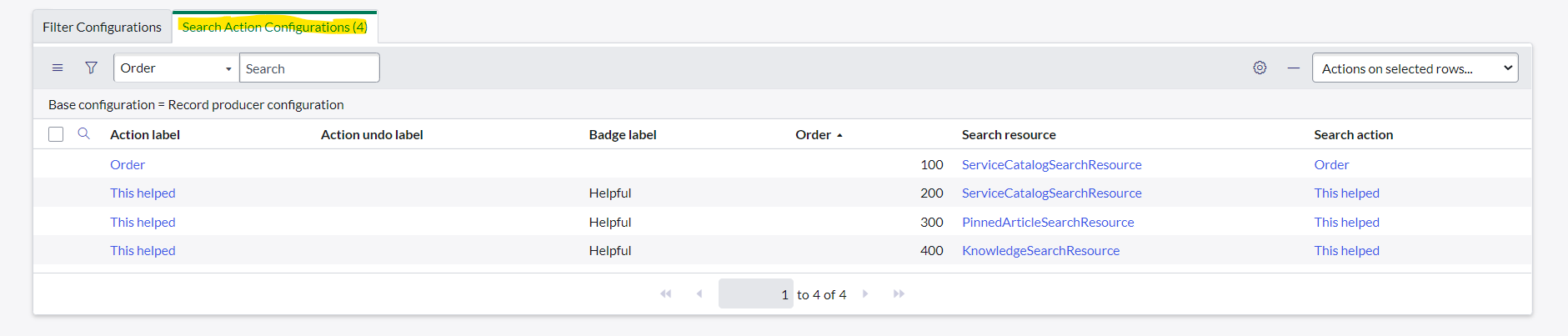
- The following Search Action configurations related lists are automatically populated based on the search context
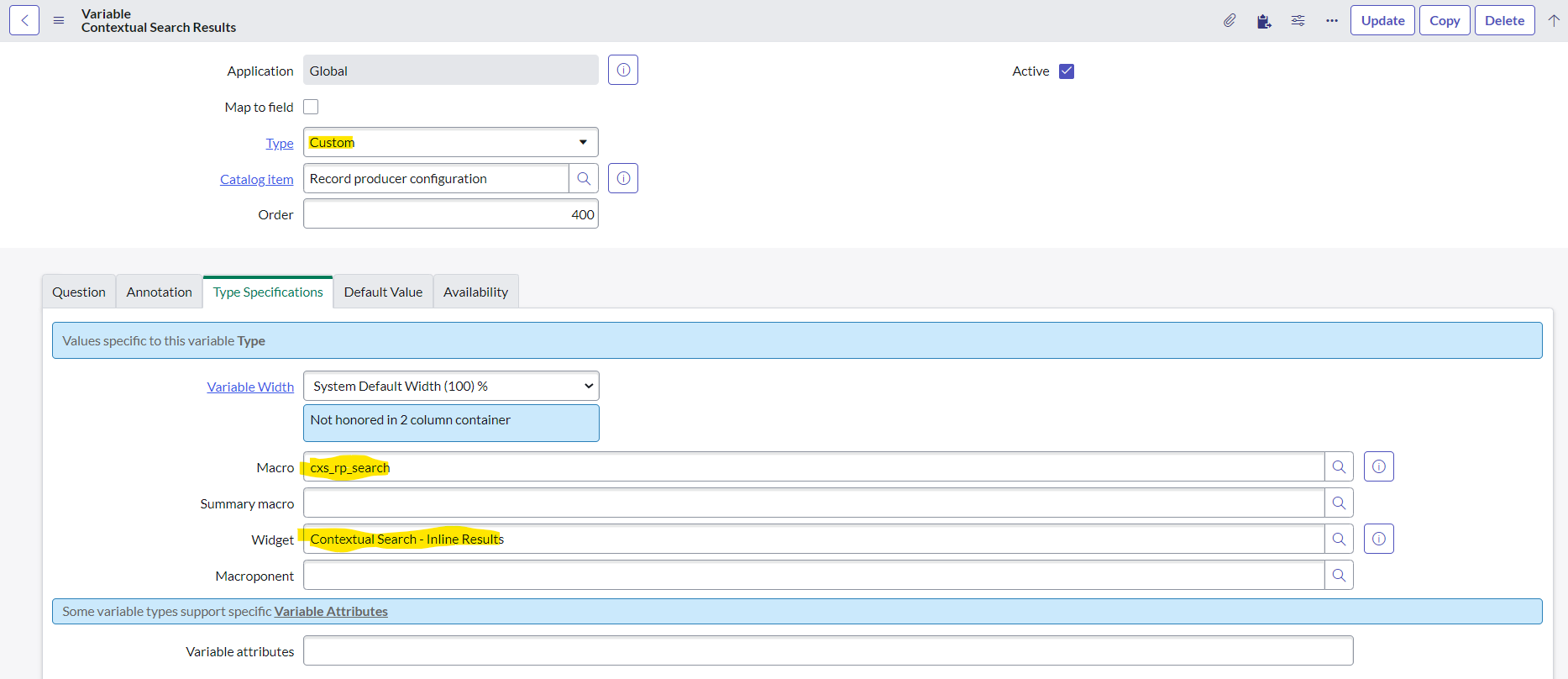
- Create a custom variable after the variable on which you want to enable Related search results.
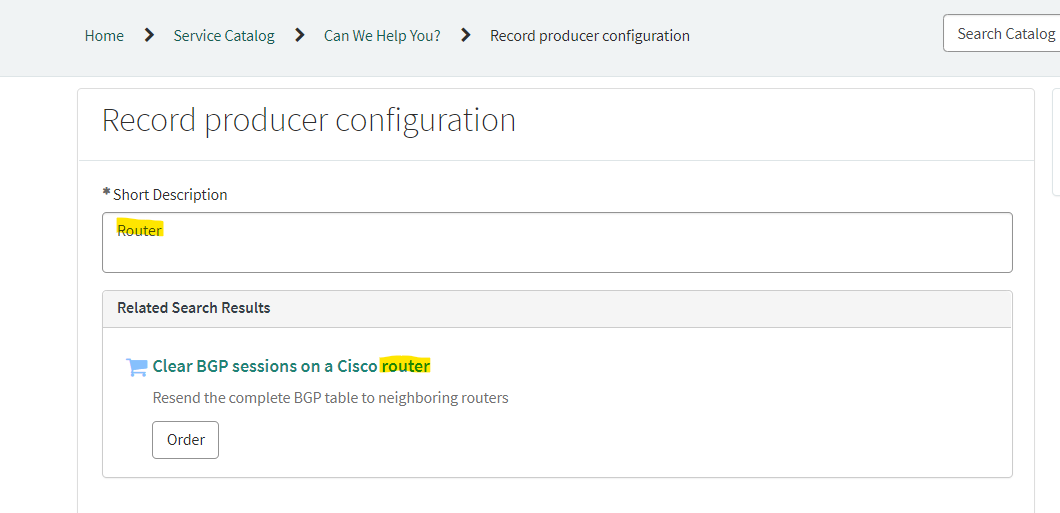
- Let us now put our functionality to the test.
- If you're unable to see the "Order" button do the following
1.) Go to the Angular templates(sp_ng_template) table and Locate cxs-result-catalog
2.) Replace the below existing line , Add the order at end of the
<a class="btn btn-default sc-btn" ng-href="{{result.related_links[0].sp_link+'&referrer=contextual_search'}}" ng-attr-aria-label='{{i18n.format(c.data.i18nMsgs.catalog.order, result.title)}}'>{{orderActionDetails(result).actionLabel}}</a>
Below is the updated HTML
<a class="btn btn-default sc-btn" ng-href="{{result.related_links[0].sp_link+'&referrer=contextual_search'}}" ng-attr-aria-label='{{i18n.format(c.data.i18nMsgs.catalog.order, result.title)}}'>{{orderActionDetails(result).actionLabel}}Order</a>


Pointer: Only one variable within a record producer can use contextual search.
Sources: Define contextual search
Context Search on a Catalog Item - Button Text Issue
If you have any corrections or suggestions, please leave them in the comments section.
Regards,
Sai Kumar
- 8,381 Views

- Mark as Read
- Mark as New
- Bookmark
- Permalink
- Report Inappropriate Content
Is there a way to limit to search results from Catalog Items or Knowledge Articles? For example for certain phrases I only see catalog items since the max number is 10 and there are 10 matching catalog items
- Mark as Read
- Mark as New
- Bookmark
- Permalink
- Report Inappropriate Content
Is there a way to add multiple contextual searches for the same record producer @Sai Kumar B
- Mark as Read
- Mark as New
- Bookmark
- Permalink
- Report Inappropriate Content
Hello @Sai Kumar B - is it possible to configure search based on multiple variables? we have a requirement to show suggestion based on short description and user.country.