- Post History
- Subscribe to RSS Feed
- Mark as New
- Mark as Read
- Bookmark
- Subscribe
- Printer Friendly Page
- Report Inappropriate Content
on 10-21-2019 06:34 PM
Here's an example of how to use a custom portal widget within the service catalog to manipulate UI policies.
In this example, the customer wanted a configurable widget that would filter the contents of a form, allowing them to address specific incidents with different questions/information.

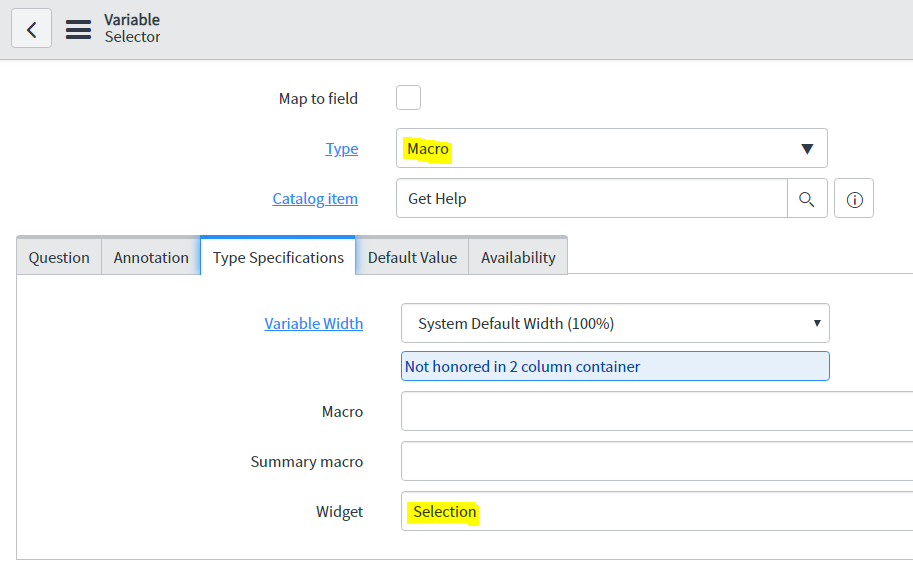
The attached widget works as a macro in the service catalog item, referencing the attached widget, with a bunch of options that allow you to change the key/values and the field that's influenced.

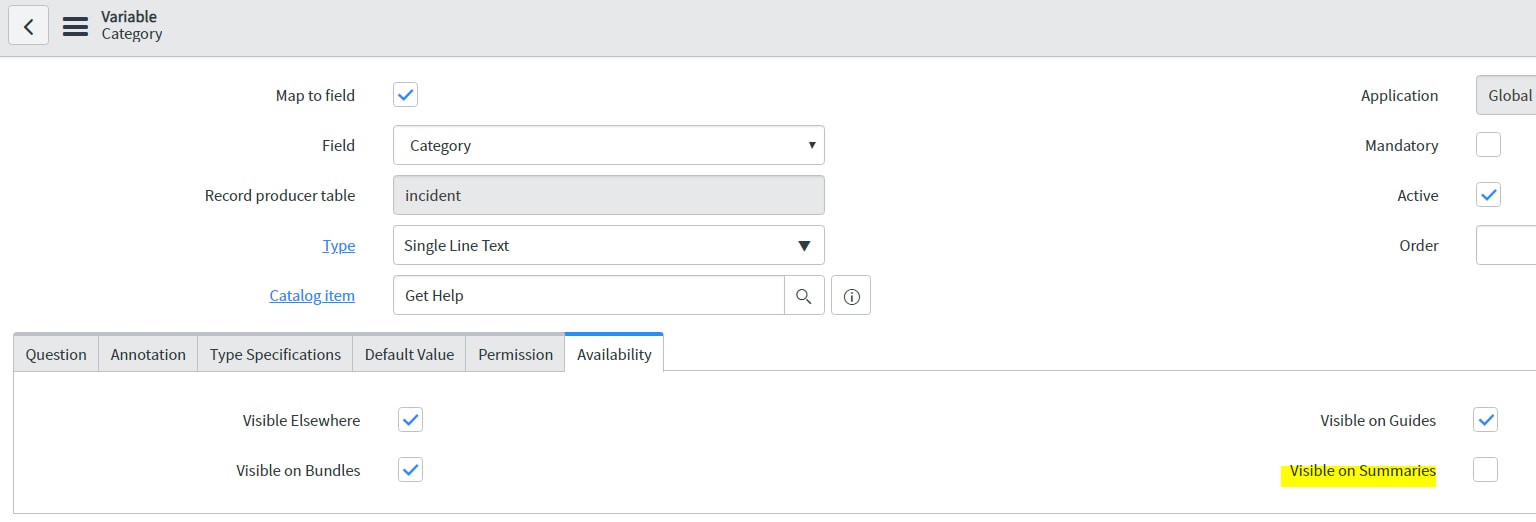
The key/value pairs in the selections array govern which value is shown and what key that relates to, that is then pushed into the update g_form field (which in this case is 'category')

Once that's in place, it was simply a case of setting up an On Change catalog client script to alter the next drop down showing the options relevant to each selection
function onChange(control, oldValue, newValue, isLoading) {
	if (isLoading || newValue == '') {
		return;
	}

	//Define your options here
	var options = {
		"cpis" :["Online Service","Payment","CLM Error","Slowness","Letter","Claim/Policy Closure","Incoming/Outgoing Communication Error","Other CPIS Issue"],
		"hardware":["Cables","Docking Station","Headset","Headset Docking Station","iPad","Keyboard","Monitor","Mouse","Notebook/Laptop","PC Base","Phone","Tablet","Other Hardware Issue"],
		"remote" :["Business Connect","Portal Login","No Connectivity","Performance Issues","CMW Information","Other CMW Issue"],
		"software":["Word","Excel","Email","Windows","Skype","Teams","SharePoint","Other Software Issue"],
		"wcqapps" :["Merchant Suite","OIR","Chrome","Exchange Console","Active Directory","Technology One","Audio Visual","TOAD","TIPT","Other WCQ Software"],
		"access":["Security Card is Broken","Profile Size","Access Rights","Access Denied"],
		"general":["Other"]

	};

	g_form.setValue('u_what_is_broken','');
	g_form.clearOptions('u_what_is_broken');

	options[newValue].forEach(function(thisOption){
		g_form.addOption('u_what_is_broken',thisOption,thisOption);
	});
	g_form.addOption('u_what_is_broken','','');//add a blank option to force a choice
}
Have fun