How to Enable Watch List Add/Remove Functionality on ESC Incident Ticket Page?

- Mark as New
- Bookmark
- Subscribe
- Mute
- Subscribe to RSS Feed
- Permalink
- Report Inappropriate Content
2 weeks ago
Hi Team,
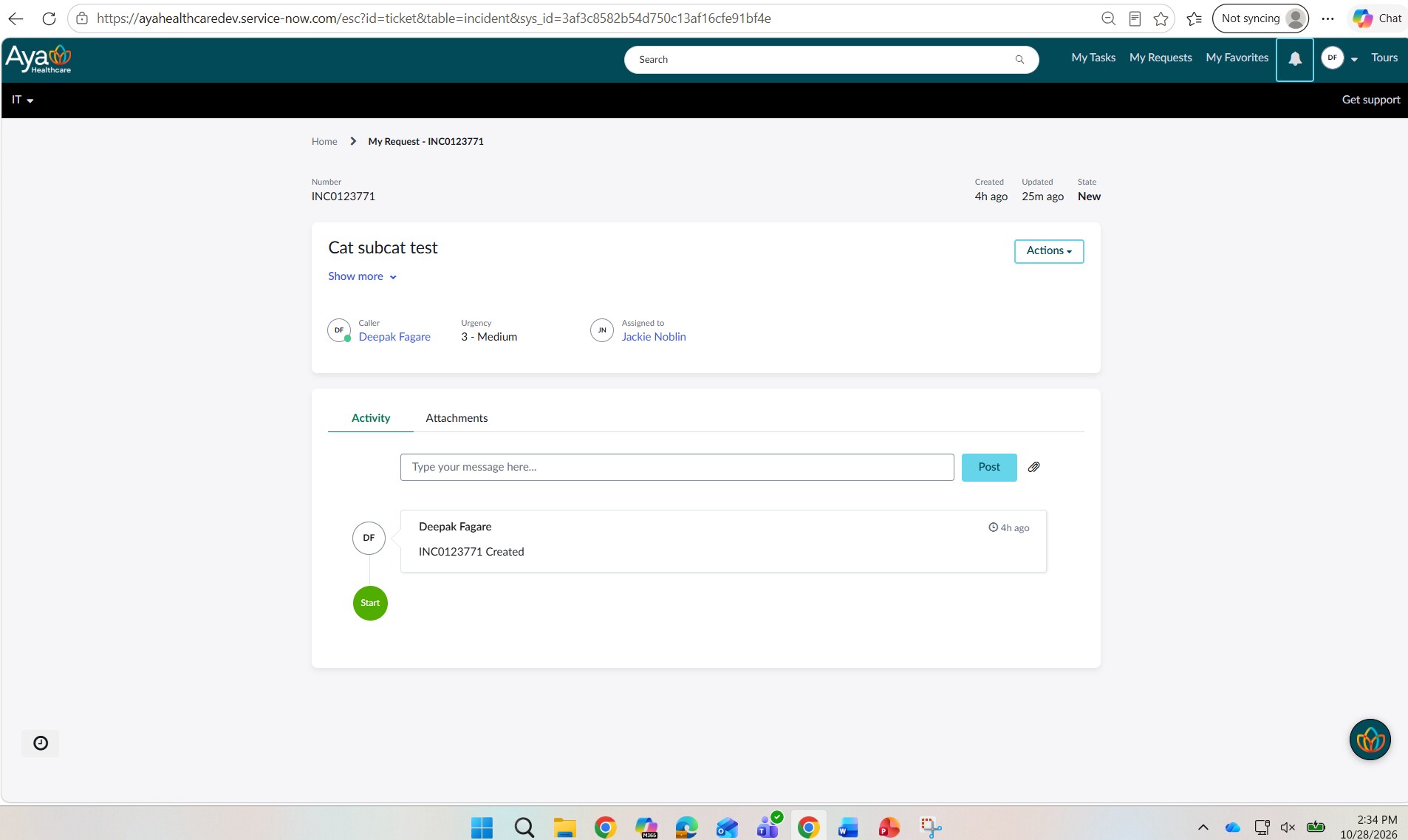
I have a requirement to allow end users to manage the Watch List on Incident tickets within Employee Service Center (ESC).
Specifically, on the standard ESC ticket page.
I need users to be able to:
- View current Watch List members
- Add users to the Watch List
- Remove users from the Watch List
- Update the Watch List after the Incident has been created
Ideally, I would like to leverage any existing OOB Employee Center functionality rather than building a custom widget from scratch.
My questions are:
- Does ESC provide any out-of-the-box Watch List component for Incident tickets?
- Which widget/page component controls Watch List functionality on the standard ESC ticket page?
- Has anyone successfully exposed the Incident watch_list field on the ESC ticket experience?
- What is the recommended approach: extending the Ticket Fields widget, adding a custom widget, or reusing an existing OOB widget?
Any guidance, examples, or best practices would be greatly appreciated.
Thank you


- Mark as New
- Bookmark
- Subscribe
- Mute
- Subscribe to RSS Feed
- Permalink
- Report Inappropriate Content
2 weeks ago
portal is for end users and why would you allow end users to update watch list from portal?
not a recommended approach
OOTB watch list field can't be added to ticket page on portal, but I have a workaround in blog I created
please check below
Adding Watch List to Standard Ticket Configuration in ServiceNow
💡 If my response helped, please mark it as correct ✅ and close the thread 🔒— this helps future readers find the solution faster! 🙏
