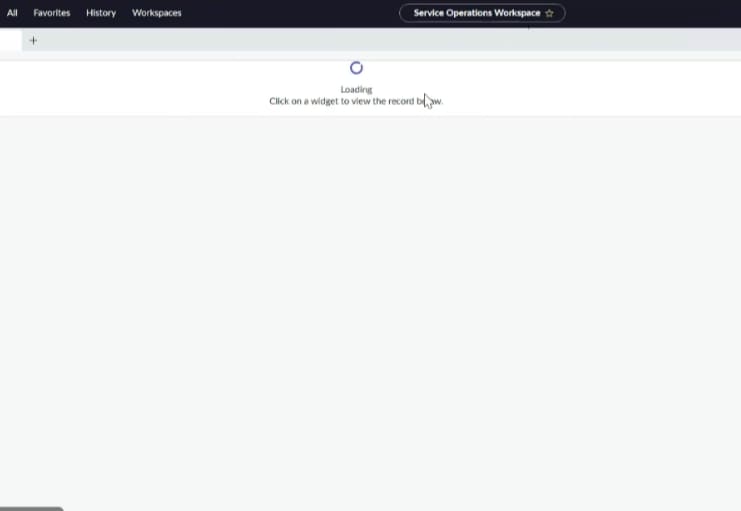
User unable to see the service operations workspace page

- Mark as New
- Bookmark
- Subscribe
- Mute
- Subscribe to RSS Feed
- Permalink
- Report Inappropriate Content
02-19-2026 01:16 PM
When I checked, the user is able to access the SOW page in the Dev and Test environments. I compared the roles across all three environments, and they appear to be the same. However, the issue is occurring only in the Production environment.
Even after assigning the Workspace User role and the ITIL role, the issue persists.
Could you please help me resolve this issue?
Please find the attached screenshot it was keep on loading even after one hour or next day
Done cache.do and cleared history still issue persists in the production

- Mark as New
- Bookmark
- Subscribe
- Mute
- Subscribe to RSS Feed
- Permalink
- Report Inappropriate Content
02-23-2026 10:33 AM
Hi @BabyG ,
Is your issue fixed?
If not, you can check following stuff as well (compare with non-prod)
- Check UX Applicability (Most Likely Cause): Go to the
sys_ux_applicabilitytable and inspect the "SOW Common Audience" record. If it is restricted to the admin role, non-admin users will not have access. - Verify Roles: Ensure users have the proper roles (e.g.,
sn_sow.user) to access the workspace. - Update Set Issues: Verify that all SOW-related configuration records (specifically
sys_ux_screen) were correctly captured and deployed from sub-production to production. - Plugin Status: Ensure the Service Operations Workspace plugin (
sn_sow) is active in production . you can repair it.
Regards
Tanushree Maiti
ServiceNow Technical Architect
LinkedIn: https://www.linkedin.com/in/tanushreemaiti