Only a Few Pages Indexed by Google Despite Sitemap Listing All Pages

- Mark as New
- Bookmark
- Subscribe
- Mute
- Subscribe to RSS Feed
- Permalink
- Report Inappropriate Content
10-17-2025 04:17 AM
Hi everyone,
I have a website: gatewayabroadeducations-com with approximately 280 total pages, including many blog posts. All of these pages are included in the sitemap, which I’ve submitted through Google Search Console.
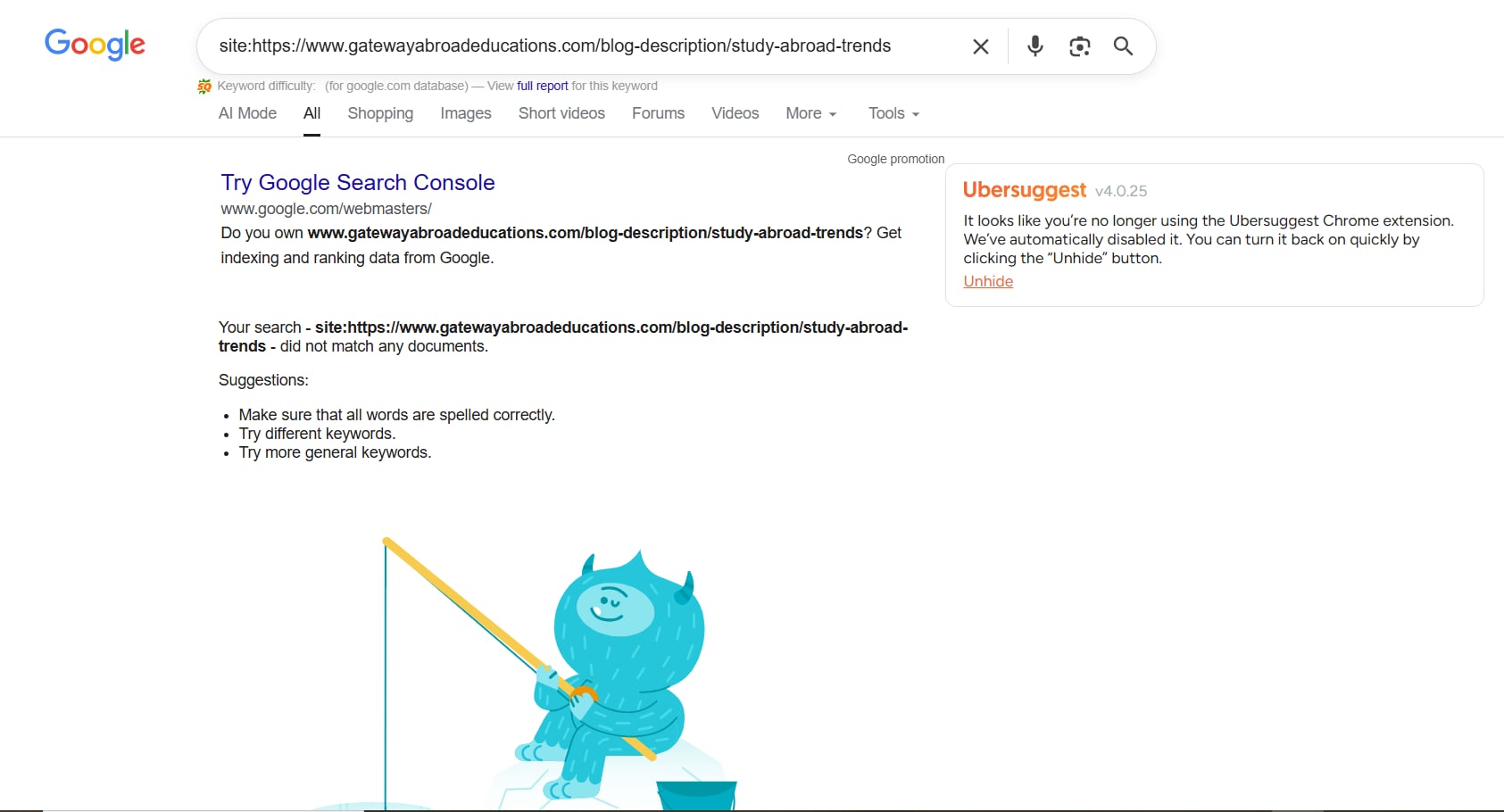
However, when I check using site:gatewayabroadeducations-com in Google, I can only see around 29 pages indexed. The rest—including most of the blog posts—aren’t showing up in the search results.
Here’s what I’ve already checked:
- All pages are listed in the sitemap
- No pages are blocked by robots.txt
- Pages return a 200 OK status
- Canonical tags appear correct
- No manual actions or penalties in Search Console
I’m not sure what’s causing this issue. Could it be related to:
- Content quality or duplication?
- Poor internal linking?
- Crawl budget limitations?
- Something else?
I’d appreciate any insights or suggestions to help identify and resolve the indexing issue.
Thanks!

- Mark as New
- Bookmark
- Subscribe
- Mute
- Subscribe to RSS Feed
- Permalink
- Report Inappropriate Content
01-06-2026 02:19 AM - edited 01-06-2026 02:32 AM
We are experiencing a similar issue but we hope to fix it by setting the canonical URL properly (which you see to have done already).
On your Google Search Console under Indexing - Pages you should see the number of pages that are being indexed and the number of pages that are not being indexed including the top reasons why those pages are not being indexed.
In our case (https://support.wur.nl) the main reason given for the large number of not indexed pages is "Duplicate without user-selected canonical" and we are curious what you see as top reason that your pages are not being indexed.
There also is a way to block your site from being crawled by setting a HTTP Response Header, which is explained here: https://support.servicenow.com/kb?id=kb_article_view&sysparm_article=KB1584541
You might want to check if the HTTP Response entry mentioned in the article is active on your instance.