Custom Workspace (Duplicate of SOW)–Home Dashboard Not Displaying Role-Based Data from Custom Table

- Mark as New
- Bookmark
- Subscribe
- Mute
- Subscribe to RSS Feed
- Permalink
- Report Inappropriate Content
04-09-2026 04:45 AM
Hi,
Can anyone help/guide me on this issue,
What was done
- Created a custom workspace (Service Request Workspace) by duplicating the existing SOW (Service Operations Workspace).
- In the List menu of this new workspace, added three custom tables.
- Role-based access control is working correctly in the List menu
- Users can see only the records they are authorized to view, based on their assigned roles. What is required (Expected behavior)
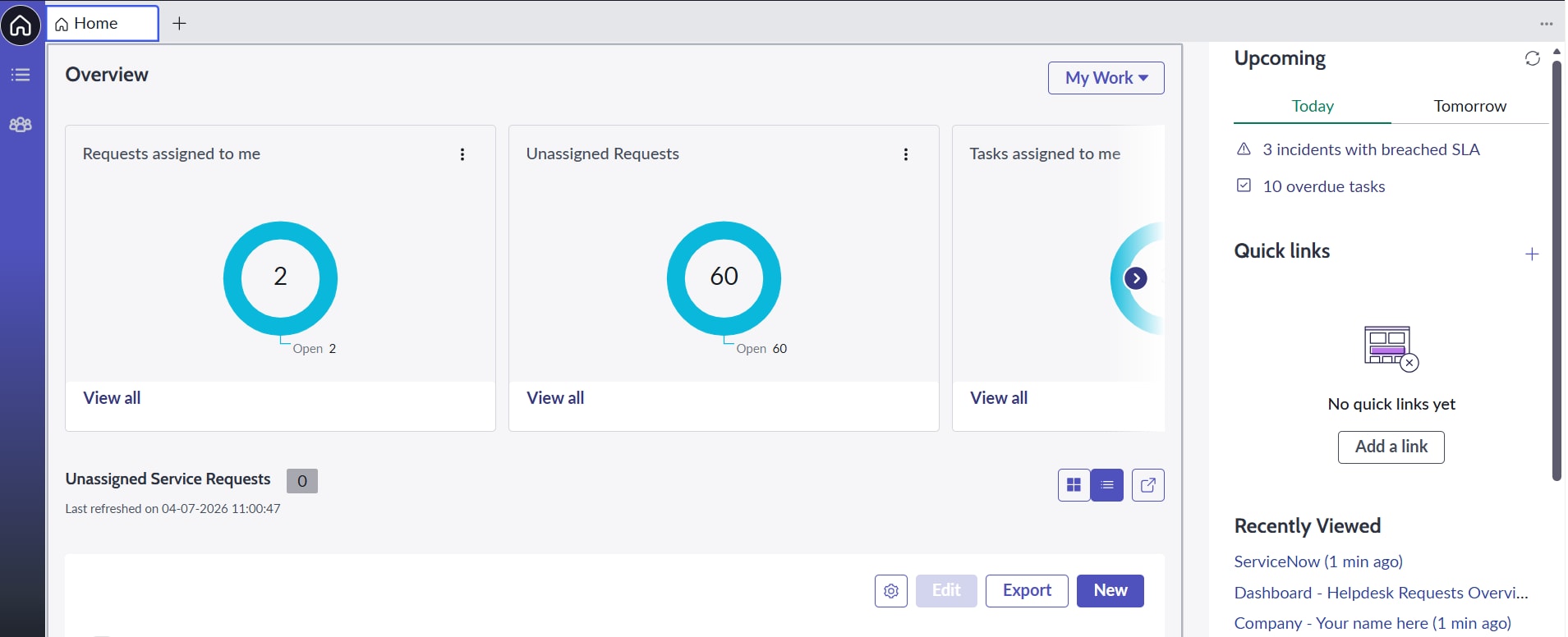
On the landing page (i.e., the Home menu / Dashboard of the custom workspace), the dashboard should automatically display data from the same three custom tables.
- The data displayed must be filtered / visible according to the logged-in user’s role, exactly like it works in the List menu.
- Different roles should see only the records they have access to.
Current problem
The Home dashboard report is not showing data of one of the custom tables; we are not able to add the table to the data source of these reports.
- Mark as New
- Bookmark
- Subscribe
- Mute
- Subscribe to RSS Feed
- Permalink
- Report Inappropriate Content
04-09-2026 04:54 AM
Confirm in both the workspaces(Service Operations Workspace and Custom Workspace) same dashboard and same content is getting visible?
Thanks,
DInesh.
- Mark as New
- Bookmark
- Subscribe
- Mute
- Subscribe to RSS Feed
- Permalink
- Report Inappropriate Content
04-09-2026 05:01 AM
No, in SOW (Service Operations Workspace) it displays Incident and Request details and in Custom Workspace, I have 3 custom tables added. It is displaying 2 custom tables data according to the roles provided and other 1 table it is not showing in dashboard.