- Post History
- Subscribe to RSS Feed
- Mark as New
- Mark as Read
- Bookmark
- Subscribe
- Printer Friendly Page
- Report Inappropriate Content
on 12-22-2020 11:01 PM
Intro
ServiceNow offers over 70 basic products and apps across three main workflows designed to cover IT Service, HR Service, and Customer Service management processes. Any other process that is not included by the platform's baseline can be reimagined as a digital workflow using the NowPlatform App Engine. This ServiceNow core capability empowers any organization to build and extend workflow apps.
Any process created on the NOW Platform benefits from the ServiceNow design principles to facilitate rapid development with features such as
- No/Low code development
- Use of common coding languages
- Mobile-first approach
- Intelligent business applications
Hundreds of plug-ins can be also found on the platform providing new functionalities to accelerate the development efforts of any organization using ServiceNow.
This article highlights three plug-ins available on the instances initially created for a specific process and later re-designed in order to be leveraged by any process because of their versatility.
1. Templated Responses
Response templates (formerly known as templated snippets) are reusable messages that can be copied to case or task forms to provide quick and consistent messages to users, or to display standard chat response messages to requesters in Agent Chat.
The plugin initially created for HR case management has been released as a FREE plugin.

A module under the 'System Definition' application in the applications navigator and is available in your instance by default.

Creating a response template is an easy task for a ServiceNow developer.
As you can see in the next images the user can select any table in the system and set a condition to obtain the template (1). Response Templates may also be restricted to specific groups using the 'Group visibility' field (2). The restriction ensures that only certain groups will be presented with the template.

The template body field is managed by the system as a notification body. The admin can reference fields belonging to the actual record and dot walk using the usual ${} syntax saving a lot of time to the actual agent responsible to answer the end-users.

When the condition set on a 'Response template' matches the data available on a record of the selected table, the platform shows the 'Responses' UI Action.

The agent working on the task can then have access to the list of available templates.
The template as visible in the next image can include dynamic fields that are completed automatically by the system using information from the actual record.

This 'apparently' small functionality can help different parts of an enterprise organization standardizing the communication with the end-users and save the time spent by the agents to provide updates using the 'Additional Comments' fields.
Possible use cases covered using 'Response Templates'
Escalate HR cases
You want your HR agents to respond to and, when necessary, escalate cases quickly and consistently.
Incident and Interactions Communications
You want your Service Desk agents to respond quickly and engage the end-users following a corporate standard.
2. Special Handling Notes
One of the common requirements requested by customers is to create a system of alerts for the agents assigned to tasks in order to quickly obtain valuable information to complete their work. A common approach followed by consultants is to rush into customization using server-side code or client scripts.
Unfortunately is the wrong one.
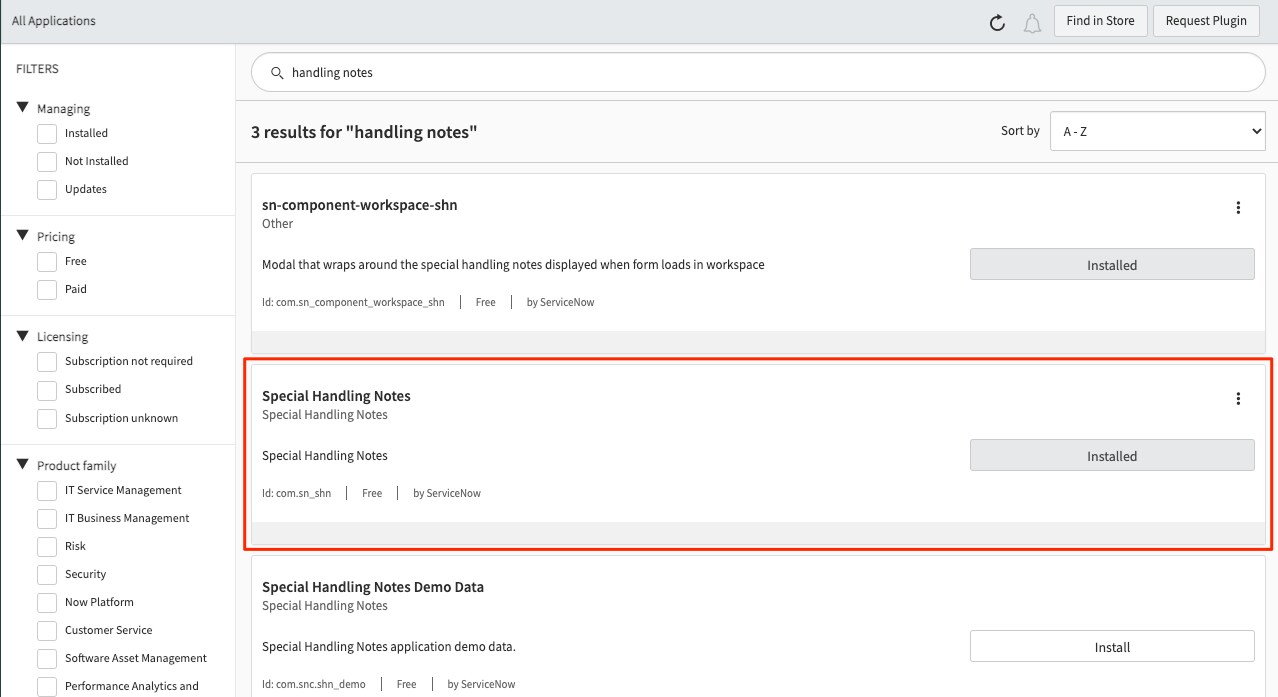
Your instance already provides this functionality through the 'Special Handling Notes' free plugin.

'Special Handling Notes' have been designed primarily for Customer Service Management and Field Service Management applications but can be leveraged by any other process.
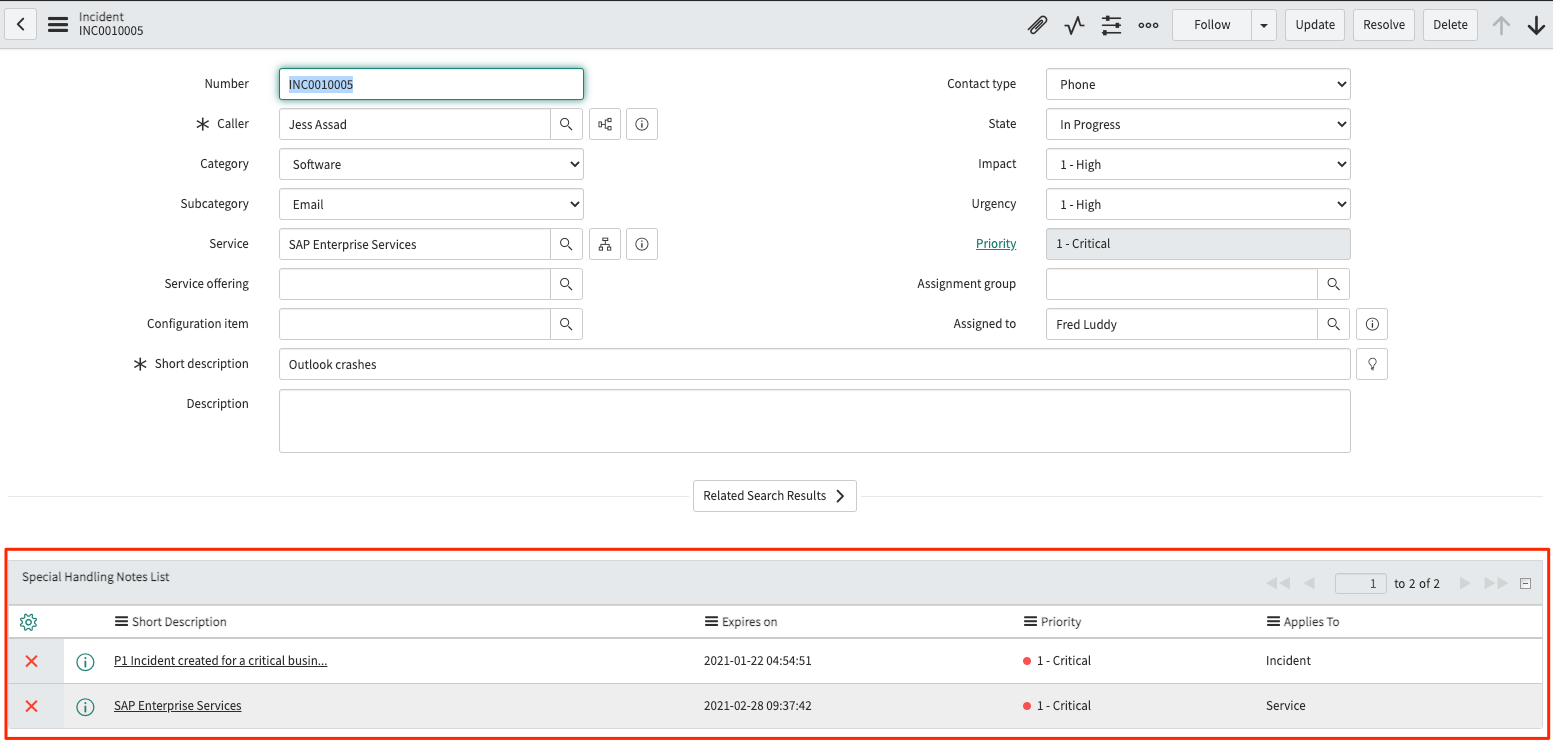
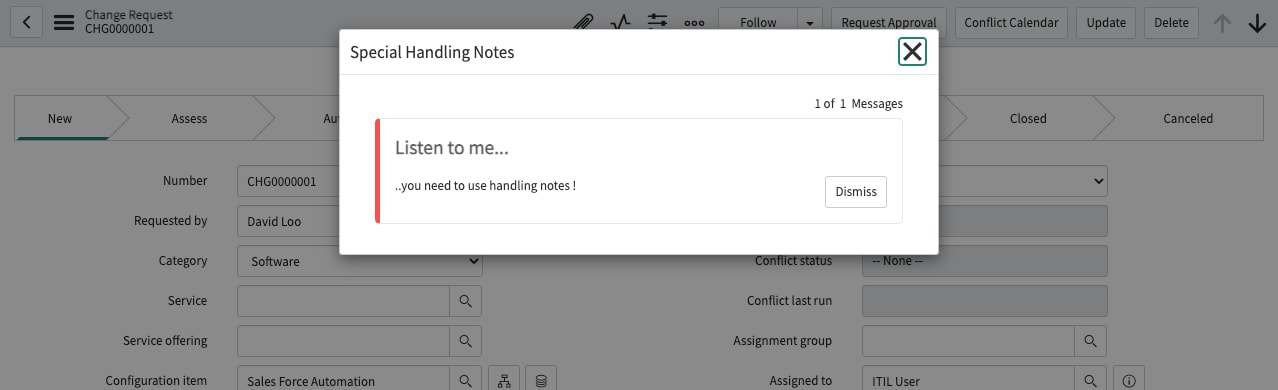
'Special Handling Notes' create notes that bring important information about individual records to the user's attention. The notes can be displayed in an Embedded List or Pop-up Window when accessing a form.

System administrators or handling notes admins (sn_shn.admin) can set any table in the system to accept the creation of notes navigating under Special Handling Notes > Configuration

It is also possible to decide if notes from referenced tables can be visible on the records.

For instance.
In the example visible in the previous image I set three different tables to be affected. On the other hand, on the incident table records will be visible any notes created directly for the incidents and any notes available for the selected Business Service.

The creation of a handling note is a basic configuration in the platform and can be done in two ways
- Navigate under Special Handling Notes >Special Handling Notes and click New at the top left of the list (for both sn_shn.user and sn_shn.admin role)

- From any entity form (case, incident, etc) and click the 'Create Special Handling Notes' related link (only for sn_shn.admin role)

The users in order to create a new note must set the following information.


The last bit of setup is the admin's hand.

In order to see the notes on the forms, you need to update them including the right 'UI Formatter' or the list.

Possible use cases covered using 'Special Handling Notes'
- Entitlement Changes
- VIP Accounts or Customers
- VIP Callers
- Urgent Issues
- Products Recalls
- Critical Business Services Management
- Process Standardisation
- Agent Support and Guidance improvement
Cheers
r0b0

- 3,146 Views