Help on below reports and dashboards

Options
- Mark as New
- Bookmark
- Subscribe
- Mute
- Subscribe to RSS Feed
- Permalink
- Report Inappropriate Content
08-26-2025 03:24 AM
| List of KPI | Definition | Calculation Formula | Data Points / Fields in ServiceNow |
| Project Demand Forecast Accuracy | The percentage of demand approved completed within the planned timeline | (Number of Demands completed on time / Total Approved Demands) * 100 | - Demand= Completed - Planned End Date, Actual End Date- Approval = Approved |
| Number of New Demand Requests (Project, New Enhancement ) | Tracks the total number of new demand requests received over a specific period by request type. | Count of Demand records created grouped by Type over time | - Demand Type (e.g., Project, Enhancement)- Created Date |
| Average Time to Approve Demand Requests | Measures the average time taken to approve project requests from submission to decision. | Avg(Date Approved - Date Submitted) | - Created Date- Approval Date (custom field or system update when Approval = Approved) |
| Project Request Conversion Rate | The percentage of requests that are approved and move into the execution phase. | (Number of Approved Demands moved to Project / Total Demand Requests) * 100 | - Approval Status = Approved- Demand linked to Project (Project field not null) |

2 REPLIES 2


Options
- Mark as New
- Bookmark
- Subscribe
- Mute
- Subscribe to RSS Feed
- Permalink
- Report Inappropriate Content
08-26-2025 12:38 PM
Options
- Mark as New
- Bookmark
- Subscribe
- Mute
- Subscribe to RSS Feed
- Permalink
- Report Inappropriate Content
09-07-2025 11:53 PM
Hi @AndersBGS,
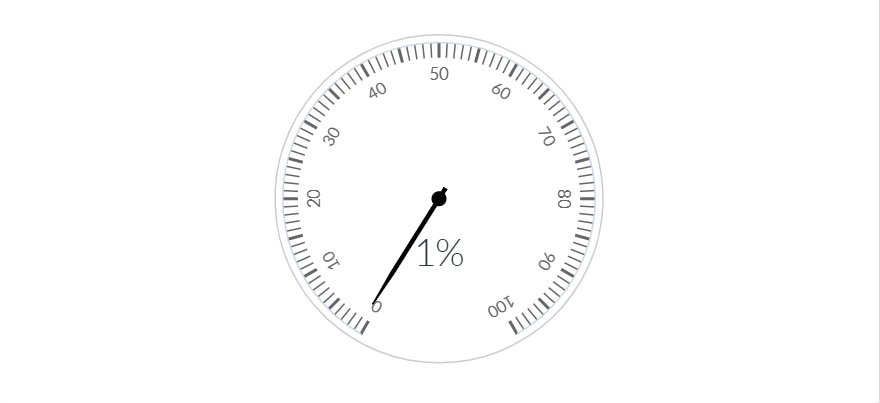
I’d like to display color differentiation based on percentage ranges in a gauge-type report:
I created this report by using PA. (Formula Indicator->Indicator Source->Indicators)

I’ve also set up the Color Scheme, target and added the corresponding target values.
Green: Above 85%
Amber: Between 60% and 84%
Red: Below 60%
Let me know if you need any additional details.
Thanks,
Charan