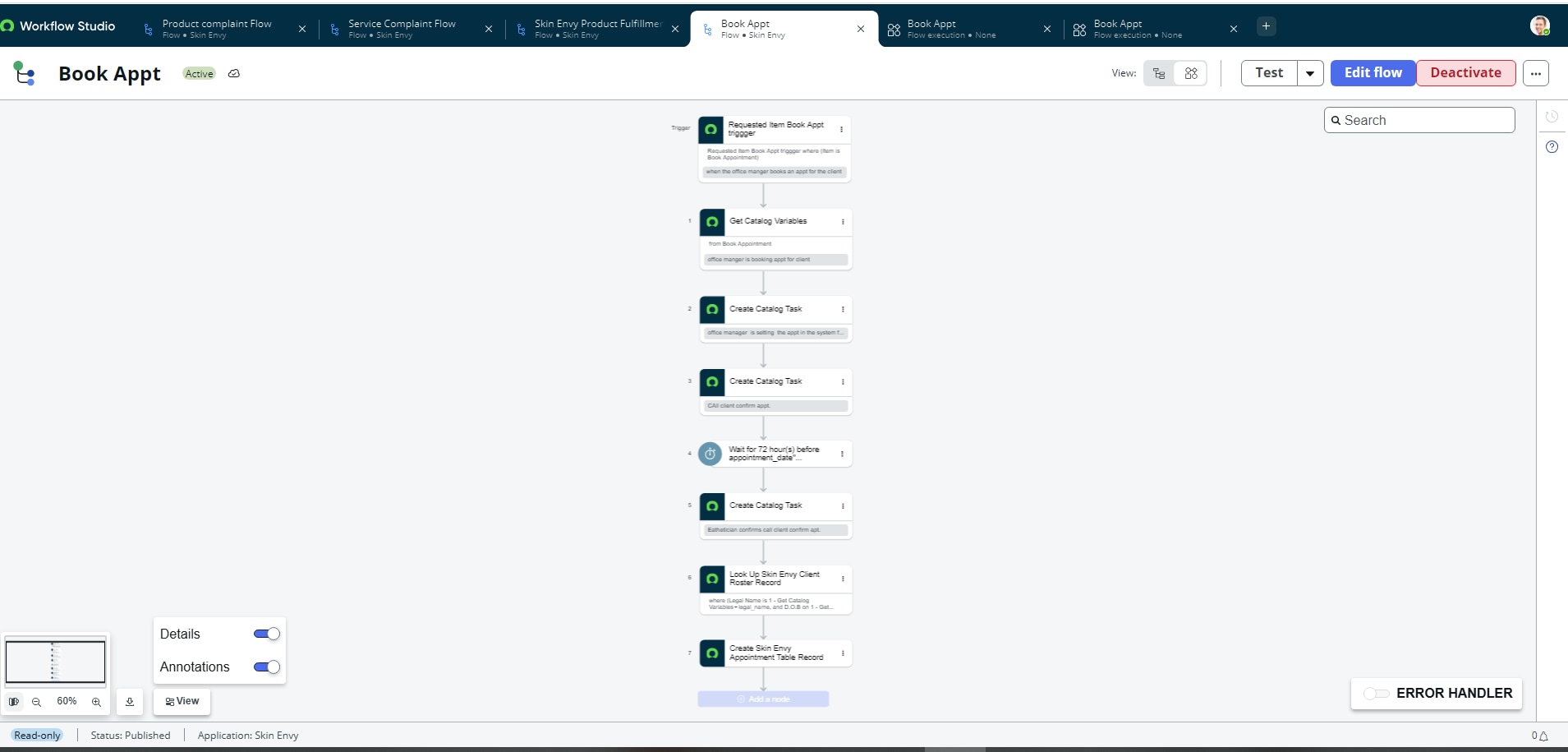
flow missing form directory

- Mark as New
- Bookmark
- Subscribe
- Mute
- Subscribe to RSS Feed
- Permalink
- Report Inappropriate Content
3 weeks ago
I have been trying to access a flow, and now I see the flow was put into draft. They were working, as I have screenshots showing this, and now they are in draft. I did not change anything, and now they are not visible. The ritm canto process and I can't see what is wrong.
- Mark as New
- Bookmark
- Subscribe
- Mute
- Subscribe to RSS Feed
- Permalink
- Report Inappropriate Content
3 weeks ago - last edited 3 weeks ago
Hi @Admin CJ ,
Please follow the below steps.
1. Flow version from history and compare with current draft version and previous version.
2. Review flow is still active or published not and review flow execution details if any error exist.
3. Check flow version with sys_id in this table (sys_update_version) and revert to the previous version.
Please mark helpful & correct answer if its worthy for you.
- Mark as New
- Bookmark
- Subscribe
- Mute
- Subscribe to RSS Feed
- Permalink
- Report Inappropriate Content
2 weeks ago
I checked the sys_update version list table as suggested, and I am unable to find the published flow for room request. The status remains draft and the flow remains not visible. As of right now, the Book appt flow is now displaying the flow and I was able to re-activate and have the staus reflect published. Flow designer has been update and cached.

- Mark as New
- Bookmark
- Subscribe
- Mute
- Subscribe to RSS Feed
- Permalink
- Report Inappropriate Content
3 weeks ago
Hi @Admin CJ
Could you please try following troubleshooting steps:
1.
Review each action and subflow in your flow step by step, paying close attention to the data pills (e.g., Assigned to, Assignment group, etc.).
Try removing and reselecting the relevant variables, then drag and drop the corresponding data pills into the appropriate fields again. This may help resolve the issue.
Refer :
KB0965972 Flow activation does not change flow state from Draft or Modified
Community post: Published Subflow Still has Draft Status
2. Also, make sure you are working in the correct application scope where the flow or subflow was originally created.
Regards
Tanushree Maiti
ServiceNow Technical Architect
LinkedIn: https://www.linkedin.com/in/tanushreemaiti
- Mark as New
- Bookmark
- Subscribe
- Mute
- Subscribe to RSS Feed
- Permalink
- Report Inappropriate Content
3 weeks ago
As I stated with my screenshots, I am unbale ot open the flow. The flow opened to a blank page, and I can't view it to troubleshoot./ I am asking why I am unable to open the flow in Flow Designer to view.. The flow processes halfway through until the approval point. I personally have not created any agents in my flow. I published the flow, and now the flow is a draft. I sent proof that the flow completed, as I gave a demo on this . I am unable to view the KB article as that is for individuals with SN business accounts. .What am I suppse to do if the draft is not opening to view to correct