Transalate referenece type variable and its value in record producer

- Mark as New
- Bookmark
- Subscribe
- Mute
- Subscribe to RSS Feed
- Permalink
- Report Inappropriate Content
02-07-2024 03:35 AM


- Mark as New
- Bookmark
- Subscribe
- Mute
- Subscribe to RSS Feed
- Permalink
- Report Inappropriate Content
02-07-2024 03:38 AM
Hi @rmaroti
i18n is way to do this.
https://www.servicenow.com/community/internationalization/ct-p/international-localization
Regards
Dr. Atul G. - Learn N Grow Together
ServiceNow Techno - Functional Trainer
LinkedIn: https://www.linkedin.com/in/dratulgrover
YouTube: https://www.youtube.com/@LearnNGrowTogetherwithAtulG
Topmate: https://topmate.io/dratulgrover [ Connect for 1-1 Session]
****************************************************************************************************************


- Mark as New
- Bookmark
- Subscribe
- Mute
- Subscribe to RSS Feed
- Permalink
- Report Inappropriate Content
02-07-2024 03:49 AM
1. Question text translation:The question field on a record producer variable is a sys_translated_text field. You simply need to change the language from the user preference, and select the language in which you want to translate the question. Once the language is chosen, you can provide the translated text for question in the question field and save the changes.
2. Reference field value translations: Usually, the reference field shows the values from display field of the table referenced in the reference field. In order to allow translation on your display field, you need to change the field type to sys_translated_text and provide the translation of values in the desired languages. Once done values will be translated depending on the chosen language,
Hope this helps.
- Mark as New
- Bookmark
- Subscribe
- Mute
- Subscribe to RSS Feed
- Permalink
- Report Inappropriate Content
02-07-2024 09:57 PM
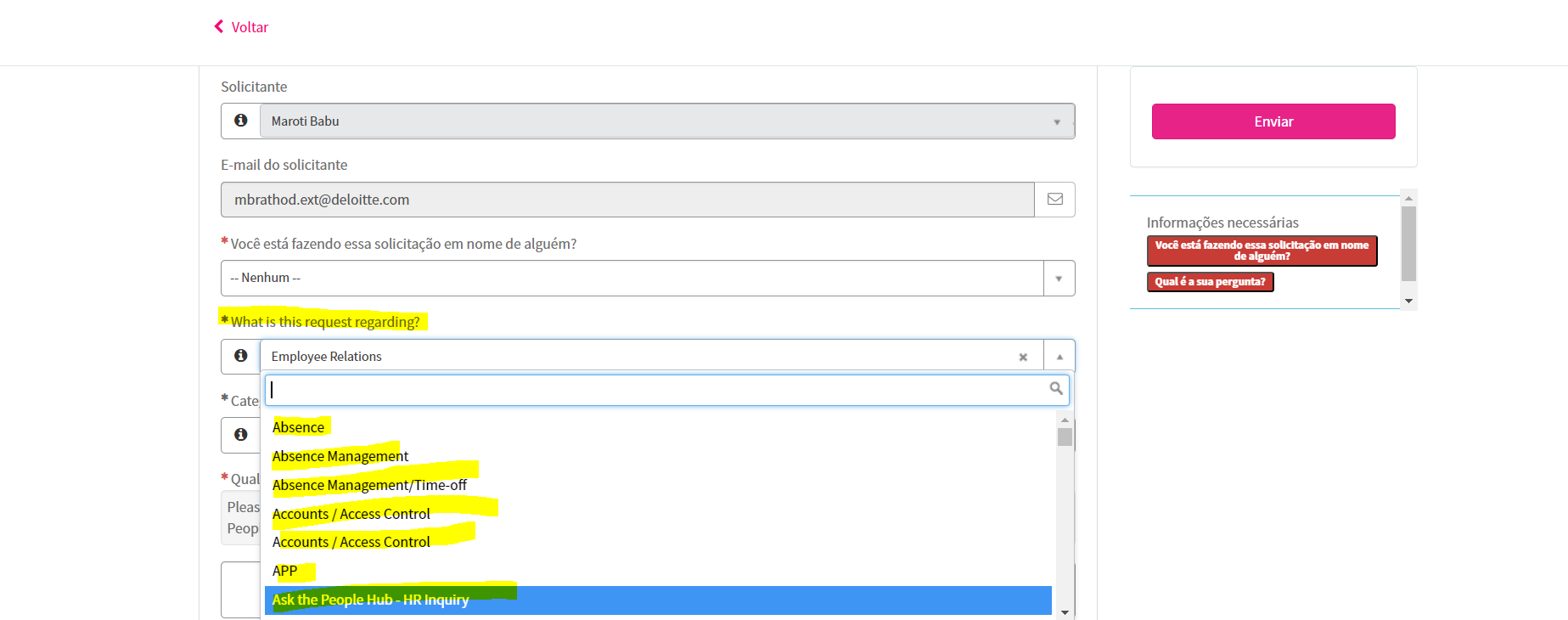
-Can you tell me please where this OOTB logic added if field type is sys_transalated _text then it gone auto translate on change of the language from the user preference.
-because in my case both field are translated text \type of field but some display value are translated and some are not translated so i need to fix this issue so i can do..?
- Mark as New
- Bookmark
- Subscribe
- Mute
- Subscribe to RSS Feed
- Permalink
- Report Inappropriate Content
02-07-2024 11:23 PM
@rmaroti Translation doesn't take place automatically, you need to provide the translation for a text in each language. Best way is to choose the language from preference and enter the translated text in that language, follow the same procedure for other languages too.
