Unable to assign user in Task form after importing SPM Success Pack in Demo Instance

- Mark as New
- Bookmark
- Subscribe
- Mute
- Subscribe to RSS Feed
- Permalink
- Report Inappropriate Content
03-10-2026 12:48 AM
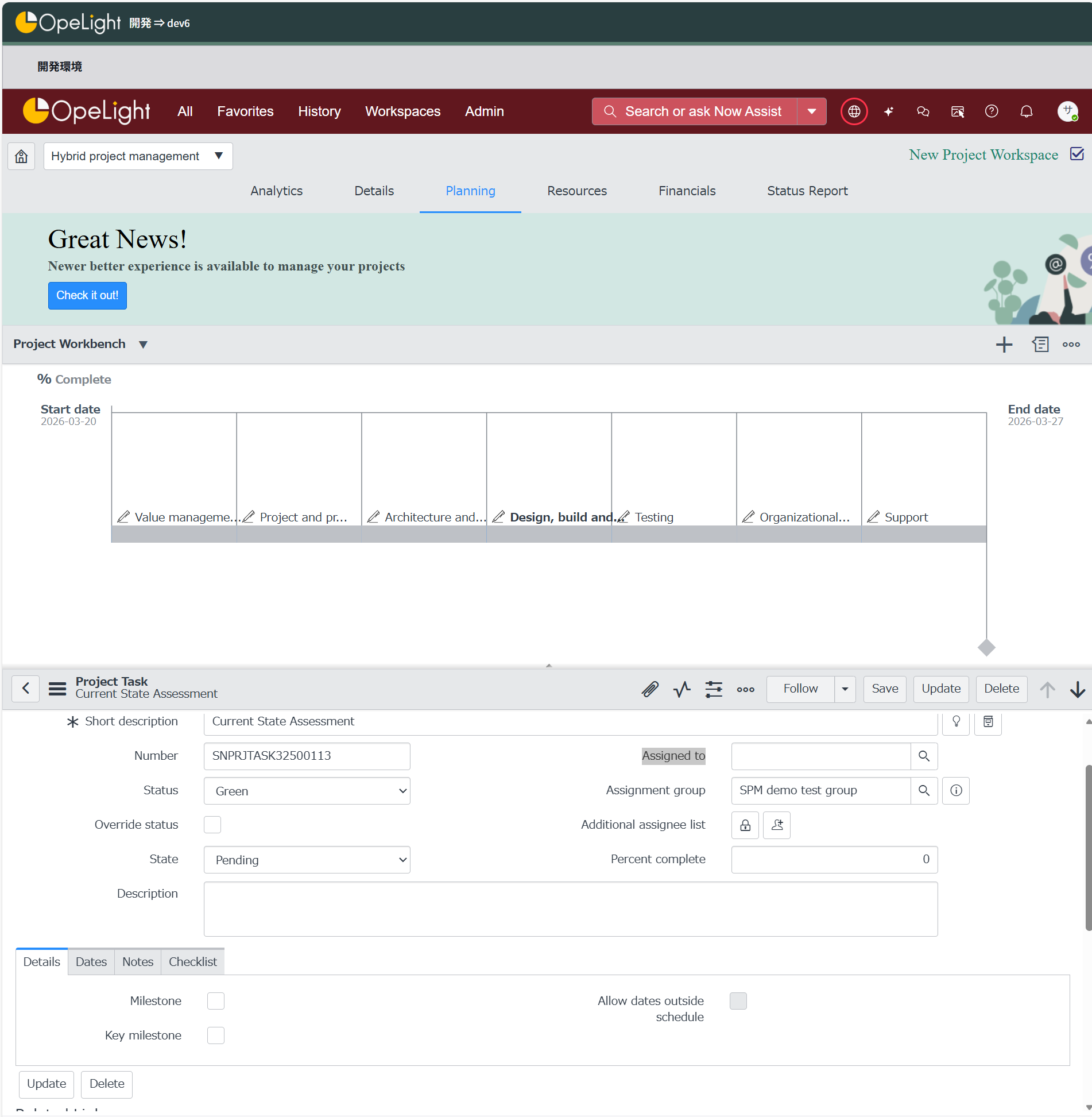
I have imported the Success Pack for ServiceNow Strategic Portfolio Management (SPM) into a demo instance. After the installation, I opened a Task form and attempted to assign a user in the Assigned To field.
However, when I search for users in the Assigned To field, the system displays "No records available", and no users are listed for selection. I am able to select an Assignment Group, but I cannot assign any user to the task.
Steps to Reproduce:
Import the SPM Success Pack into the demo instance using "projects" module.
Open a Task record.
Select an Assignment Group.
Click on the Assigned To field and search for users.
Actual Result:
The system shows "No records available" and does not display any users.
Expected Result:
Active users should be available for selection in the Assigned To field so that tasks can be assigned to individual users.
Additional Information:
The issue occurs after importing the SPM Success Pack.
Assignment groups can be selected, but users are not listed.
Instance type: Demo instance.
Please investigate why users are not appearing in the Assigned To field and advise on the required configuration or fix.