- Post History
- Subscribe to RSS Feed
- Mark as New
- Mark as Read
- Bookmark
- Subscribe
- Printer Friendly Page
- Report Inappropriate Content
on 09-03-2022 12:43 PM
The Issue
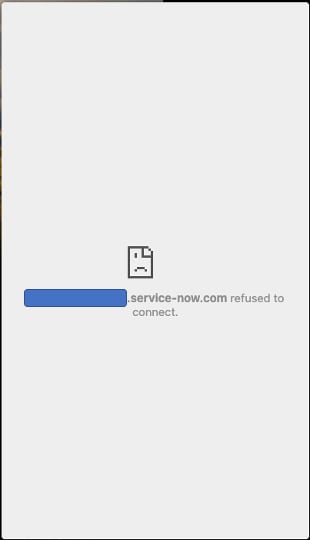
Encountering an error message in Engagement Messenger when launched on a customer's website

Underlying Root cause
There are multiple reasons for this error:
- The server adds an HTTP header in the response that says the website content cannot be launched in an iframe within another website.
- The response contains some HTTP header parameters that violate some security policy
- network issues and probably many more that are beyond the scope of this little article for engagement messenger
The error for me was caused by security policy violation #2. Looking at the error messages in the JS console confirmed it.
Chrome Dev Tools Error Message is
"Refused to frame 'https://xxxxxxxxx.service-now.com/' because an ancestor violates the following Content Security Policy directive: "frame-ancestors 'self' frame-ancestors teams.microsoft.com *.teams.microsoft.com"."
EM HTTP Response Header's default setting for Content-Security-Policy matched the error message.


Resolution
Deactivate this setting and create a new setting as per the EM setup instructions.
Once the default setting was deactivated, the EM worked like a charm!
- 9,776 Views
- Mark as Read
- Mark as New
- Bookmark
- Permalink
- Report Inappropriate Content
If you've landed here from Search like I did and you're having problems with CORS rules, there's also a system property that might need to be set to include your external site's domain - com.glide.cs.embed.csp_frame_ancestors. This was causing us some problems with similar error messages. Doco which helped us can be found here: https://www.servicenow.com/docs/bundle/yokohama-customer-service-management/page/product/customer-se...