- Mark as New
- Bookmark
- Subscribe
- Mute
- Subscribe to RSS Feed
- Permalink
- Report Inappropriate Content
04-09-2024 06:29 AM - edited 04-09-2024 06:30 AM
Hi all,
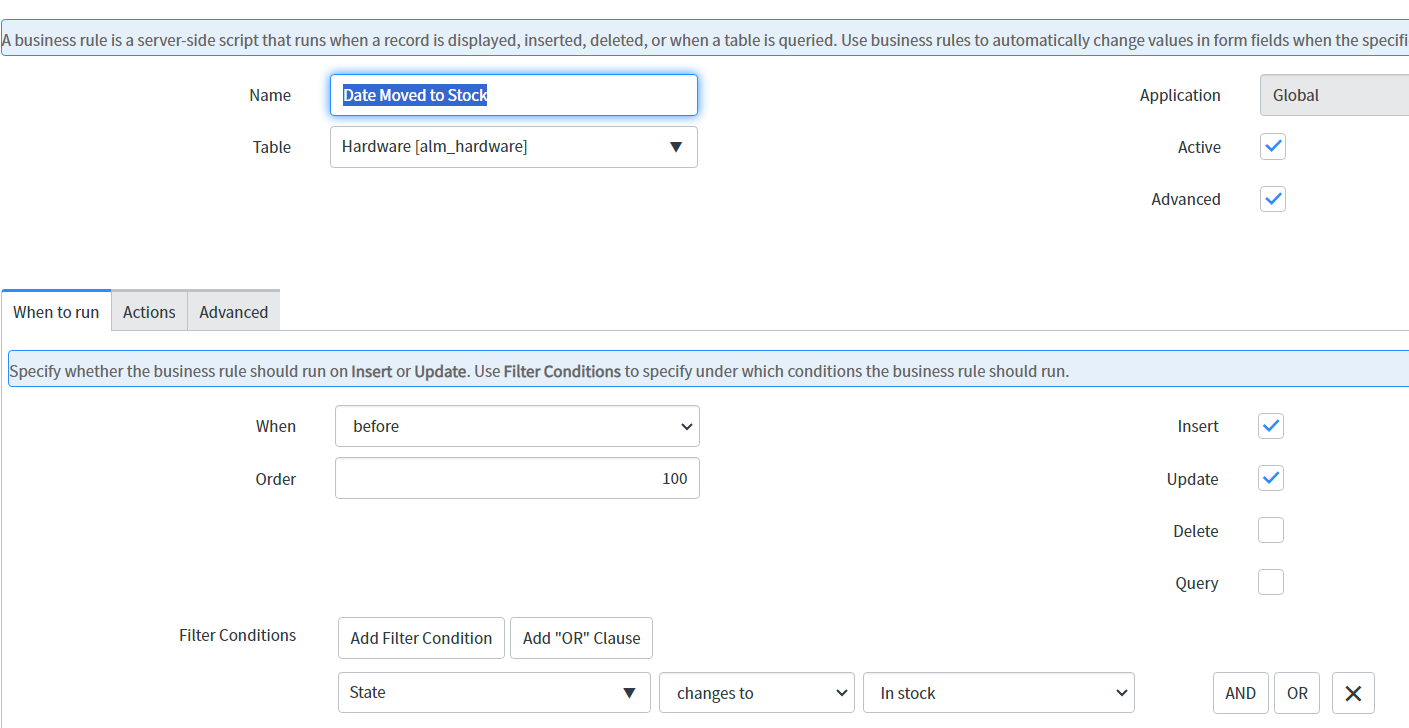
On our Hardware form, we have a field called 'Date Moved to Stock'. The date is set to the present date via a Business Rule. When this date is cleared from the 'Date Moved to Stock' field, the original date value still appears in List View. I have tried to use a Business Rule to clear the value but it does not work.
I'm not certain whether a Business Rule is the correct way or whether I should use something else? would appreciate the support on achieving this.
Thanks!
Solved! Go to Solution.
- Mark as New
- Bookmark
- Subscribe
- Mute
- Subscribe to RSS Feed
- Permalink
- Report Inappropriate Content
04-10-2024 03:11 AM
Thanks to all for the replies. I have solved this by writing an OnChange Client Script.

- Mark as New
- Bookmark
- Subscribe
- Mute
- Subscribe to RSS Feed
- Permalink
- Report Inappropriate Content
04-09-2024 06:37 AM
Why do you need a BR to clear the date when the date is cleared?
- Mark as New
- Bookmark
- Subscribe
- Mute
- Subscribe to RSS Feed
- Permalink
- Report Inappropriate Content
04-09-2024 07:41 AM
It does not clear the previous value in List View.
- Mark as New
- Bookmark
- Subscribe
- Mute
- Subscribe to RSS Feed
- Permalink
- Report Inappropriate Content
04-09-2024 06:38 AM - edited 04-09-2024 06:38 AM
Hi @GemDev
I see that there is space between current. and u_date_moved_to_stock in Clear date BR, please remove the space and then test once.
Please let me know if you have any question or mark this as accepted/helpful if it helps.
Thanks,
Brahm
- Mark as New
- Bookmark
- Subscribe
- Mute
- Subscribe to RSS Feed
- Permalink
- Report Inappropriate Content
04-09-2024 07:40 AM
Great spot, unfortunately it still does not work.