Comments saved to Work Notes vs Additional Comments

- Mark as New
- Bookmark
- Subscribe
- Mute
- Subscribe to RSS Feed
- Permalink
- Report Inappropriate Content
3 weeks ago
Hi ,
One of our user reported that when she added comments from service portal in her ticket, she received a notification stating comments were added to her ticket. She opened the link in the notification and checked guessing agent would have added anything on her ticket, but its her comments only. So, when i checked the email logs and ticket activity, the notification-comment left on incident should not be sent to the caller, who will receive is configured as caller and send to event creator is also checked. I've tried checking event logs but this issue happened in the month of May, and now it is showing this month logs only. My client wants to fix this issue. In prod, we couldn't test but in dev, I've impersonated as caller and when I've added comments from service portal, they are being added as worknotes in ticket. another scenario, I've opened ticket directly and checked additional comments, then it is taking is taking as additional comments and the unwanted notification is not getting triggered.
I've checked the client script and server-script under the widget-BBC standard ticket conversations portal but couldn't conclude where and how the portal comments are being added.
In our ServiceNow instance, comments added by a Portal User behave differently in PROD compared to DEV and TEST.
I am investigating the Ticket Conversations widget and found that it dynamically selects a journal field before saving the entry.
Could someone please guide me on where the widget determines whether a portal comment is saved as Additional Comments ("comments") or Work Notes ("work_notes")?
I would also like to know which widget configuration or script I should compare across the environments.
Thank you.
- Mark as New
- Bookmark
- Subscribe
- Mute
- Subscribe to RSS Feed
- Permalink
- Report Inappropriate Content
yesterday
Hi @likhitasura,
The choice is not made by the user and not by the record - it is made in the Ticket Conversations widget at save time, based on which journal field the current user is allowed to write to. Compare in this order, because the first item is the cause in most PROD-vs-DEV differences:
1. Where the field is decided
In the (cloned) Ticket Conversations widget, the server script builds the activity stream for the record and the post is saved to a journal field selected for the posting user: if the user can write the work_notes field, the entry is treated as a staff/internal entry (and the widget can show the Work notes option); if they can only write comments, it is saved as Additional comments. The client script only passes through the field the server side made available - so searching the client script alone will not explain the difference. In your clone, search BOTH scripts for 'work_notes' and for where the journal/stream field variable is set before the record update, and export the widget from PROD and DEV and diff those exact lines - clones drift between environments very easily.
2. What to compare across environments - the inputs to that decision
a. Field-level ACLs: the write ACLs on work_notes for the record's table (and its parent, e.g. task) in PROD vs DEV, including the roles on each ACL. Use Access Analyzer for the affected user on one affected record in each environment and compare the work_notes write result specifically.
b. The affected user's roles in each environment (sys_user_has_role). If in one environment she holds a role that is on a work_notes write ACL - a fulfiller, custom or inherited role she does not have in the other environment - her portal posts will land in work_notes there. An impersonation test is only valid if the impersonated account's roles and ACL evaluation match hers exactly.
c. The widget and its page/instance: confirm PROD and DEV are actually running the same widget sys_id/version of 'BBC standard ticket conversations' on the ticket page, and that no page/instance option or customisation in one environment forces the work-notes field.
3. Fix direction
Portal customers/requesters should never be able to write work_notes: tighten the work_notes write ACL so only staff roles pass it, and callers fall back to comments automatically. If business users must keep some other access that grants it, then change the clone's selection logic to force comments when the posting user is the record's caller/requester (and reserve work_notes for assigned staff), and apply that same change in both environments.
About the notification she received for her own comment in PROD: that is a symptom of the same field mix-up, not a separate notification bug - notifications keyed on Additional comments/work notes activity behave differently per field (recipients and 'send to event creator' handling are evaluated against the entry that was actually created). Fix the journal-field selection first, then re-test the notification with a genuine agent comment and a genuine caller comment; it should only notify the caller for the agent's comment.
Hope this points you at the right comparison.

- Mark as New
- Bookmark
- Subscribe
- Mute
- Subscribe to RSS Feed
- Permalink
- Report Inappropriate Content
yesterday
hi @likhitasura ,
I would suggest comparing the Ticket Conversations widget between PROD, DEV, and TEST, especially the client script and server script where the journal field is selected before saving the entry.
Check whether the widget uses the comments or work_notes field based on the user's role, widget options, or other conditions. Also, compare any customizations made to the OOTB widget across the environments.
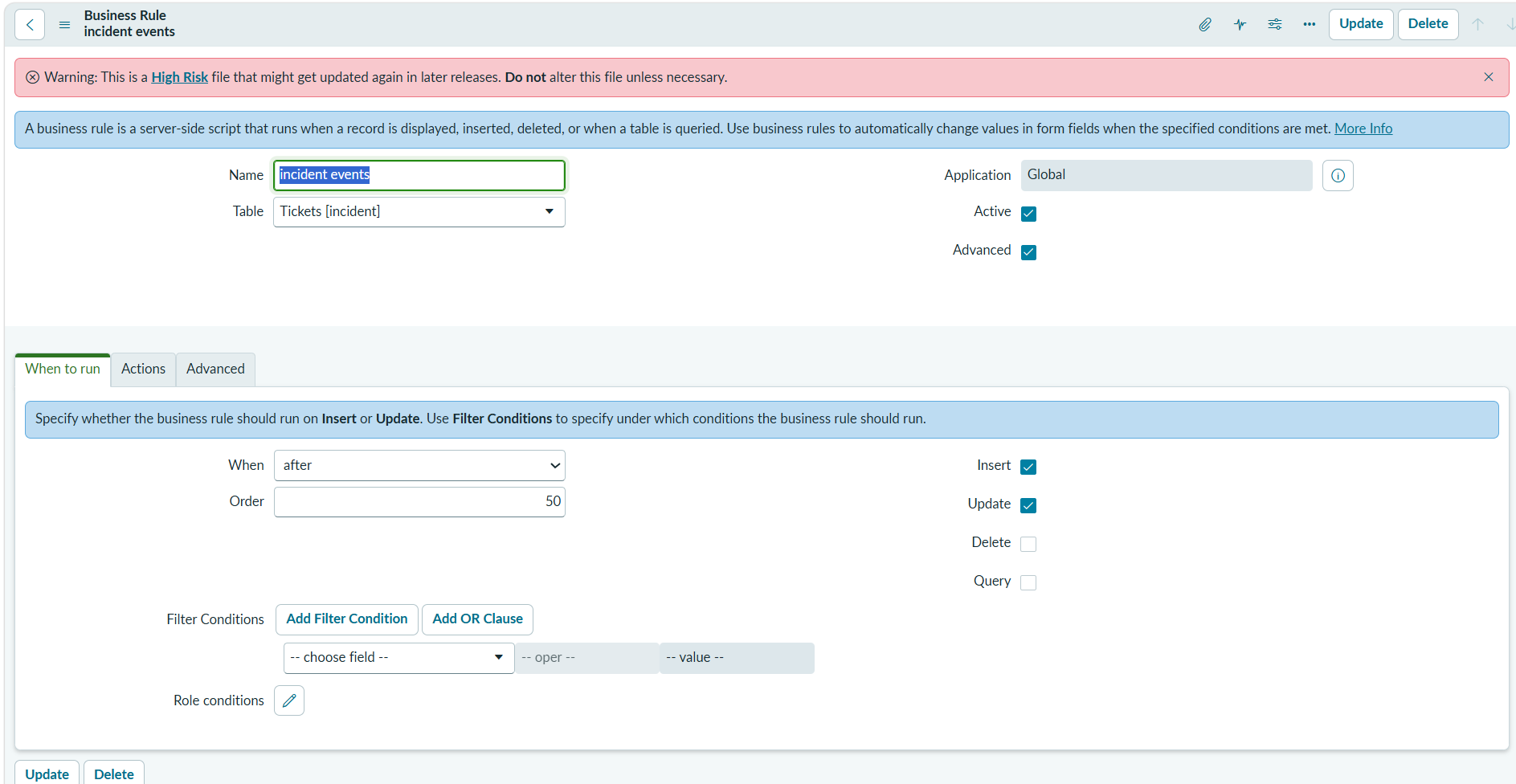
Since the notification is triggered only in PROD, check the notification conditions and the event parameters to confirm whether the journal entry is being treated as additional comments or work notes. You can also review the relevant Business Rules on the Incident table that might modify the journal fields.
If this helped, mark it helpful and accept the solution.
Regards,
Tejas