
- Mark as New
- Bookmark
- Subscribe
- Mute
- Subscribe to RSS Feed
- Permalink
- Report Inappropriate Content
03-26-2020 10:07 PM
Hi
I am trying to create a Label variable for an order guide and would like to use HTML formatting only.
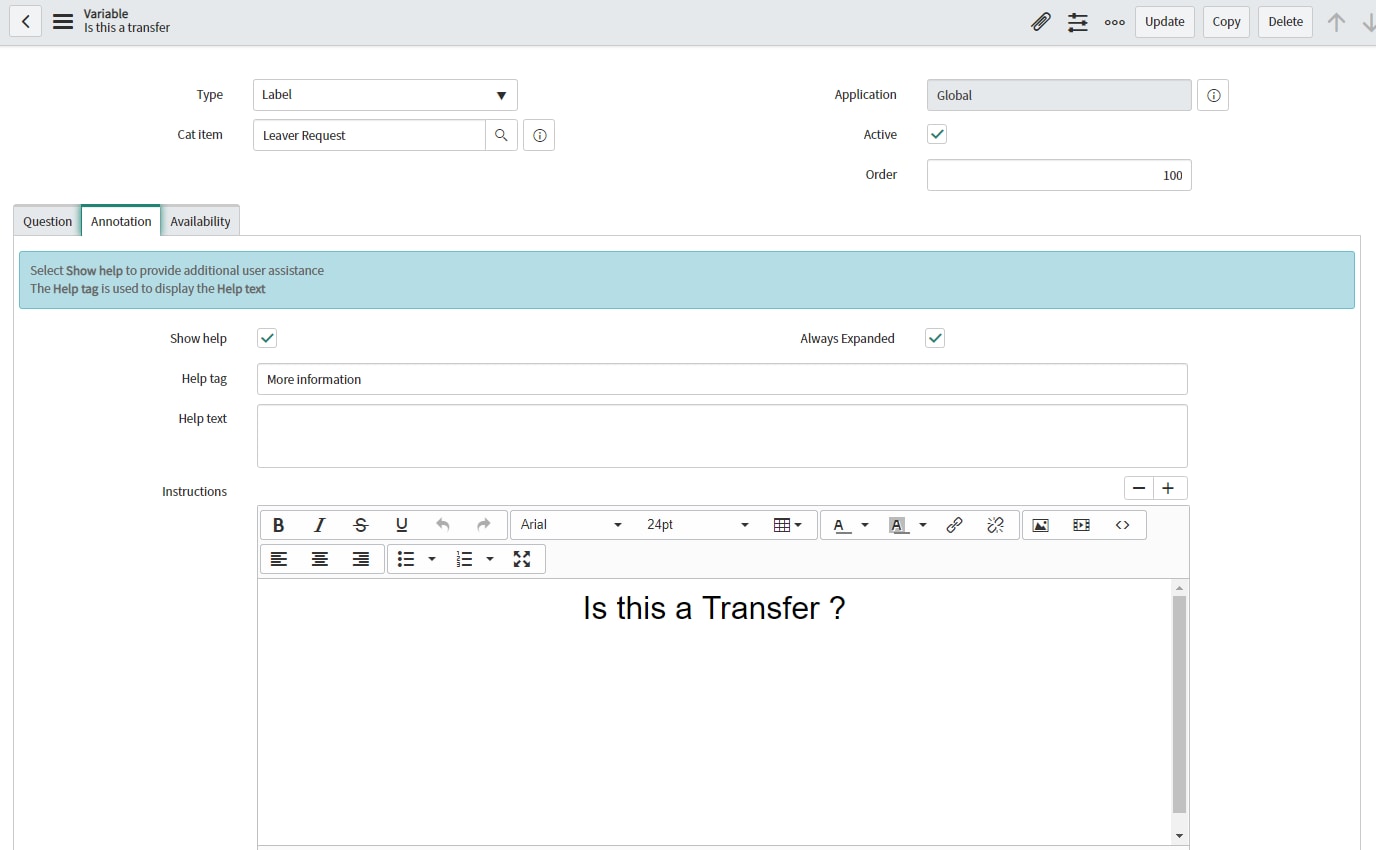
I have used the Annotation tab Help instructions to define the HTML which works perfectly.

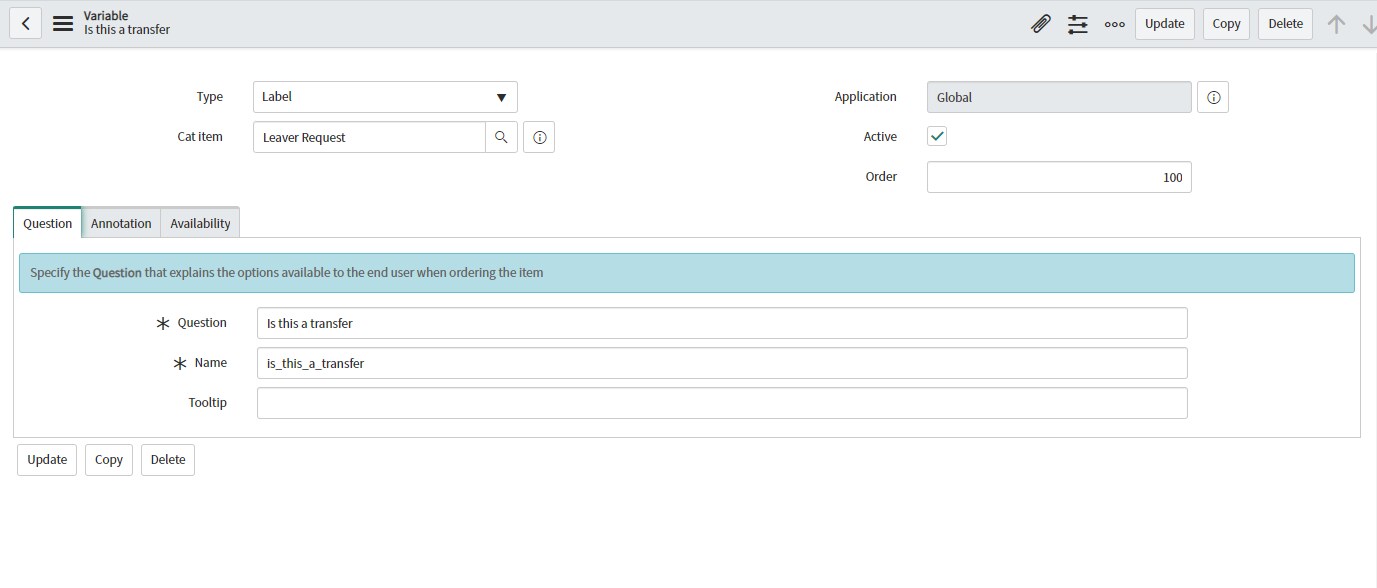
The variable also requires a Question which is mandatory and shows up on the portal form

Is there a way to hide the Question on the Label field so it does not show up when selecting the catalog item on the service portal or is there a better way of adding formatted text to a catalog item on the service portal

Solved! Go to Solution.


- Mark as New
- Bookmark
- Subscribe
- Mute
- Subscribe to RSS Feed
- Permalink
- Report Inappropriate Content
03-27-2020 09:47 AM
Hi there,
You could just empty the question, would that already work 🙂 But dummy workaround, though no need to do any coding, client scripts to hide a label, css override, etc..
You could use the JavaScript Executor to make the Question field not mandatory.

If my answer helped you in any way, please then mark it as helpful.
Kind regards,
Mark
2020 ServiceNow Community MVP
2020 ServiceNow Developer MVP
---
LinkedIn
Community article list
Kind regards,
Mark Roethof
Independent ServiceNow Consultant
10x ServiceNow MVP
---
~444 Articles, Blogs, Videos, Podcasts, Share projects - Experiences from the field
- Mark as New
- Bookmark
- Subscribe
- Mute
- Subscribe to RSS Feed
- Permalink
- Report Inappropriate Content
03-27-2020 09:47 AM
Hi there,
You could just empty the question, would that already work 🙂 But dummy workaround, though no need to do any coding, client scripts to hide a label, css override, etc..
You could use the JavaScript Executor to make the Question field not mandatory.
If my answer helped you in any way, please then mark it as helpful.
Kind regards,
Mark
2020 ServiceNow Community MVP
2020 ServiceNow Developer MVP
---
LinkedIn
Community article list
Kind regards,
Mark Roethof
Independent ServiceNow Consultant
10x ServiceNow MVP
---
~444 Articles, Blogs, Videos, Podcasts, Share projects - Experiences from the field
- Mark as New
- Bookmark
- Subscribe
- Mute
- Subscribe to RSS Feed
- Permalink
- Report Inappropriate Content
03-29-2020 11:53 PM
Thanks Mark
This worked as a workaround
Cheers

- Mark as New
- Bookmark
- Subscribe
- Mute
- Subscribe to RSS Feed
- Permalink
- Report Inappropriate Content
03-27-2020 09:52 AM
Hi Elias,
In that case you can create
1. Widget named Istransfer & Body HMTL containing your content.
2. Variable of type : Macro with Label & specify a widget in Type Specifications tab of the variable.
Thanks,
Jaspal Singh
Hit Helpful or Correct on the impact of response.
- Mark as New
- Bookmark
- Subscribe
- Mute
- Subscribe to RSS Feed
- Permalink
- Report Inappropriate Content
03-29-2020 03:14 PM
Thanks Mark for you reply
I didnt know this existed, I tried using this command holding down Alt+Ctrl+Shift+J
which worked however when you refresh browser you lose the change



.png)