How to enable Isolate Script in Case Form?

- Mark as New
- Bookmark
- Subscribe
- Mute
- Subscribe to RSS Feed
- Permalink
- Report Inappropriate Content
08-11-2021 03:38 AM
Hi,
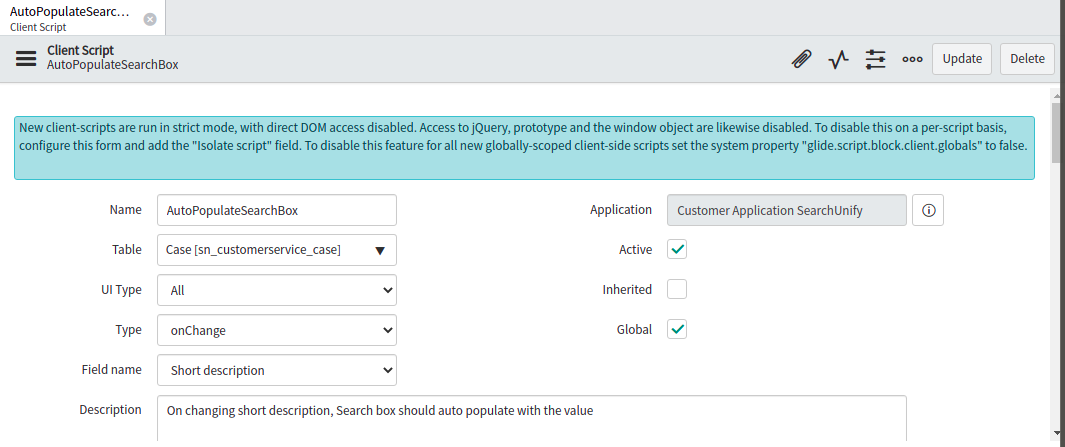
I am new to the ServiceNow community and I am facing issues in accessing DOM Objects like getElementById() in Client Script. I have imported an application and I am getting this message :
New client scripts are run in strict mode, with direct DOM access disabled. Access to jQuery, prototype, and the window object is likewise disabled. To disable this on a per-script basis, configure this form and add the "Isolate script" field. To disable this feature for all new globally-scoped client-side scripts set the system property "glide.script.block.client.globals" to false.
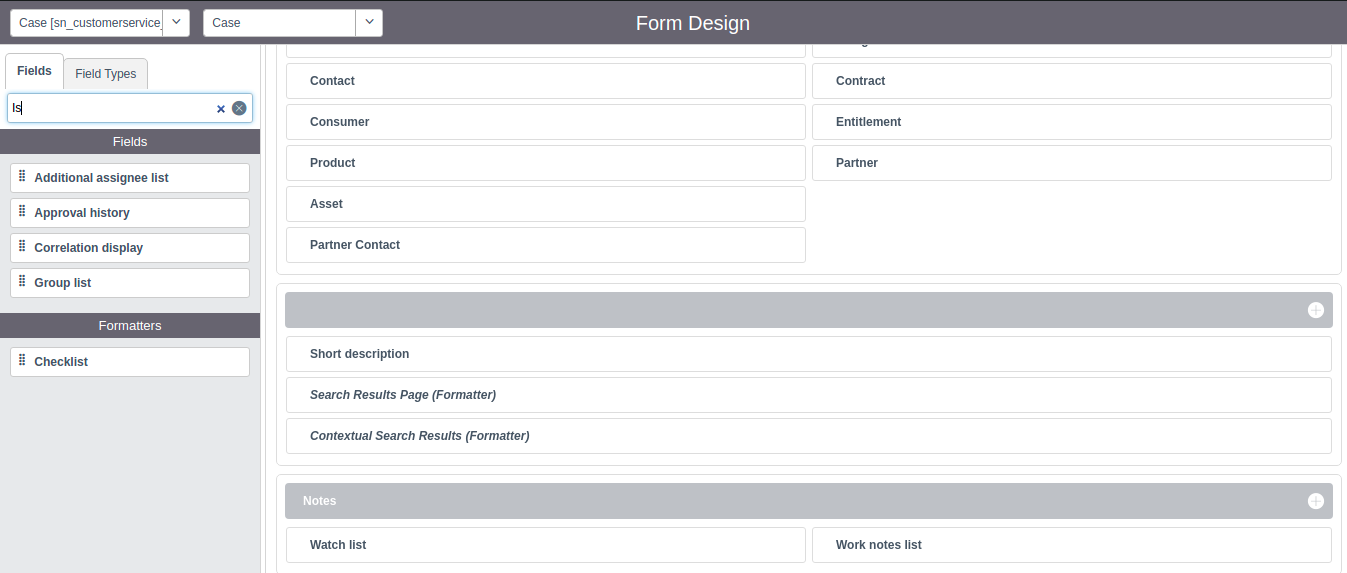
I referred to this Article https://community.servicenow.com/community?id=community_blog&sys_id=c5c46364dbba6b007d3e02d5ca9619cb Which says I need to Uncheck Isolate Script Checkbox. But Isolate Script field is not visible in the Form Design configuration.
Please help me understand how I can access DOM objects in Client Script in a custom application and where I will get this Isolate script in case form? Any help will be much appreciated.
Please refer to the Screenshots.
Thanks!

- Mark as New
- Bookmark
- Subscribe
- Mute
- Subscribe to RSS Feed
- Permalink
- Report Inappropriate Content
08-11-2021 03:45 AM

- Mark as New
- Bookmark
- Subscribe
- Mute
- Subscribe to RSS Feed
- Permalink
- Report Inappropriate Content
08-11-2021 11:18 PM
Hi Ujjawal,
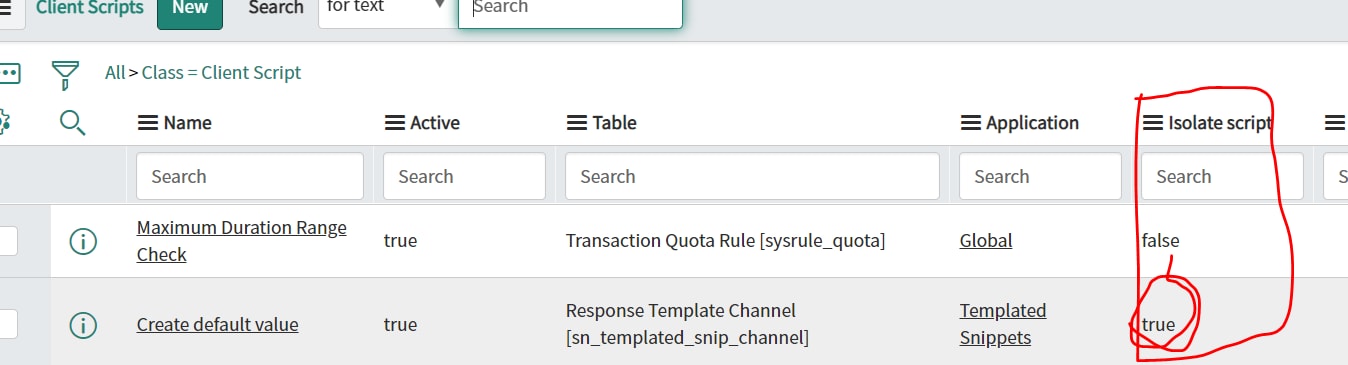
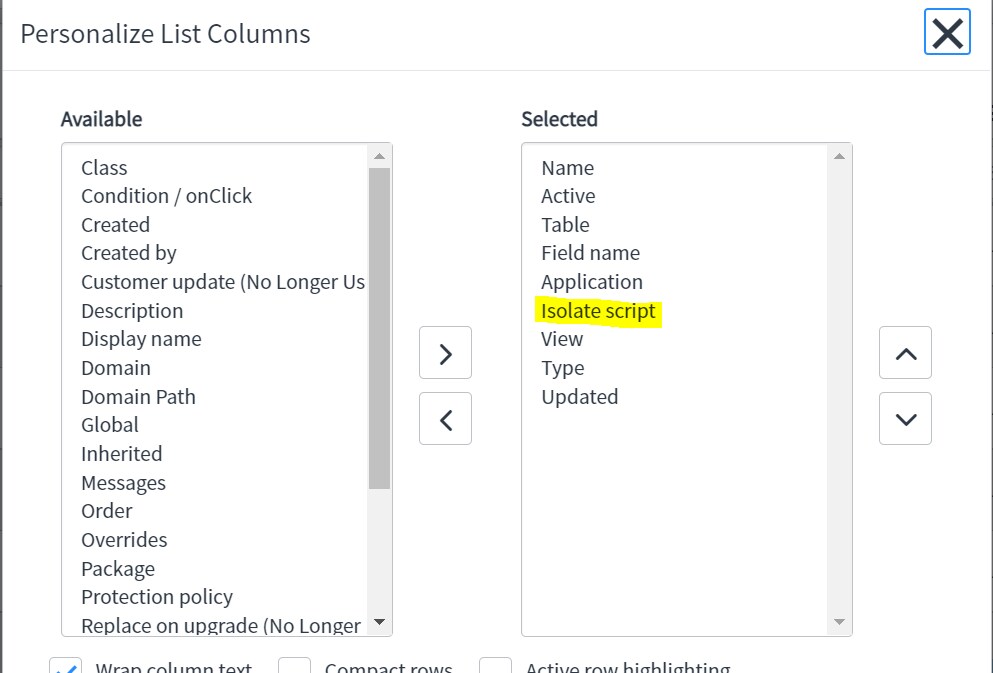
Thanks, for the reply. I opened the list view of the Client script but there also can't see the Isolate Script option.
Actually, I am using DOM objects like getElementById in one of my client scripts but somehow I am unable to fetch elements value from the DOM. I searched on google and got an Article that explains that I need to uncheck the Isolate Script field. But I can't see the Isolate Script option anywhere in my Instance.
Thanks!
- Mark as New
- Bookmark
- Subscribe
- Mute
- Subscribe to RSS Feed
- Permalink
- Report Inappropriate Content
08-12-2021 02:27 AM


- Mark as New
- Bookmark
- Subscribe
- Mute
- Subscribe to RSS Feed
- Permalink
- Report Inappropriate Content
08-16-2021 05:54 AM
Hi,
If I am able to answer your question then please mark my answer correct and helpful. So that it can be helpful for future readers for same query.