How to include Script field

- Mark as New
- Bookmark
- Subscribe
- Mute
- Subscribe to RSS Feed
- Permalink
- Report Inappropriate Content
03-30-2022 02:24 PM
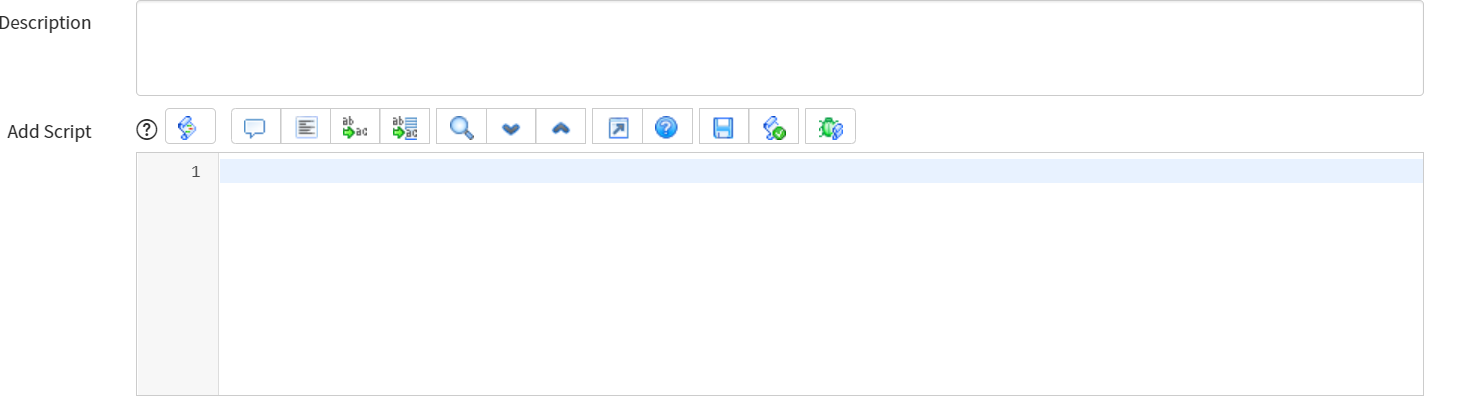
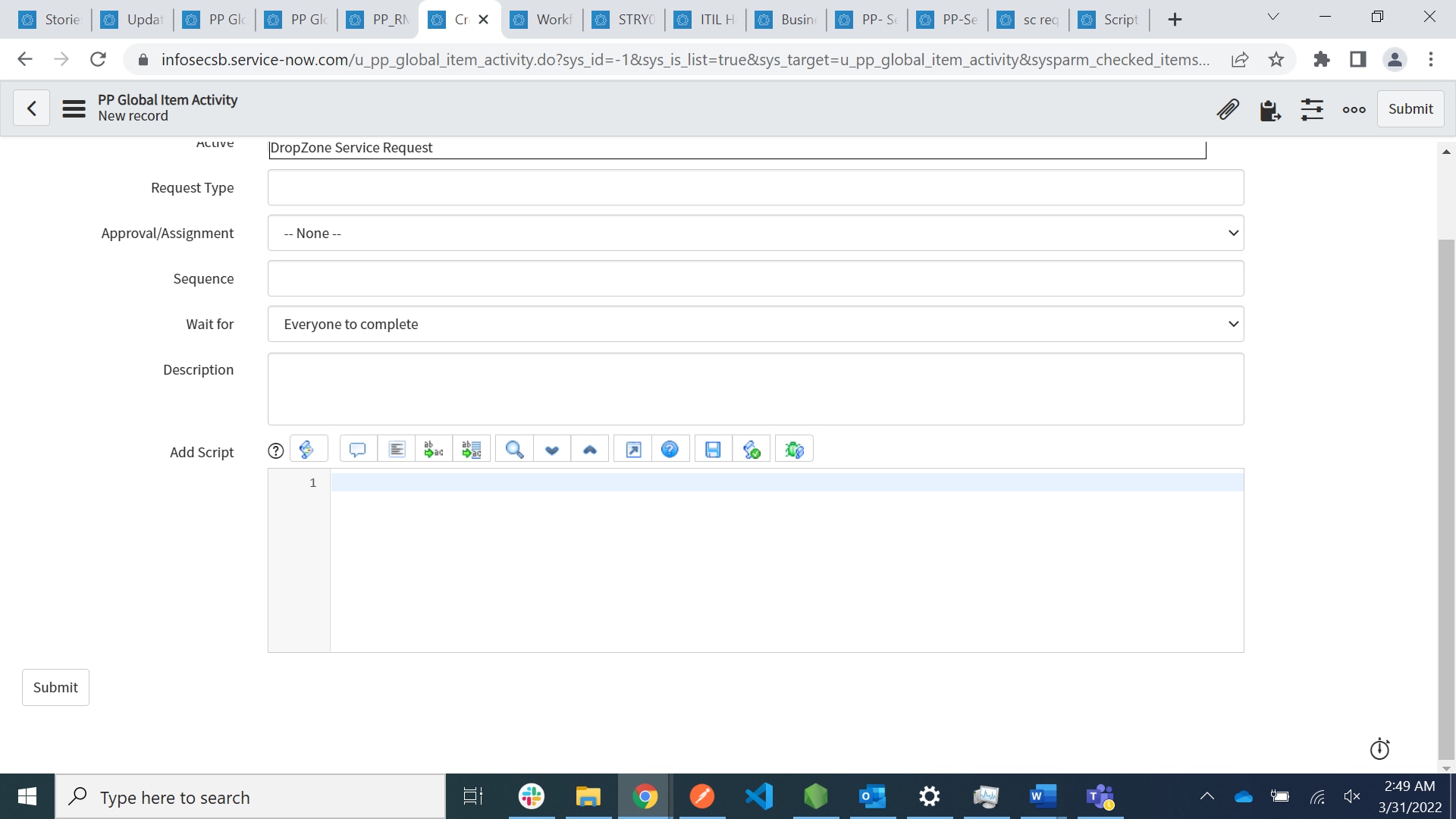
I have plain script type field on custom table and i am using record of my custom table in workflow to create item , now i want to add script inside script type field on custom table but i am not sure how to call it in workflow.
- Labels:
-
Multiple Versions

- Mark as New
- Bookmark
- Subscribe
- Mute
- Subscribe to RSS Feed
- Permalink
- Report Inappropriate Content
03-30-2022 03:26 PM
Hello Sneha,
You want to execute the script you added in your field inside the workflow, is that it?
- Mark as New
- Bookmark
- Subscribe
- Mute
- Subscribe to RSS Feed
- Permalink
- Report Inappropriate Content
03-30-2022 03:51 PM
yes
- Mark as New
- Bookmark
- Subscribe
- Mute
- Subscribe to RSS Feed
- Permalink
- Report Inappropriate Content
03-30-2022 04:16 PM
Hi Sneha,
So, you can run a script like this:
var param1 = current.getValue('sys_id');
var scriptResult = true;

var evaluator = new GlideScopedEvaluator();
evaluator.putVariable('param1', param1);

scriptResult = evaluator.evaluateScript(current, '<name_of_the_field_that_contains_the_script>', null);
Then, in the field that contains the script, you can use "param1" as it was declared.
This is a very powerful tool to use!!
Please, if this answer is relevant for you, please mark it as correct and helpful.
Thanks,
Filipe
- Mark as New
- Bookmark
- Subscribe
- Mute
- Subscribe to RSS Feed
- Permalink
- Report Inappropriate Content
03-30-2022 10:51 PM