Increase Table->Column Name length to 50 chars from Glide script. Default column name allowed seems to be 30 chars.

- Mark as New
- Bookmark
- Subscribe
- Mute
- Subscribe to RSS Feed
- Permalink
- Report Inappropriate Content
03-27-2020 12:23 AM
Hi ,
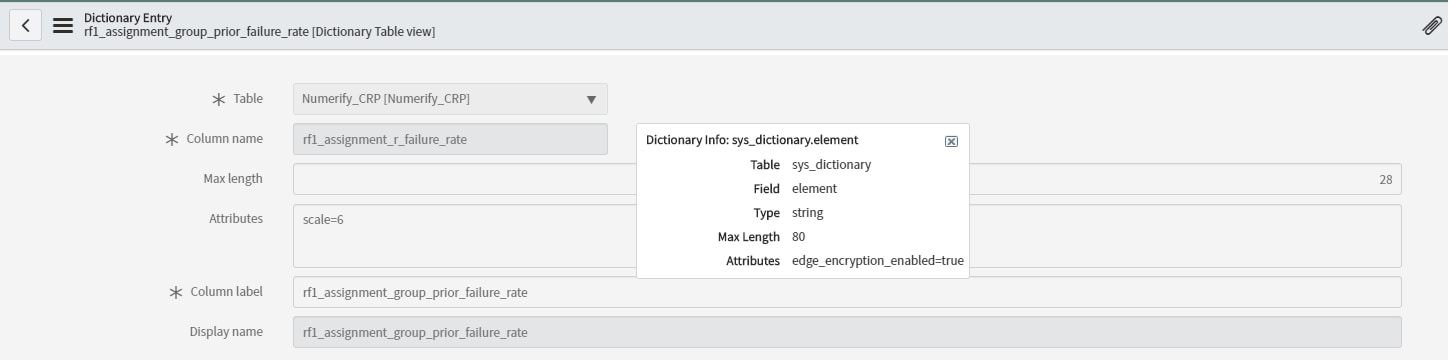
Can you help me with code , to increase Table->Column Name size to 50 chars from Glide script. Default column name allowed seems to be 30 chars. I have column name as 'rf1_assignment_group_prior_failure_rate' , when creating from script it truncates to 30 chars as 'rf1_asgmnt_grp_r_failure_rate'.
var attrs = new Packages.java.util.HashMap();
var column_name="rf1_assignment_group_prior_failure_rate";
var column_attributes = new GlideColumnAttributes(column_name);
column_attributes.setType(string);
column_attributes.setUsePrefix(false);
attrs.put(column_name, column_attributes);
var table_create = new GlideTableCreator("abc", table_name);
table_create.setColumnAttributes(attrs);
table_create.update();
Thanks,
- Labels:
-
Scripting and Coding


- Mark as New
- Bookmark
- Subscribe
- Mute
- Subscribe to RSS Feed
- Permalink
- Report Inappropriate Content
03-28-2020 12:30 AM

- Mark as New
- Bookmark
- Subscribe
- Mute
- Subscribe to RSS Feed
- Permalink
- Report Inappropriate Content
03-30-2020 09:05 PM
Hi Ankur,
Thanks for your response. I am running a script to create the column name. but, it truncates to 30 characters.
for e.g , from above script , column name is created as shown in screenshot. (it's truncated to 30 characters)
var column_name="rf1_assignment_group_prior_failure_rate";

Thanks !
- Mark as New
- Bookmark
- Subscribe
- Mute
- Subscribe to RSS Feed
- Permalink
- Report Inappropriate Content
03-31-2020 04:53 AM
Hi Mohan,
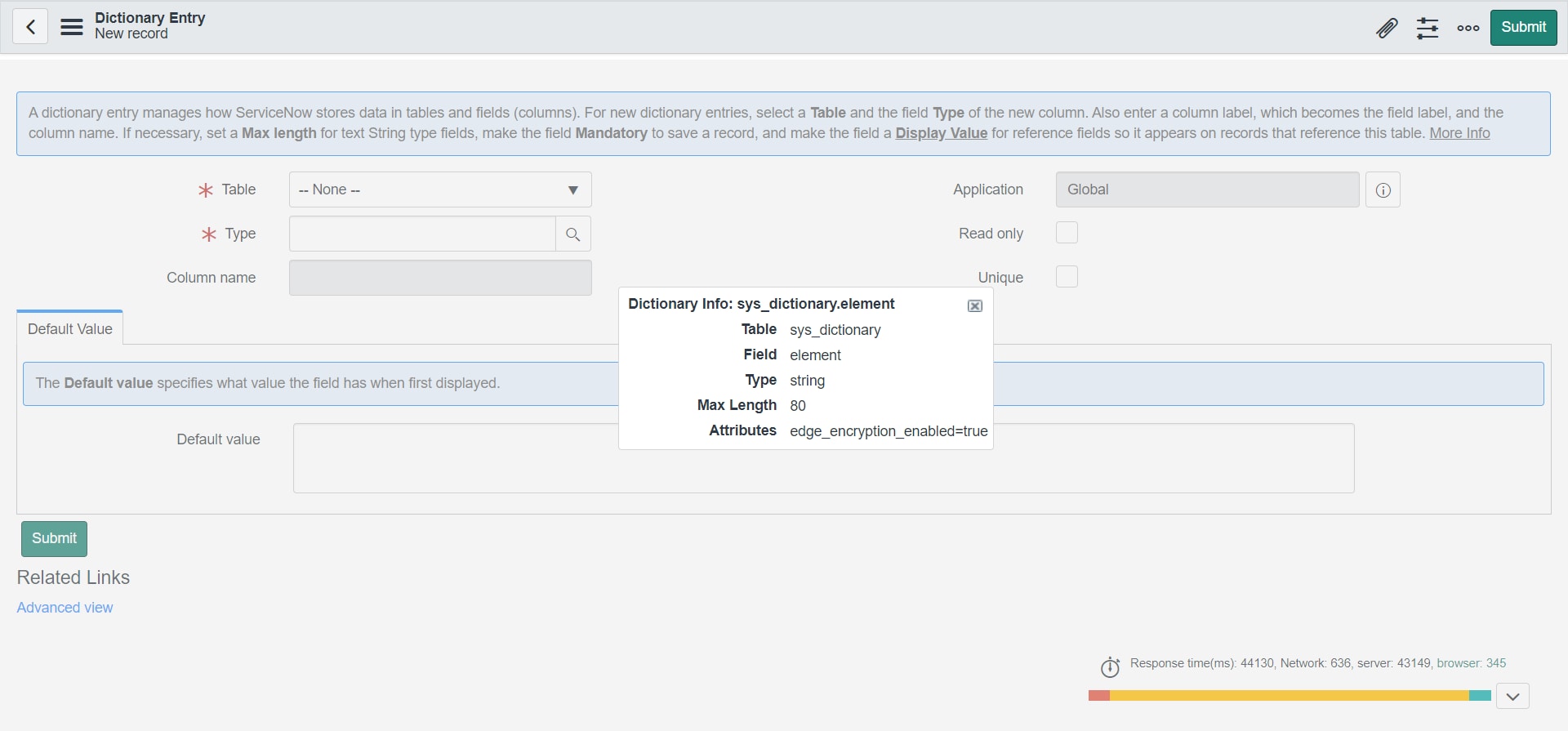
but in my case the column name has length as 80; what's the max length for it in your instance?
Regards
Ankur
- Mark as New
- Bookmark
- Subscribe
- Mute
- Subscribe to RSS Feed
- Permalink
- Report Inappropriate Content
04-06-2020 01:16 AM