Community Alums
Not applicable
Options
- Mark as New
- Bookmark
- Subscribe
- Mute
- Subscribe to RSS Feed
- Permalink
- Report Inappropriate Content
05-11-2022 07:57 PM
Hi
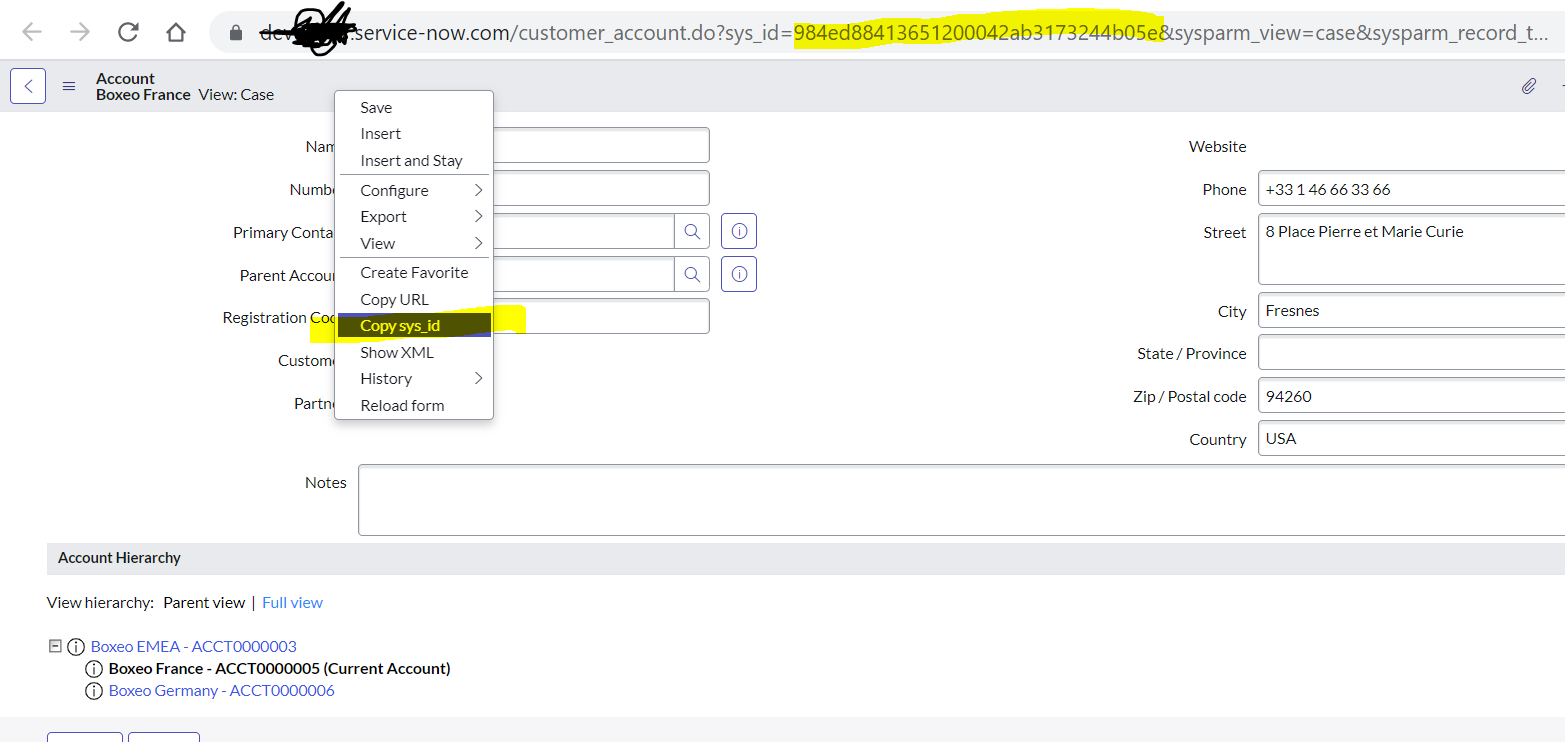
You can Navigate to accounts > open the required Account > Right click on the header > click on "Copy SysID > see below:

You can also find sysID in the URL too, i have highlighted in the above screenshot .
Mark my answer correct & Helpful, if Applicable.
Thanks,
Sandeep