Options
- Mark as New
- Bookmark
- Subscribe
- Mute
- Subscribe to RSS Feed
- Permalink
- Report Inappropriate Content
03-03-2022 04:10 PM
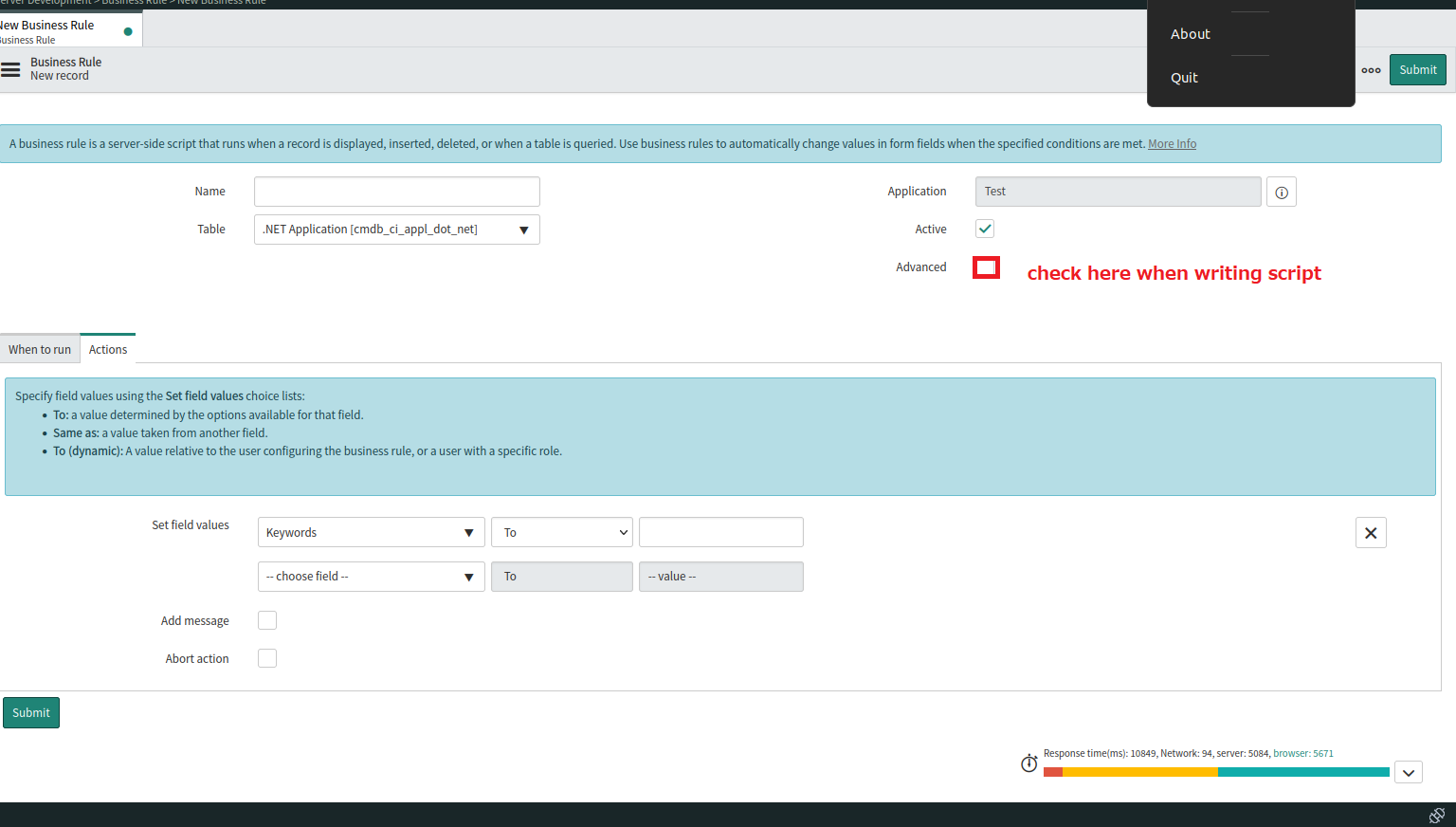
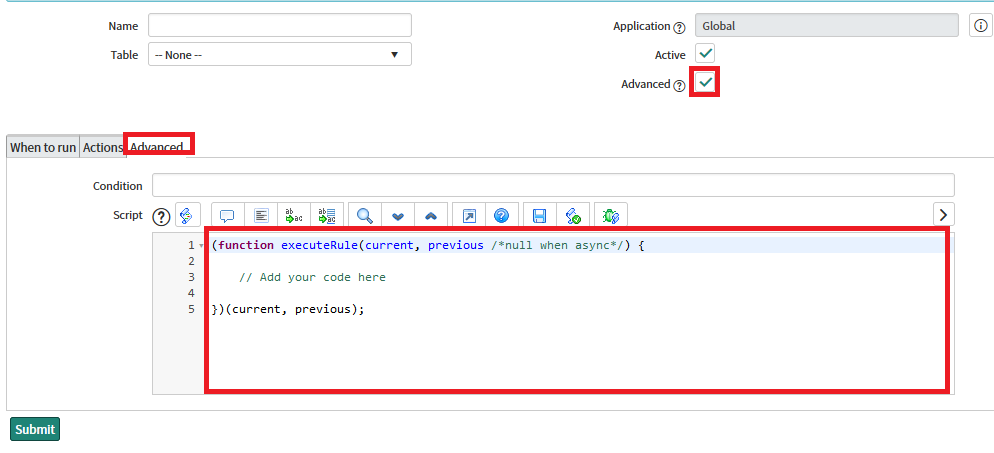
Check the "Advanced" checkbox.

The body of the script can be generated using REST Message.
- From the Navigator, go to "System Web Services" > " Outbound" > "REST Message".
- Create a new REST Message by clicking on the "New" button.
- Fill in the Endpoint (i.e. enter the URI of the external url. e.g. http://xxx.aaa.com:8080)
- Select "Authenentication type" from pull down
- If there is a HTTP Request header, select the "HTTP Request" tab and insert the required headers.
- Select the "New" button next to the HTTP Methods
- Enter the "Name" and the "HTTP method".
- To test the uri and if there is argument to be passed in the uri, click on the "New" button next to the "Variable Substitution". For example, to replace "id" with some value such as "abc"
- Click the "Test" link under "Related Links" to test the endpoint.
- If all goes well, click on the "Preview Script Usage" link under the "Related Links". This will generate JavaScript code template.
- Paste the generated source code to business rule.
- If using MID Server, edit the source code as needed.
To parse JSON response,
      var responseBody = response.getBody();
      var response= JSON.parse(responseBody);
      for(i=0;i<response.length;i++) {
        // process json object
      }