- Mark as New
- Bookmark
- Subscribe
- Mute
- Subscribe to RSS Feed
- Permalink
- Report Inappropriate Content
02-02-2022 04:57 AM
Hello,
Please follow the below steps:-
Go to the hardware form
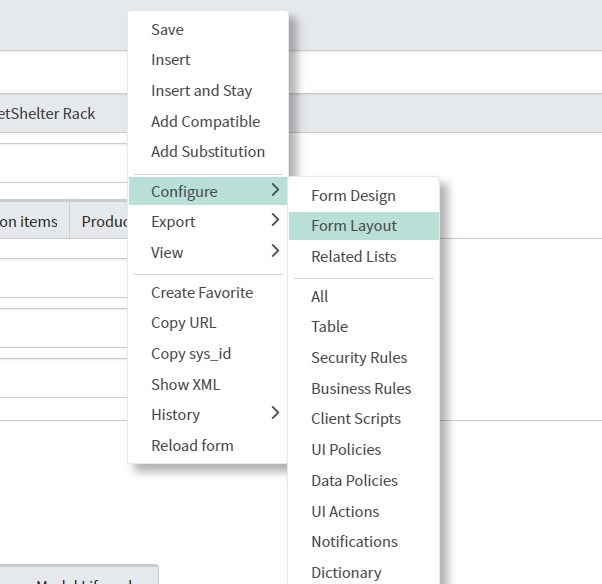
right click on the top -> configure -> click on form layout

Once the form layout opens click on the information section

The selected portion will show all the fields already present on form
In the portion of create a new field , put the name Form factor and then click on Add

Once Add is clicked the new field will show in the Selected portion put it above the end split and then click on save

Then you will see the field on the form

Now to add the options right click on the field name-> configure dictionary

Then once dictionary opens scroll to the bottom you will have choice option must create the choices and in the choice field select dropdown with none so that the none is also an option

Please mark answer correct/helpful based on Impact