PowerShell Scripts causing memory to be full and shutting down the MID server

- Mark as New
- Bookmark
- Subscribe
- Mute
- Subscribe to RSS Feed
- Permalink
- Report Inappropriate Content
07-18-2022 12:33 AM
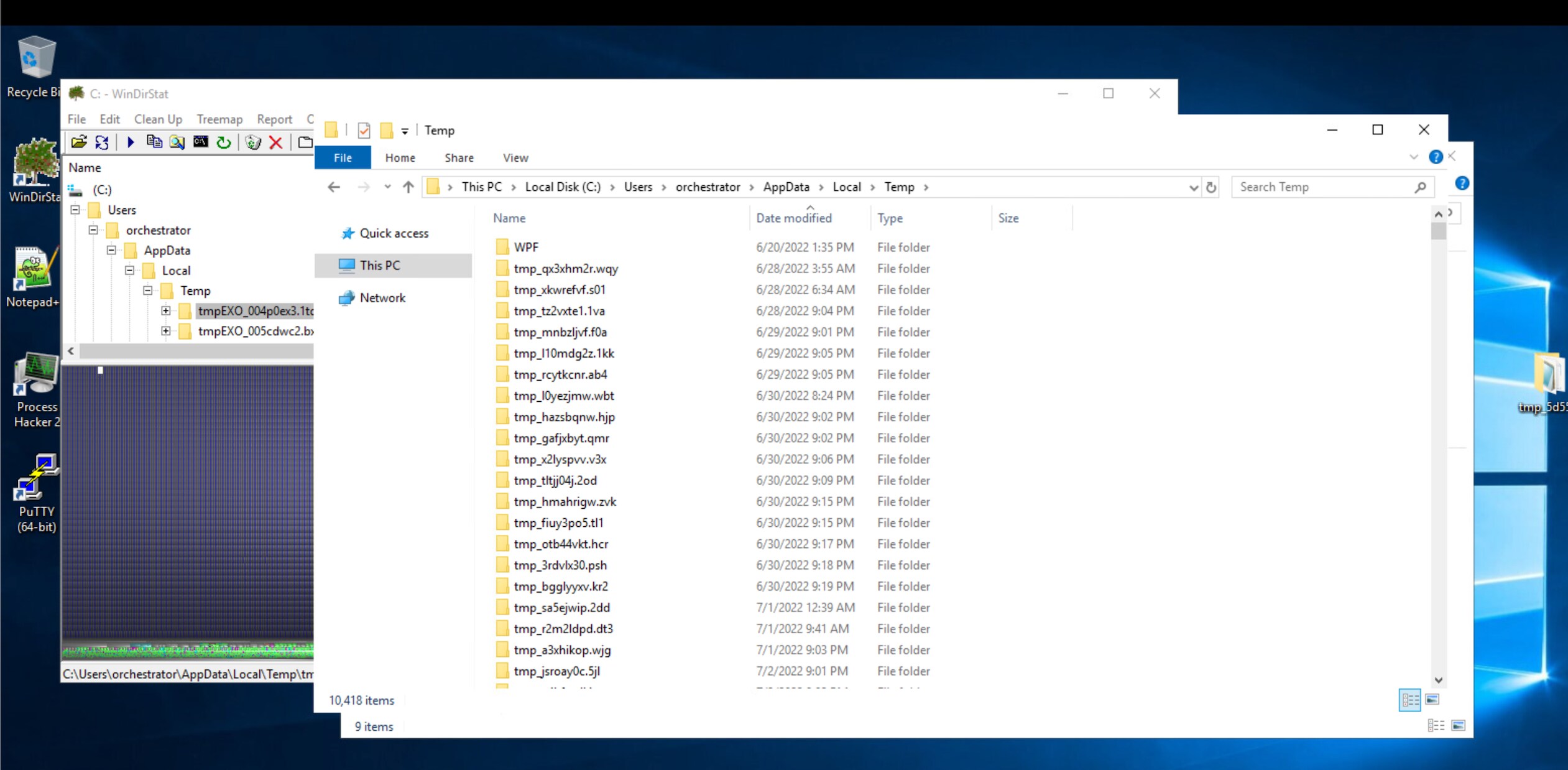
We do have user provisioning done using PowerShell to add user to AD groups, Azure Groups and DLs before getting hired. The issue we are facing is the MID memory is getting full due to some memory leaks. What we identified is under the orchestrator user > AppData > Local > Temp folder there are 24MB folders being created continuously related to ExchangeOnline or Exchange. This is filling up the memory. Also, the PowerShell activities are getting stuck and blocking the RAM.
1. We have added a task in the task scheduler in the MID as well to delete the files in Temp folder every 30min.
2. Increased the RAM to 32GB
3. Limited the number of threads to 5 so that only limited activities run
4. We set the heap memory to 4096
We wanted to end this issue and do RCA. Can anyone please suggest a way to identify which PowerShell scripts are causing this and how to troubleshoot this further? We are no PowerShell experts so not able to exactly identify the lines in the code. There are nearly 90 scripts in our company.
- Labels:
-
Event Management
-
Orchestration (ITOM)