Article - Enabling Rich Comments in ServiceNow (Beyond Plain Text)

- Mark as New
- Bookmark
- Subscribe
- Mute
- Subscribe to RSS Feed
- Permalink
- Report Inappropriate Content
02-15-2026 10:06 PM - edited 02-15-2026 11:01 PM
Anyone who has worked in ServiceNow knows this frustration:
You're trying to explain an issue clearly in a comment or work note…
But you can't paste a screenshot properly.
You can't format steps cleanly.
You can't add a nicely labeled hyperlink.
The standard journal fields are mostly plain text. That works for quick updates — but not for detailed explanations, troubleshooting steps, or user guidance.
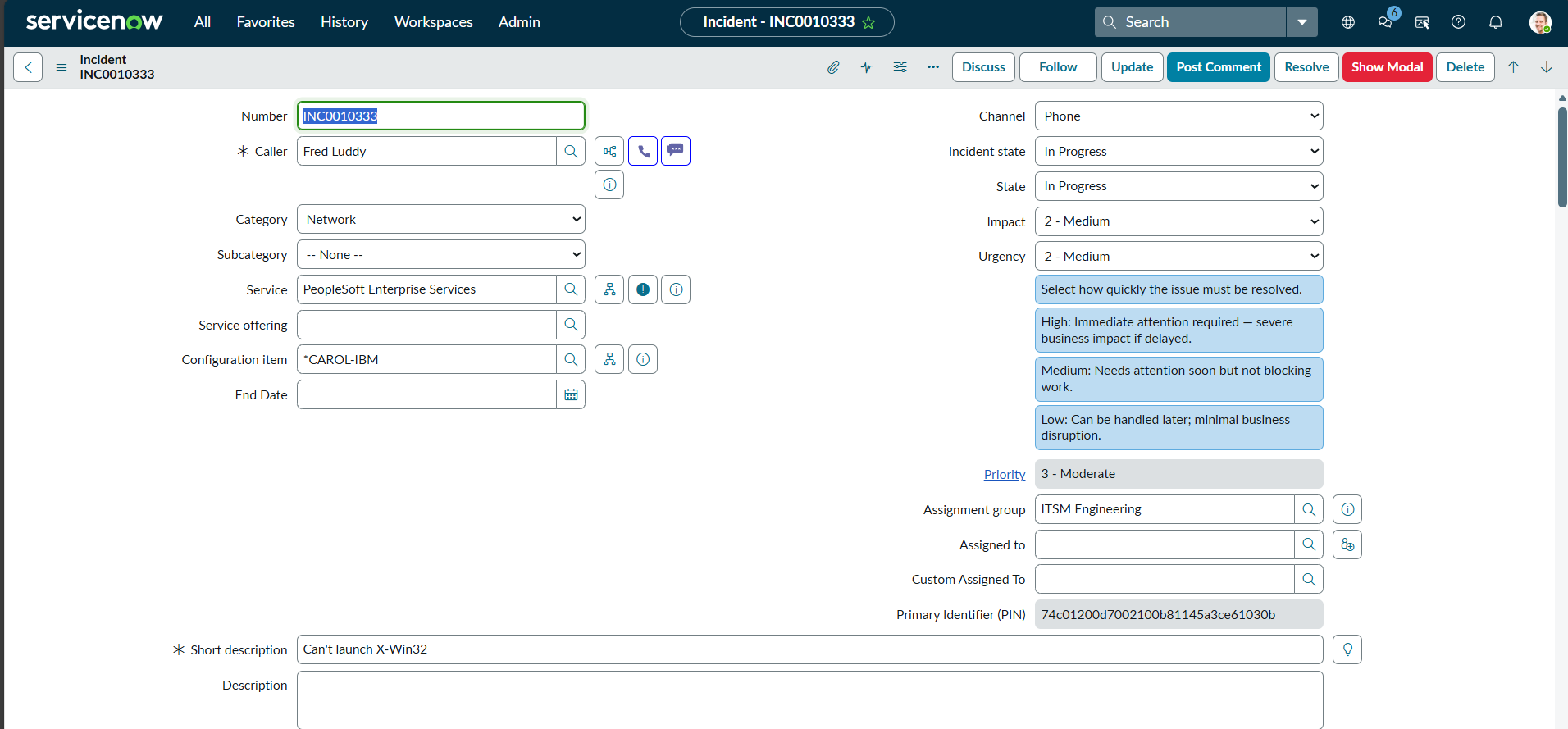
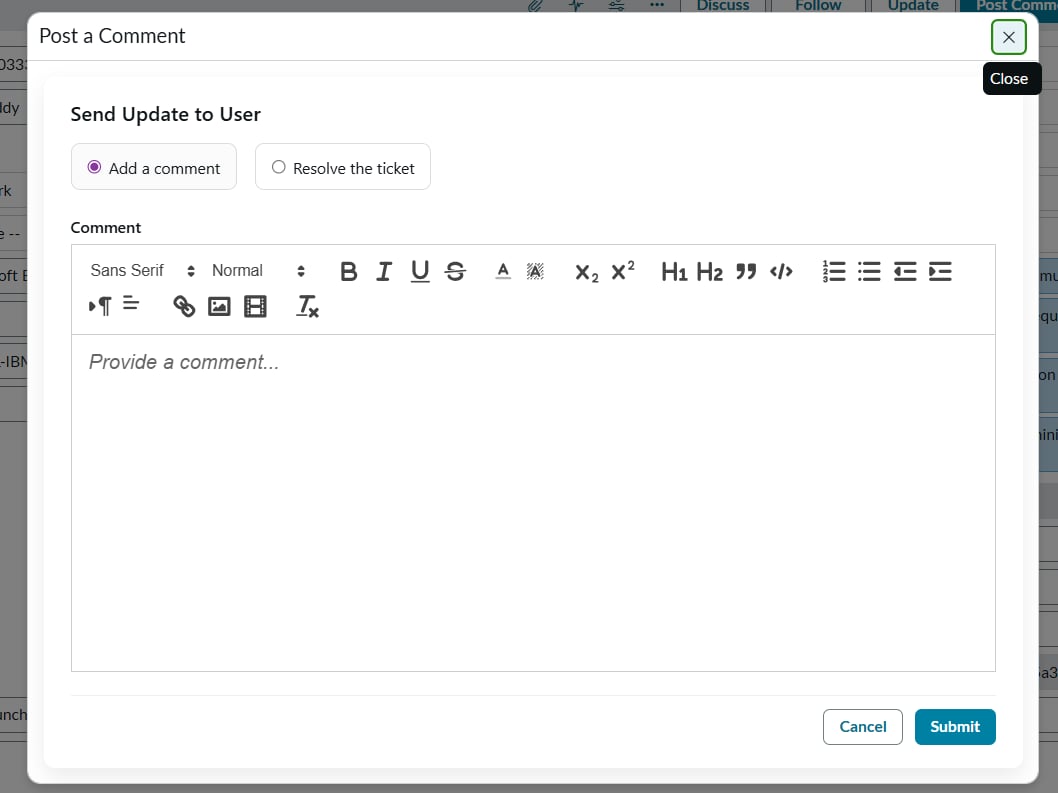
This project introduces a lightweight rich text editor (Quill) inside a UI Page or modal, allowing users to:
Paste screenshots
Add clickable links
Format text (bold, lists, headers)
Structure troubleshooting steps clearly
Share better, more readable updates
Instead of sending long blocks of unformatted text, teams can communicate in a clearer, more professional way.
#Article
- Mark as New
- Bookmark
- Subscribe
- Mute
- Subscribe to RSS Feed
- Permalink
- Report Inappropriate Content
02-15-2026 10:23 PM
Nice @arorsu1 ,
Plz add 'Blog' or 'Article' as a prefix so readers can easily get if content is knowledge-based or a question.


- Mark as New
- Bookmark
- Subscribe
- Mute
- Subscribe to RSS Feed
- Permalink
- Report Inappropriate Content
02-15-2026 10:27 PM
will this work in SOW?
Many customers use workspace for handling incidents, tickets, cases etc rather than using native.
If it works for workspace then it's great.
Ankur
✨ Certified Technical Architect || ✨ 10x ServiceNow MVP || ✨ ServiceNow Community Leader
- Mark as New
- Bookmark
- Subscribe
- Mute
- Subscribe to RSS Feed
- Permalink
- Report Inappropriate Content
02-15-2026 10:45 PM
Hey @Ankur Bawiskar ,
It will function the same way; you just need to use g_modal instead of GlideModal everywhere it is referenced.