
We're reclaiming inactive PDIs to keep them available for active builders. Learn what's changing, who's affected, and how to protect your work. Read More

Jaspal Singh
Mega Patron

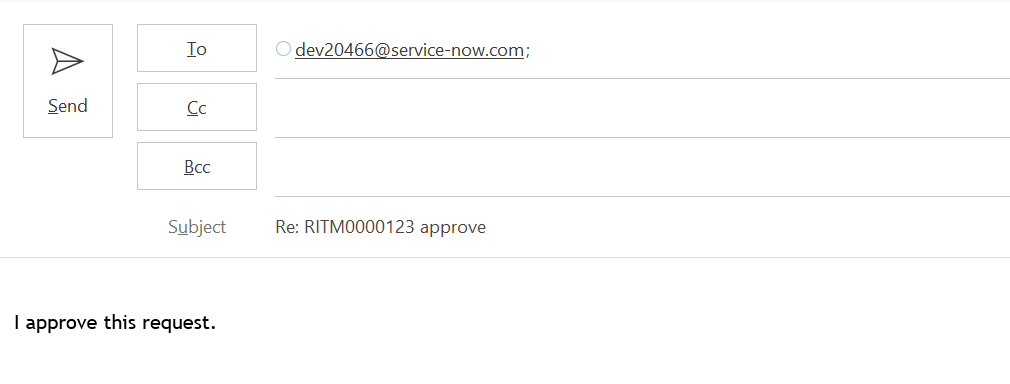
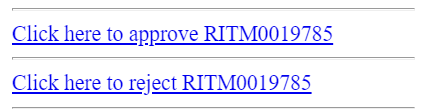
OOB notifications for Approval includes links for approval as below.

find_real_file.png

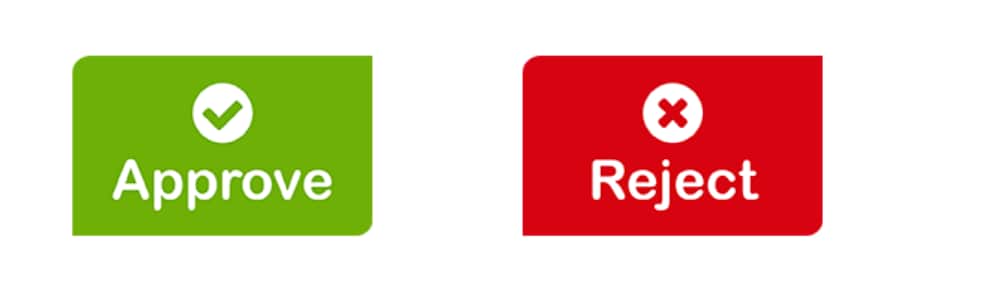
These seems to be bringing more of standard user interface however, ServiceNow provides us a functionality of mail scripts that can be customized & leverged to an extent so as to display dynamic button/images instead of standard links which is also very simple to build.

find_real_file.png

Steps below can be followed for getting something as above in place.

1. Upload images as attached in the Images table from System UI >> Images.

2. Create mail scripts as below for Approve & Reject options.

    a. Approve: email.button.approve.insert

var img = "/Approve.png";

var response = "approve";

var emailbod = "I approve this request.";

template.print(renderMailtoButton(img, response, emailbod));


  b. Reject: email.button.reject.insert

var img = "/Reject.png";

var response = "reject";

var emailbod = "I reject this request.";

template.print(renderMailtoButton(img, response, emailbod));


3. Script include: renderMailtoButton

function renderMailtoButton(image, response, emailbod){
	
	var instance = gs.getProperty("instance_name");
	var link = "https://" + instance + ".service-now.com";
	var mark = email.watermark;
	var number = current.number;
	var emailAddress = instance + "@service-now.com";
	if (current.getTableName().indexOf("sysapproval") != -1){
		number = current.sysapproval.number;
		}
			var mailLink = '<a href="mailto:'+ emailAddress + '?subject=Re:' + number + ' ' + response +'&body=' +  emailbod +  mark + '"><img src="' + link + image + '"></a>';
	return mailLink;
	
}

Script include above will help associating image (approve/reject), subject, body & recipient which is called in the mail script.

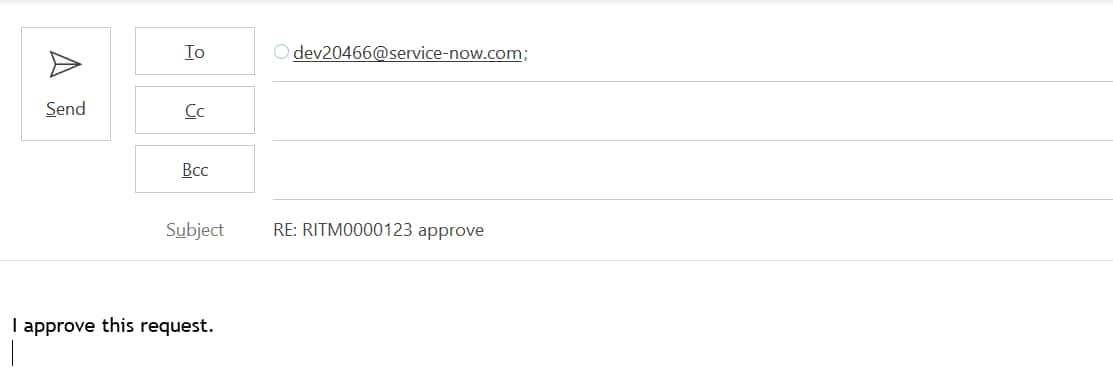
renderMailtoButton is used to set below when Approve button is clicked.

To: (instance mail),

Subject: RE: RITM000000 approve

Body: I approve this request.

find_real_file.png

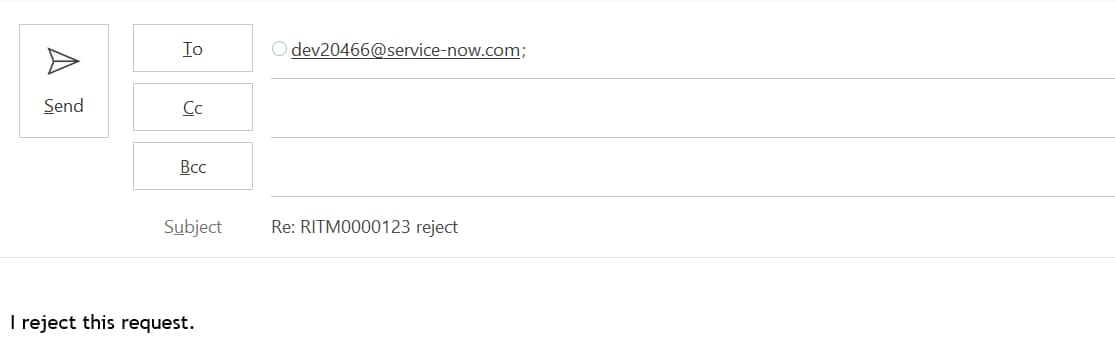
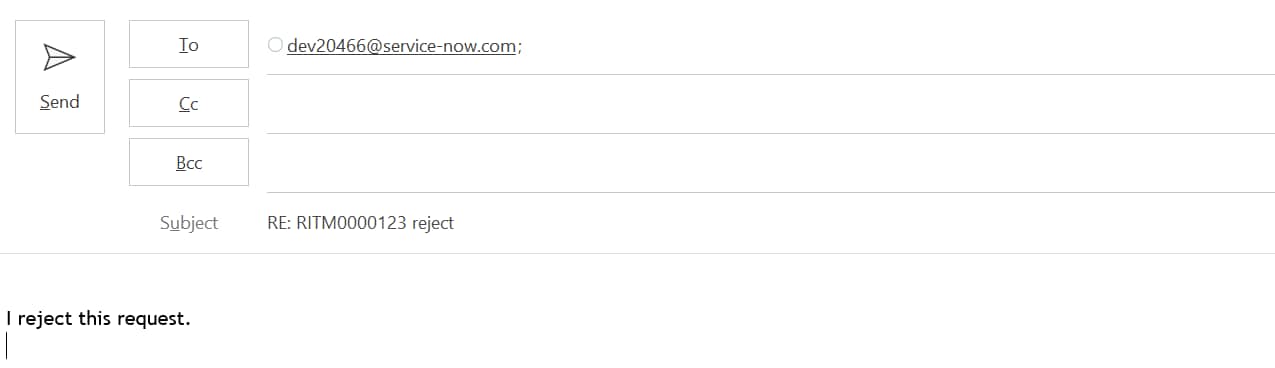
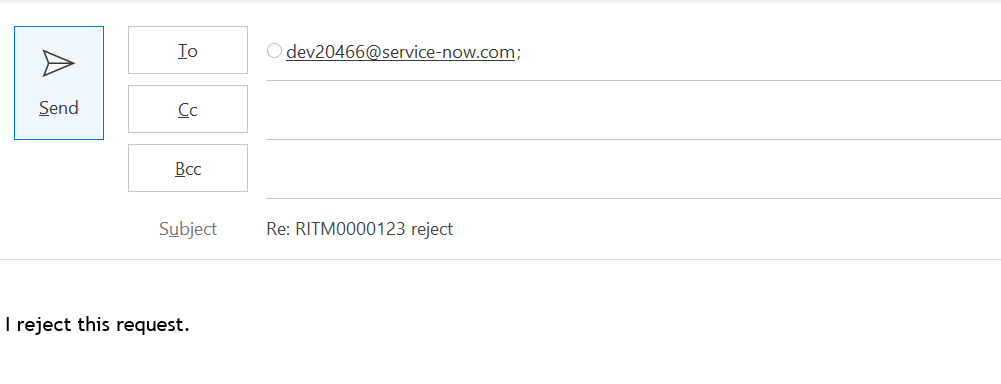
On click of Reject button from Approval mail below is set.

To: (instance mail),

Subject: RE: RITM000000 reject

Body: I reject this request.

find_real_file.pngTo summarize, renderMailtoButton is used to open outlook mail directly with the values being passed in Image, Subject, Body & recipient list.

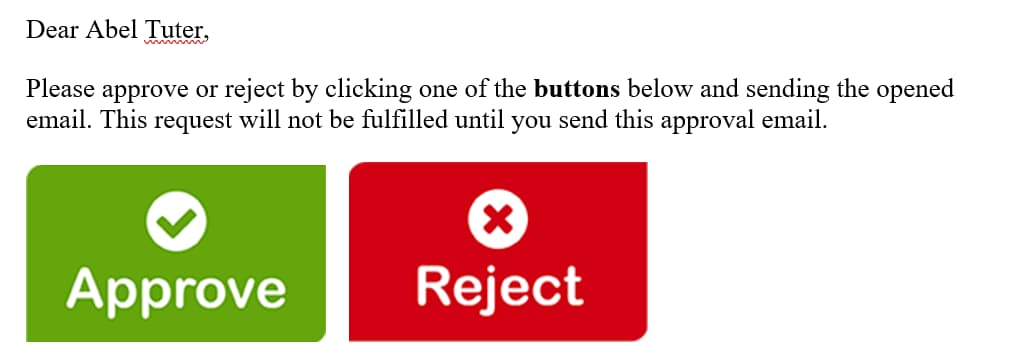
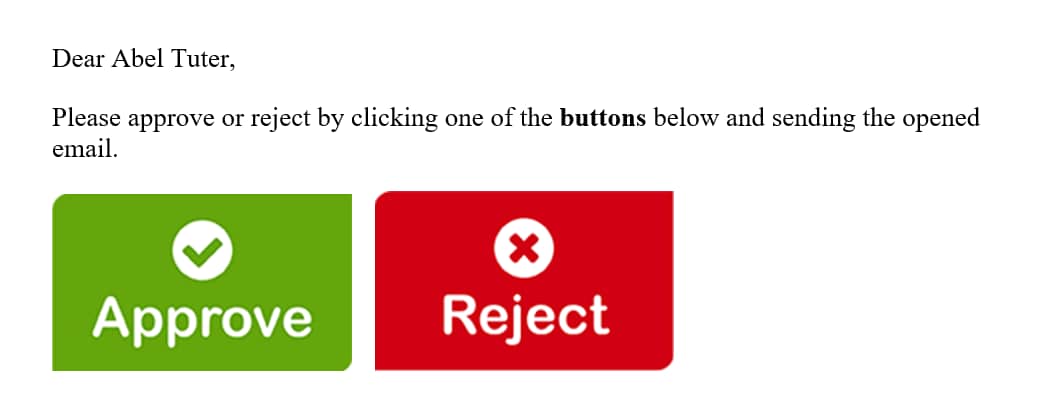
4. Call the mail scripts in the notification body (What it will contain) so as to make it work in the format as below.


Dear ${approver.name},

Please approve or reject by clicking one of the buttons below and sending the email opened after click of any of below button.

${mail_script:email.button.approve.insert} ${mail_script:email.button.reject.insert}

Output as below:

find_real_file.png 


Hope it helps.


Thanks,

Jaspal Singh

83 Comments
amIT152
Kilo Guru

please use:


var img = "/Approve.png";


Instead of : var img = "/Approve.pngx";

Vijay7
Tera Contributor

Hi Jaspal,

The article is very helpful, but I get output as

Subject :-Re:RITM0010710+reject

Email body :-I+reject+this+request. In both scenario,Can you please tell me why + sign is occure

Kifrez
Kilo Guru

Hi Vijay, could you please provide your email script?

It looks like you did this


var emailbody = "I+reject+this+request"

If that was the case, it should be

"I reject this request."

Max Lin
Tera Contributor

I am not an expert in ServiceNow. I used all information here including every commenter's script and screenshot. 

Following Malani Arjun's Screenshot, the include script is wrong. I wasted 3 hours solving this. 🤣

Conclusion:  

Remove this code that is automatically injected by ServiceNow when you create new Include Script. 

var renderMailtoButton = Class.create();
renderMailtoButton.prototype = {
initialize: function() {
},

type: 'renderMailtoButton'
};


Just directly insert below into the included script.

function renderMailtoButton(image, response, emailbod){
	
	var instance = gs.getProperty("instance_name");
	var link = "https://" + instance + ".service-now.com";
	var mark = email.watermark;
	var number = current.number;
	var emailAddress = instance + "@service-now.com";
	if (current.getTableName().indexOf("sysapproval") != -1){
		number = current.sysapproval.number;
		}
			var mailLink = '<a href="mailto:'+ emailAddress + '?subject=Re:' + number + ' ' + response +'&body=' +  emailbod +  mark + '"><img src="' + link + image + '"></a>';
	return mailLink;
	
}


JugantaN3978112
Tera Guru

Hi Jaspal,

I have created Email script and scrript include as mentined but Buttons are not getting populated in the notification. Error: "Email script render error: email script [ approval_reject_button ] does not exist" is showing in the place of buttons.


Email Script for Approve: email.button.approve.insert

(function runMailScript(/* GlideRecord */ current, /* TemplatePrinter */ template,
/* Optional EmailOutbound */ email, /* Optional GlideRecord */ email_action,
/* Optional GlideRecord */ event) {

var img = "/Approve.png";
var response = "approve";
var emailbod = "I approve this request.";
template.print(renderMailtoButton(img, response, emailbod));
})(current, template, email, email_action, event);


Email Script for Reject:  email.button.reject.insert

(function runMailScript(/* GlideRecord */ current, /* TemplatePrinter */ template,
/* Optional EmailOutbound */ email, /* Optional GlideRecord */ email_action,
/* Optional GlideRecord */ event) {
var img = "/Reject.png";
var response = "reject";
var emailbod = "I reject this request.";
template.print(renderMailtoButton(img, response, emailbod));
})(current, template, email, email_action, event);


Script Include:

var renderMailtoButton = Class.create();
renderMailtoButton.prototype = {
initialize: function renderMailtoButton(image, response, emailbod) {
var instance = gs.getProperty("adibdev");
var link = "https://" + instance + ".service-now.com";
var mark = email.watermark;
var number = current.number;
var emailAddress = instance + "@service-now.com";
if (current.getTableName().indexOf("sysapproval") != -1){
number = current.sysapproval.number;
}
var mailLink = '<a href="mailto:'+ emailAddress + '?subject=Re:' + number + ' ' + response +'&body=' + emailbod + mark + '"><img src="' + link + image + '"></a>';
return mailLink;
},

type: 'renderMailtoButton'
};


Notification:

${mail_script:email.button.approve.insert}  ${mail_script:email.button.reject.insert}


Images:

find_real_file.png

Kindly help.


Regards,

Juganta Kishore Nayak

Not applicable

Dear Jaspal, 

This is a great article and works perfect!! Thank you.


Regards,

Gagan k

Rajshri
Tera Contributor

when i click on approve or reject button it opens new empty tab only.


Abhi Bhimraj
Tera Expert

Hi, 

I was facing the same issue. After looking around, I figured out that my email application was defaulted to Chrome.

Go to Settings > type "default apps" > Email select "Outlook" or what ever mail application you are using. 

This should pop open a new email window. 


@Jaspal Singh - Thank you for this solution. Works great! 

Jaspal Singh
Mega Patron

@Abhi Bhimraj good to know it helped. Hope you have marked it helpful as well 🙂

Happy learning.

NS16
Mega Sage

Hi all,

Thanks @Jaspal Singh, for sharing the code its really helpful.

I have tried the mentioned code and its showing undefined in the notification.

That is beacuse the script include call in the email script.

Please use below code in the both the email scripts .

  a. Approve: email.button.approve.insert

var img = "/Approve.png";

var response = "approve";

var emailbod = "I approve this request.";

template.print(new global.renderMailtoButton().renderMailtoButton(img, response, emailbod));

b. Reject: email.button.reject.insert

var img = "/Reject.png";

var response = "reject";

var emailbod = "I reject this request.";

template.print(new global.renderMailtoButton().renderMailtoButton(img, response, emailbod));


I hope it helps.

Please mark helpful/correct.

Thanks,

Neha