- Mark as New
- Bookmark
- Subscribe
- Mute
- Subscribe to RSS Feed
- Permalink
- Report Inappropriate Content
04-09-2022 02:00 AM
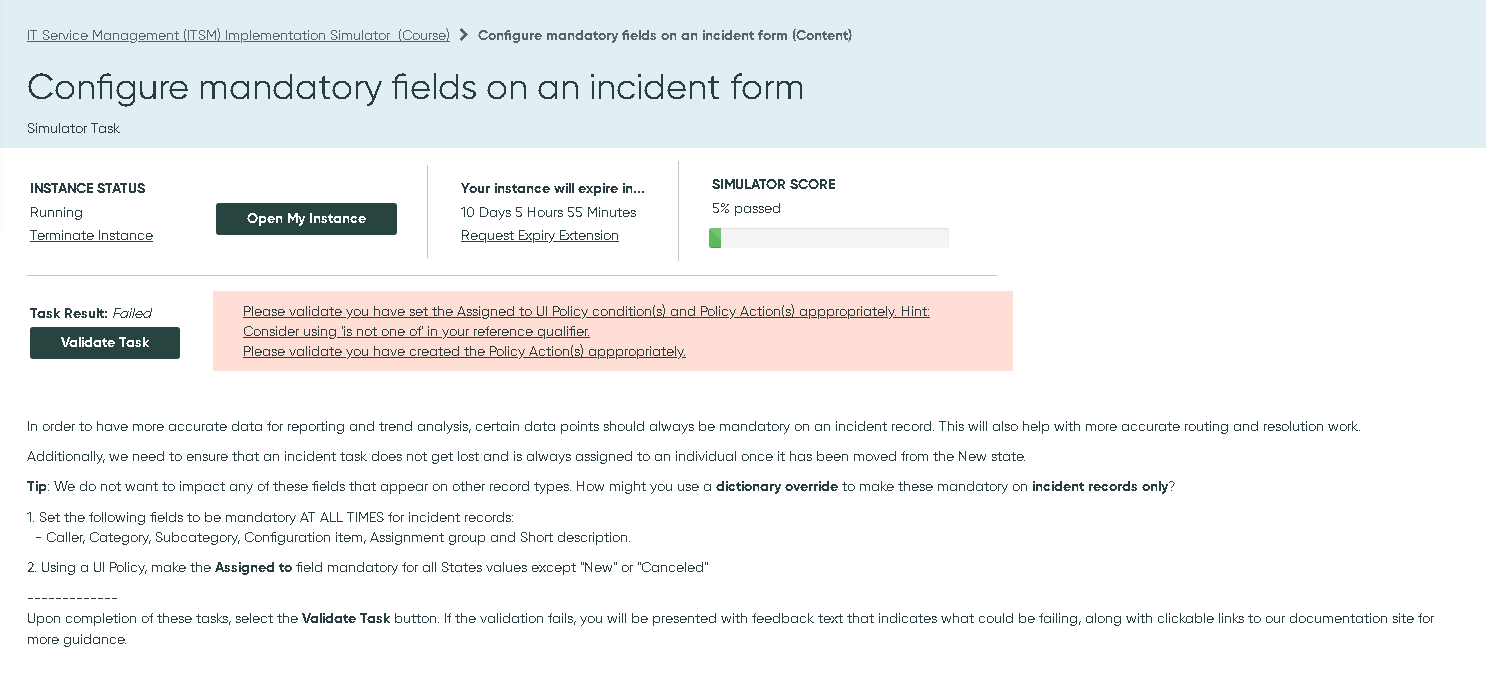
I've completed Part 1 but don't know where to start to complete Part 2 for the IU Policy


Solved! Go to Solution.
- Mark as New
- Bookmark
- Subscribe
- Mute
- Subscribe to RSS Feed
- Permalink
- Report Inappropriate Content
04-09-2022 06:40 PM
- Mark as New
- Bookmark
- Subscribe
- Mute
- Subscribe to RSS Feed
- Permalink
- Report Inappropriate Content
03-04-2025 10:14 AM
Hey hi, I tried to use the 'is not one of' operator but I'm unable to select both new and cancelled within a single condition. Could you please help me with this. Did anyone encounter such a problem?
- Mark as New
- Bookmark
- Subscribe
- Mute
- Subscribe to RSS Feed
- Permalink
- Report Inappropriate Content
07-10-2025 06:13 AM
Hold CTRL and mark both
- Mark as New
- Bookmark
- Subscribe
- Mute
- Subscribe to RSS Feed
- Permalink
- Report Inappropriate Content
01-11-2026 04:38 PM
press control and select 'new' and 'canceled'
- Mark as New
- Bookmark
- Subscribe
- Mute
- Subscribe to RSS Feed
- Permalink
- Report Inappropriate Content
10-27-2025 01:56 AM
Try selecting them while holding the ctrl button on your keyboard!
- Mark as New
- Bookmark
- Subscribe
- Mute
- Subscribe to RSS Feed
- Permalink
- Report Inappropriate Content
04-09-2022 06:40 PM
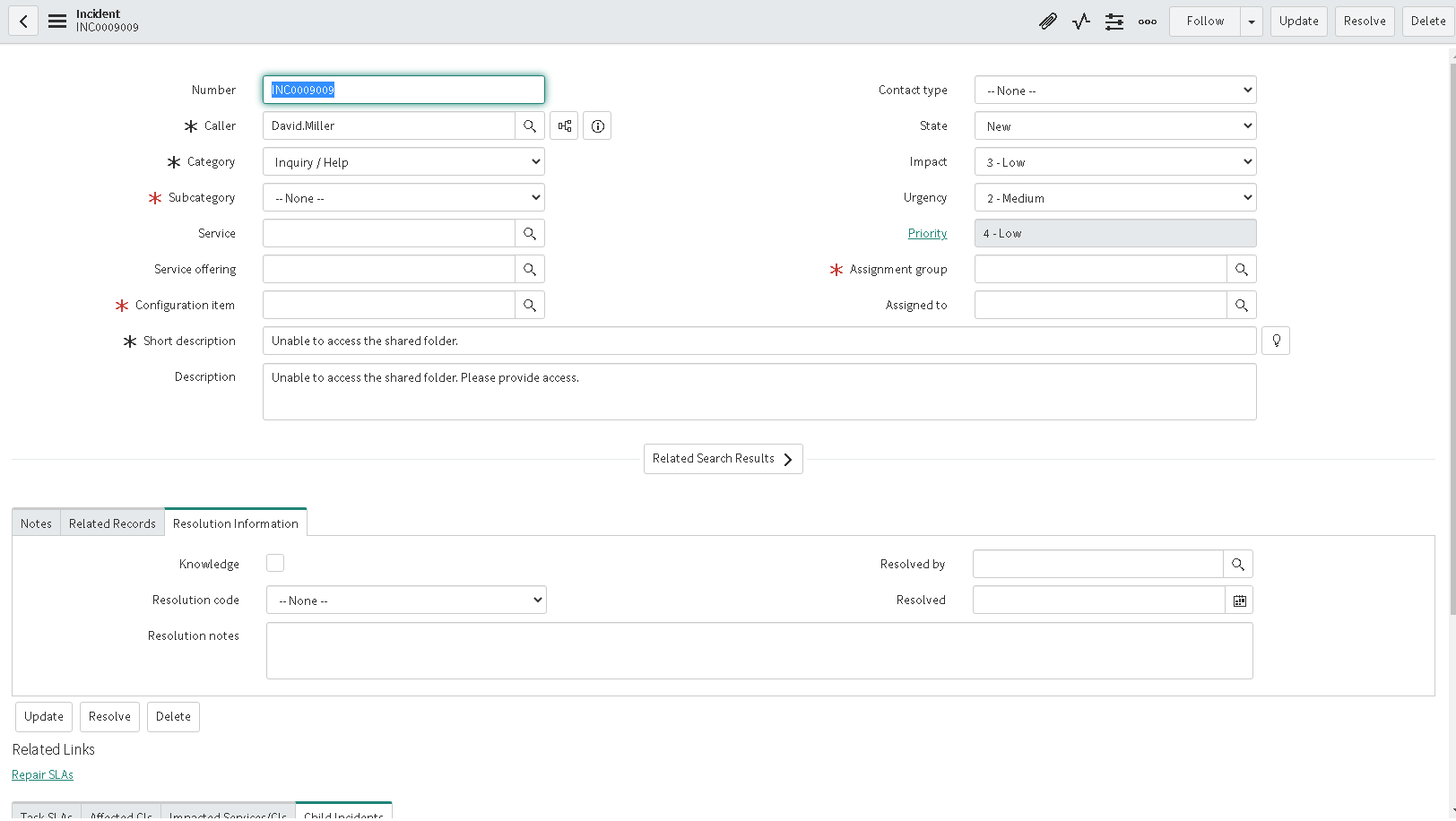
I see but how do I find this photo or navigate to this screen?