- Mark as New
- Bookmark
- Subscribe
- Mute
- Subscribe to RSS Feed
- Permalink
- Report Inappropriate Content
05-03-2022 12:26 AM
Hi all
Please help me solve this
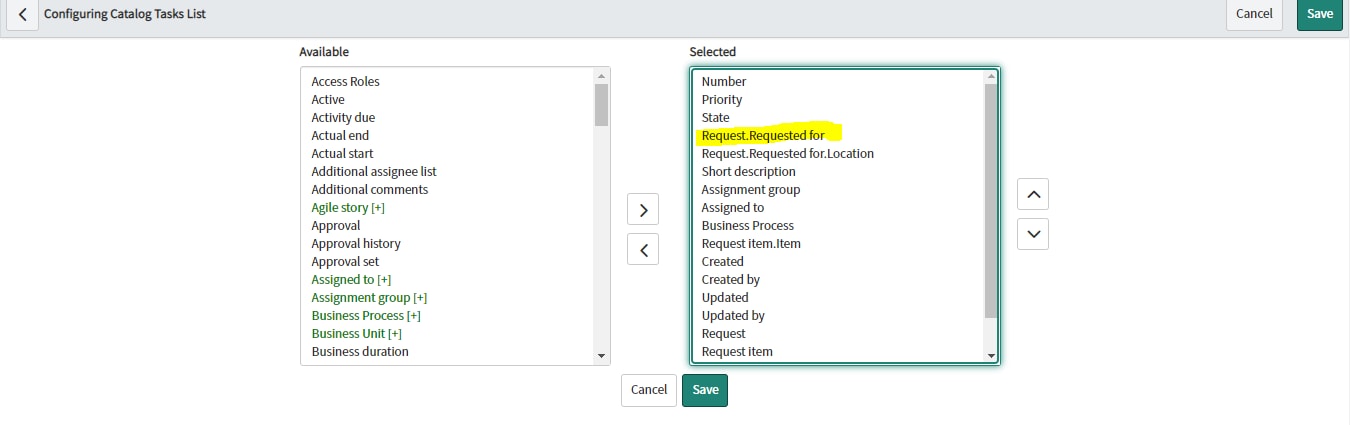
For SCTASK list view, in default view, as a admin, I want to add request.requested_for field
So, I went to configure list layout and added the dot walking field as shown below

hBut when I impersonate few users, this requested for field is available in list view, but for some users the field is not available in the list view
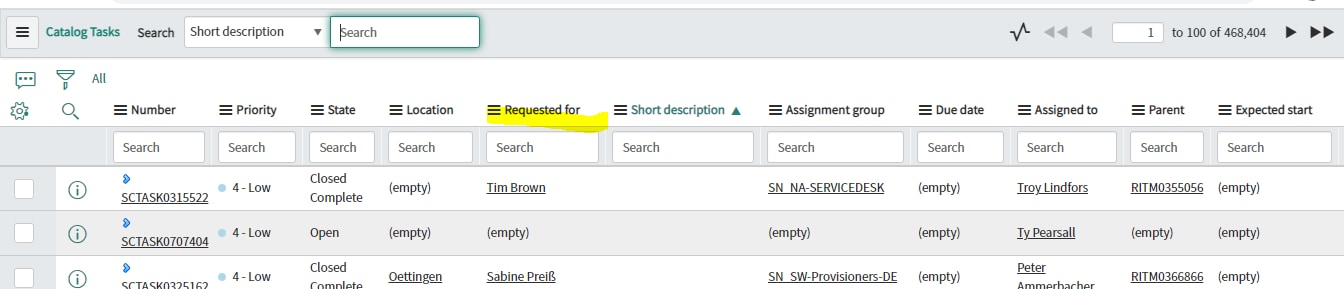
For Peter, its available

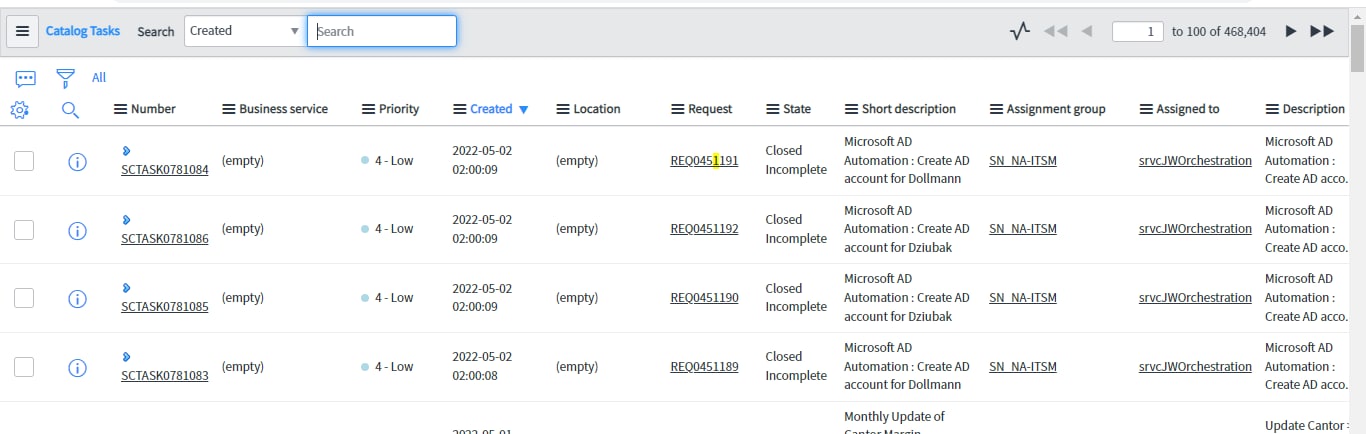
For Per , its not available

Can anyone help me understand why this is happening?
Solved! Go to Solution.
- Labels:
-
Service Catalog

- Mark as New
- Bookmark
- Subscribe
- Mute
- Subscribe to RSS Feed
- Permalink
- Report Inappropriate Content
05-03-2022 02:36 AM
Hi Shruthi,
Can you click on gear icon and then click on 'Reset' button and see if that works.?

Regards,
Musab
- Mark as New
- Bookmark
- Subscribe
- Mute
- Subscribe to RSS Feed
- Permalink
- Report Inappropriate Content
05-03-2022 02:36 AM
- Mark as New
- Bookmark
- Subscribe
- Mute
- Subscribe to RSS Feed
- Permalink
- Report Inappropriate Content
05-03-2022 03:22 AM
Thank you so much. It did work.