Setting scale values for numeric scale on survey

- Mark as New
- Bookmark
- Subscribe
- Mute
- Subscribe to RSS Feed
- Permalink
- Report Inappropriate Content
05-24-2016 09:36 AM
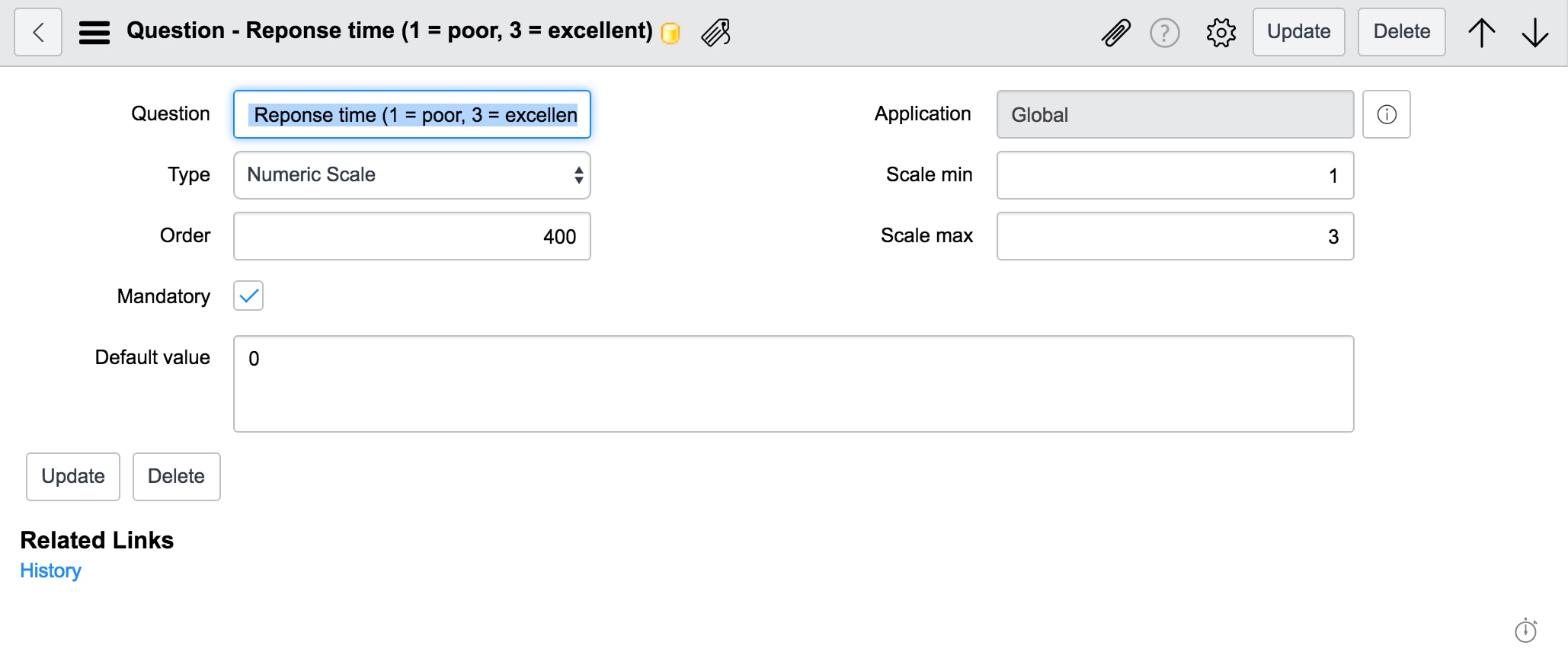
On my survey, I want to assign 3 to be the first number displayed and to be the highest ranking, and 1 as the lowest ranking. Right now, my survey displays the numeric scale as 1 first, then 3 last. Can I switch this so 3 is displayed first, and 1 is displayed last? Essentially, I want to switch the order and make the scale min 3 and the scale max 1 to display it the way I want.

- Mark as New
- Bookmark
- Subscribe
- Mute
- Subscribe to RSS Feed
- Permalink
- Report Inappropriate Content
05-24-2016 04:32 PM
Hi Josh,
You can achieve that a Question type with Multiple Choice and Questions Choice display as across.
steps:
Change the Question type to Multiple choice
Select choice direction as across
add Question choices from 1 to 3. Use order field define the order

Mark this answer as helpful/correct if it does so
Srinivas