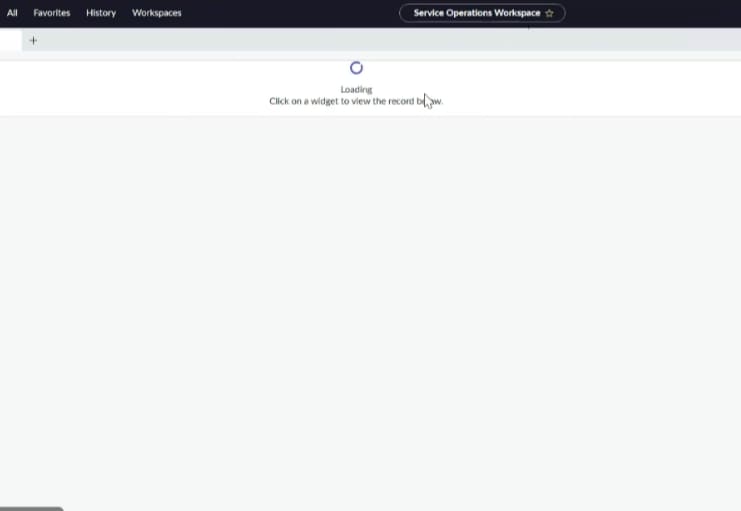
User unable to see the service operations workspace page

- Mark as New
- Bookmark
- Subscribe
- Mute
- Subscribe to RSS Feed
- Permalink
- Report Inappropriate Content
02-19-2026 01:16 PM
When I checked, the user is able to access the SOW page in the Dev and Test environments. I compared the roles across all three environments, and they appear to be the same. However, the issue is occurring only in the Production environment.
Even after assigning the Workspace User role and the ITIL role, the issue persists.
Could you please help me resolve this issue?
Please find the attached screenshot it was keep on loading even after one hour or next day
Done cache.do and cleared history still issue persists in the production
- Mark as New
- Bookmark
- Subscribe
- Mute
- Subscribe to RSS Feed
- Permalink
- Report Inappropriate Content
02-23-2026 10:06 AM
Hi Dr.Atul
I'll try and get back to you
- Mark as New
- Bookmark
- Subscribe
- Mute
- Subscribe to RSS Feed
- Permalink
- Report Inappropriate Content
02-23-2026 10:10 AM
Hi Dr Atul ,
Thank you for the suggestion I'll get back to you
Thanks&Regards
Baby Guthula

- Mark as New
- Bookmark
- Subscribe
- Mute
- Subscribe to RSS Feed
- Permalink
- Report Inappropriate Content
02-20-2026 12:53 AM
Hi @BabyG,
Maybe try to refresh your instance once. I had this issue once, and I did refresh my instance, and IT WORKED!!
Maybe the luck this time be with you.
If you find my answer useful, please mark it as Helpful and Correct. 😊
Regards,
Soham Tipnis
ServiceNow Developer || Technical Consultant
LinkedIn: www.linkedin.com/in/sohamtipnis10

- Mark as New
- Bookmark
- Subscribe
- Mute
- Subscribe to RSS Feed
- Permalink
- Report Inappropriate Content
02-23-2026 10:08 AM
Hi Soham
Could you please tell me the particular plugin name then we will update it ,this issue is happening to only one user not everyone
Thank you
Baby Guthula


- Mark as New
- Bookmark
- Subscribe
- Mute
- Subscribe to RSS Feed
- Permalink
- Report Inappropriate Content
02-20-2026 01:15 AM
If multiple users are reporting this and roles are same across DEV, TEST then raise a case with ServiceNow
Did you ask those users to clear instance cache using cache.do?
Also it seems the dashboard visualizations on your landing page are still loading.
Does it stuck there itself?
💡 If my response helped, please mark it as correct ✅ and close the thread 🔒— this helps future readers find the solution faster! 🙏
Ankur
✨ Certified Technical Architect || ✨ 10x ServiceNow MVP || ✨ ServiceNow Community Leader