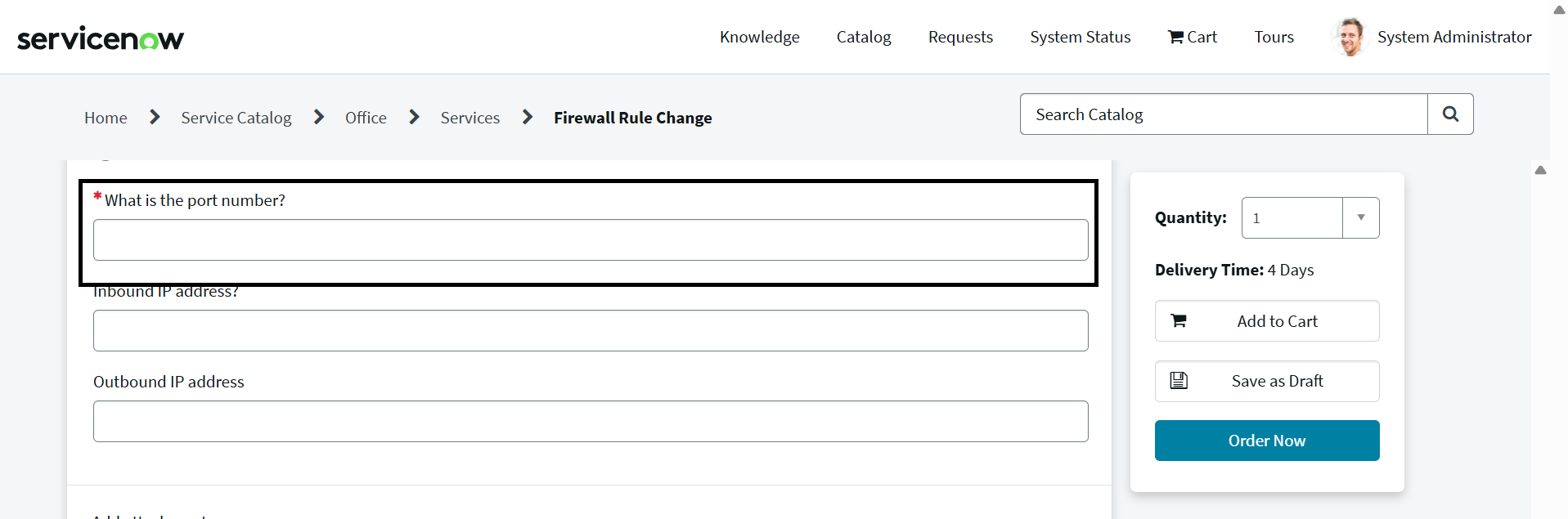
How to open a catalog item with pre-populated variables from a portal "Create New" button?

- Mark as New
- Bookmark
- Subscribe
- Mute
- Subscribe to RSS Feed
- Permalink
- Report Inappropriate Content
03-20-2026 11:18 PM
Hello Community,
I have added a "Create New" button on my Service Portal. My goal is that when a user clicks this button, it opens a specific catalog item, and some variables on that item are automatically populated with predefined data.
Could someone please guide me on how to achieve this functionality? Specifically:
- How do I pass variable values when opening the catalog item from the portal?
- Is there a recommended way to implement this using URL parameters or client scripts?
- Any examples or best practices would be much appreciated.
Thank you in advance for your help!
Reference:
HTML :
<button ng-click="c.createNew()">Create New</button>
Server Script:
Client Script:

- Mark as New
- Bookmark
- Subscribe
- Mute
- Subscribe to RSS Feed
- Permalink
- Report Inappropriate Content
03-21-2026 08:35 AM
You can create "onLoad" catalog client script on the catalog item to pass the variables.
- Mark as New
- Bookmark
- Subscribe
- Mute
- Subscribe to RSS Feed
- Permalink
- Report Inappropriate Content
03-21-2026 10:16 AM
Hi @Laveena-Agarwal,
Thank you for your reply.
The actual scenario is as follows:
If an RITM is marked as "Rejected" on the portal side, the "Create New" button should be displayed. When we click this button, I want to open a new catalog item form and pre-populate it with data from the previously rejected RITM.
If I create a catalog client script, it always populates the data regardless of whether we access the form through the portal or directly via /sp. I want to avoid this behavior.
Could you please suggest how to implement this functionality?
Thanks,
Charan Sai
- Mark as New
- Bookmark
- Subscribe
- Mute
- Subscribe to RSS Feed
- Permalink
- Report Inappropriate Content
03-22-2026 10:06 PM

- Mark as New
- Bookmark
- Subscribe
- Mute
- Subscribe to RSS Feed
- Permalink
- Report Inappropriate Content
03-21-2026 10:17 AM
@Laveena-Agarwal, Thank you for your reply. The actual scenario is as follows:
If an RITM is marked as "Rejected" on the portal side, the "Create New" button should be displayed. When we click this button, I want to open a new catalog item form and pre-populate it with data from the previously rejected RITM.
If I create a catalog client script, it always populates the data regardless of whether we access the form through the portal or directly via /sp. I want to avoid this behavior.
Could you please suggest how to implement this functionality?